
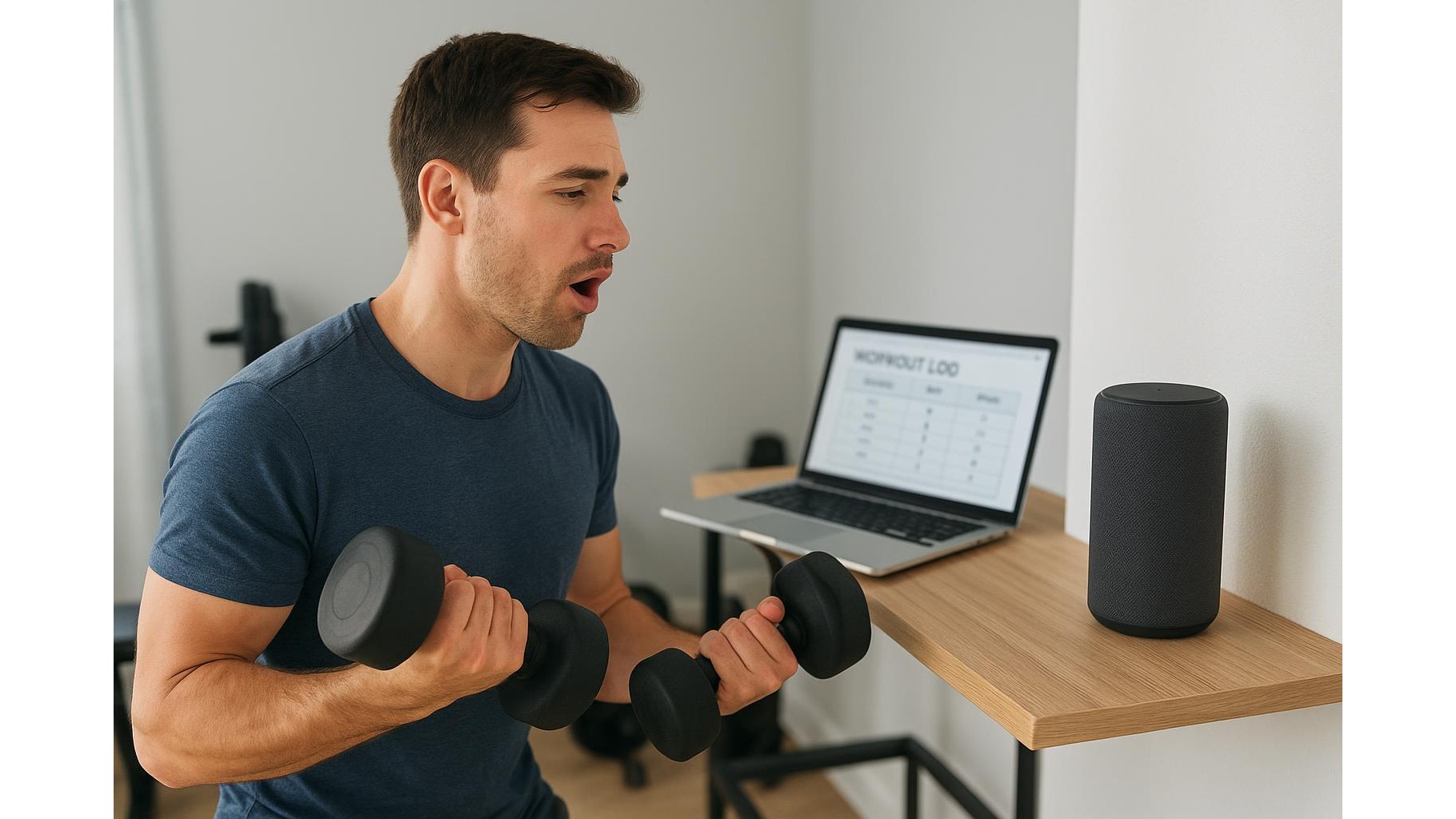
Training at home is easier to stick to when your workout logging is simple and fast. The problem: constantly grabbing your phone between sets breaks focus, adds screen time and makes you more likely to get distracted. In this guide, you’ll learn how to combine a voice assistant with a cloud spreadsheet so you can log sets, reps, weights and notes completely hands-free during your home workouts.
Why hands-free workout logging changes your home training
Most lifters underestimate how much friction traditional workout tracking adds. Opening an app, unlocking the screen, typing with sweaty fingers and scrolling to find the right exercise all take mental energy away from your training. By using voice commands to capture data and sending it automatically into a spreadsheet in the cloud, you keep your focus on form, breathing and tempo. You move from set to set faster, avoid social media distractions and end up with cleaner, more consistent training data that you can analyse over weeks and months.
Choosing your voice assistant and spreadsheet platform
The core of this system is a reliable voice assistant and a robust cloud spreadsheet. Any mainstream assistant that understands simple commands in your language will work, as long as it can send data to a third-party service or note-taking app. For spreadsheets, Google Sheets and Microsoft Excel Online are ideal: they are free, sync across devices and allow flexible formulas for progress tracking. When choosing your combo, prioritise: accurate voice recognition, easy access in your workout space (smart speaker, earbuds, or phone), and simple integration with automation tools that can write data into your spreadsheet for every set you log.
Designing a simple, voice-friendly workout log template
Before you worry about automation, create a minimal spreadsheet template that is easy to fill via voice. Set up columns like: Date, Exercise, Set, Reps, Weight, RPE (effort level) and Notes. Keep the structure consistent every session so your voice commands can follow a predictable pattern. For example, one row per set works well. Use drop-down lists or data validation for Exercise names to reduce errors. You can also add formulas to automatically calculate total volume per exercise, weekly tonnage or personal bests. The simpler the layout, the more accurate your hands-free logging will be during intense sets.
Setting up automations: from spoken command to spreadsheet row
The real magic happens when you connect your voice assistant to your spreadsheet using an automation service or built-in routines. The goal is to convert a sentence like “Log set: bench press, set 3, eight reps, 60 kilos, RPE eight, felt heavy” into a new row in your sheet. Start by creating a custom phrase or trigger, then map the recognised fields (exercise, reps, weight, notes) to spreadsheet columns. Test different phrase structures until the transcription is reliable. Keep your wording consistent and speak clearly between sets. Over time you can add extra logic: automatically filling the date and time, tagging workouts (push, pull, legs) and creating separate tabs for different training blocks.
Practical tips to use voice logging during real workouts
To make hands-free workout logging work in practice, treat it like any other gym skill. First, rehearse your voice commands on a non-training day until they feel natural. During sessions, log immediately after re-racking the weight, while you are still near your smart speaker or phone. Keep background noise low: switch off loud music on the same device that captures your voice, or place the microphone closer to your training spot. Prepare a few standard phrases for common situations like missed reps, form issues or pain (“note: lower back tight on last set”). Over a few weeks you’ll build a detailed training history without ever touching the screen.
Analysing your data and adjusting your training plan
Once your voice-logged spreadsheet has a few weeks of data, use it to guide smarter programming. Filter by exercise to check how reps and loads have progressed. Use conditional formatting to highlight new personal bests or unusual drops in performance. Review your RPE notes to see if you are recovering well between sessions. You can even create weekly summary tables that automatically calculate total sets per muscle group and average intensity. This turns your hands-free system into a powerful training dashboard where you can spot plateaus, adjust volume and plan deloads. The end result is a home gym routine that is both more efficient and more evidence-based.
By combining a voice assistant with a structured cloud spreadsheet, you remove the friction of manual logging while gaining cleaner data and better insights. Instead of fighting your phone between sets, you focus on the work and let automations handle the record-keeping. With a little upfront setup and consistent phrasing, hands-free workout tracking becomes a seamless part of your home training, helping you stay present in every rep and make smarter decisions about your long-term progress.









