
Filming your own home workouts is one of the fastest ways to track progress, improve form and even start building a following. The good news: you don’t need a film crew or a studio. With the right mix of camera, microphone, lighting and a simple setup, you can record or live stream clear, professional-looking training sessions straight from your living room without blowing your budget.
Choosing between phone and webcam for your workout videos
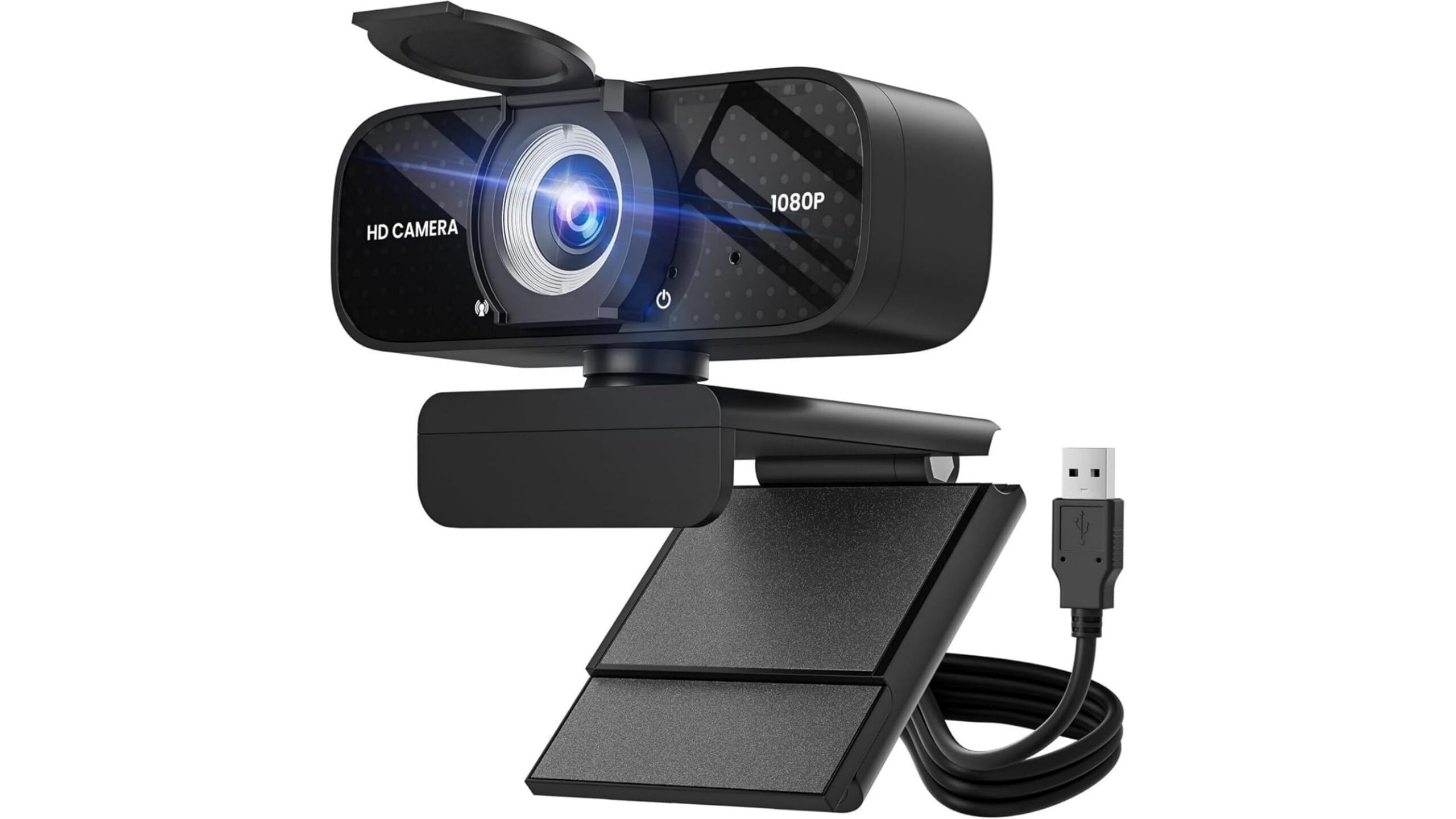
Most home fitness creators start with what they already have: a smartphone. Modern phones shoot sharp 1080p or 4K and are great for pre-recorded clips. However, for long live sessions on a laptop (Zoom classes, YouTube Live, Twitch) a dedicated 1080p webcam is often easier to use and more consistent. A solid, budget option is the TRAUSI 1080P HD Webcam with Microphone, which offers Full HD resolution, a wide-angle lens to capture full-body movements and automatic light correction so you stay visible even in dim home gyms. Unlike phones that can overheat or run out of battery, a USB webcam can stay plugged into your computer for long workouts and streams.
Why audio quality matters more than you think
Viewers will forgive imperfect video, but they switch off quickly if they can’t hear your cues. That’s why upgrading your microphone for fitness streaming is often more important than upgrading your camera. Look for a mic with some form of noise reduction so your instructions stay clear even when you’re breathing hard, moving around, or training near a noisy street. The built-in mic in the TRAUSI 1080P HD Webcam with Microphone includes noise-cancelling technology, which helps cut down background distractions for online classes or PT check-ins. If you film with a smartphone, a simple plug-in or wireless lavalier mic clipped to your top will keep your voice close to the source and far better than the phone’s built-in mic.
Lighting your home gym: see every rep clearly
Even the best camera struggles in bad light. For home workout videos, you want bright, even lighting with minimal shadows so viewers can clearly see joint positions and technique. Natural window light is great, but it changes quickly and disappears in evening sessions. An affordable solution is a ring light with tripod, which wraps soft light around your body and reduces harsh shadows on the face. Place the ring light just above eye level and angle it slightly down towards you. Combine this with the auto light correction on the TRAUSI 1080P HD Webcam and you’ll stay bright and clear even in a darker spare room.
Tripods, mounting and framing your shots
A shaky camera can ruin an otherwise great workout. Stable tripods and mounts are essential to keep your shots locked in while you move. For smartphone filming, look for a smartphone tripod stand with adjustable height so you can switch between standing strength work and floor-based core training without cutting off your head or feet. When using a webcam like the TRAUSI 1080P HD Webcam, use its clip to secure it on top of your laptop or an external monitor, then step back and check that your full body is within the wide-angle frame. Leave extra space around you for lateral movements like lunges or skaters so you don’t step out of view mid-set.
Simple software setups for smooth streaming
You don’t need complex editing suites to get started. For live home workout streaming, basic tools like Zoom, YouTube Live or social platforms’ built-in live features work well. On a laptop, your webcam will be detected automatically as a video source; select the TRAUSI 1080P HD Webcam with Microphone as both camera and mic to benefit from its 1080p image, noise-cancelling audio and plug-and-play setup. For more control, free software like OBS Studio lets you add your logo, timers or split screens while still keeping the process simple. Before going live, always run a short test recording to check framing, volume and lighting.
With a carefully chosen mix of webcam or smartphone, a dedicated microphone, basic lighting and sturdy tripods, you can transform your living room into a functional mini studio. Focus on stable framing, clear audio and consistent light rather than chasing cinema-level quality. Start simple with a reliable option like the TRAUSI 1080P HD Webcam with Microphone, then upgrade piece by piece as your confidence and audience grow. The key is to get filming, review your sessions and refine your setup so every rep, cue and coaching point is easy for viewers to follow.









