
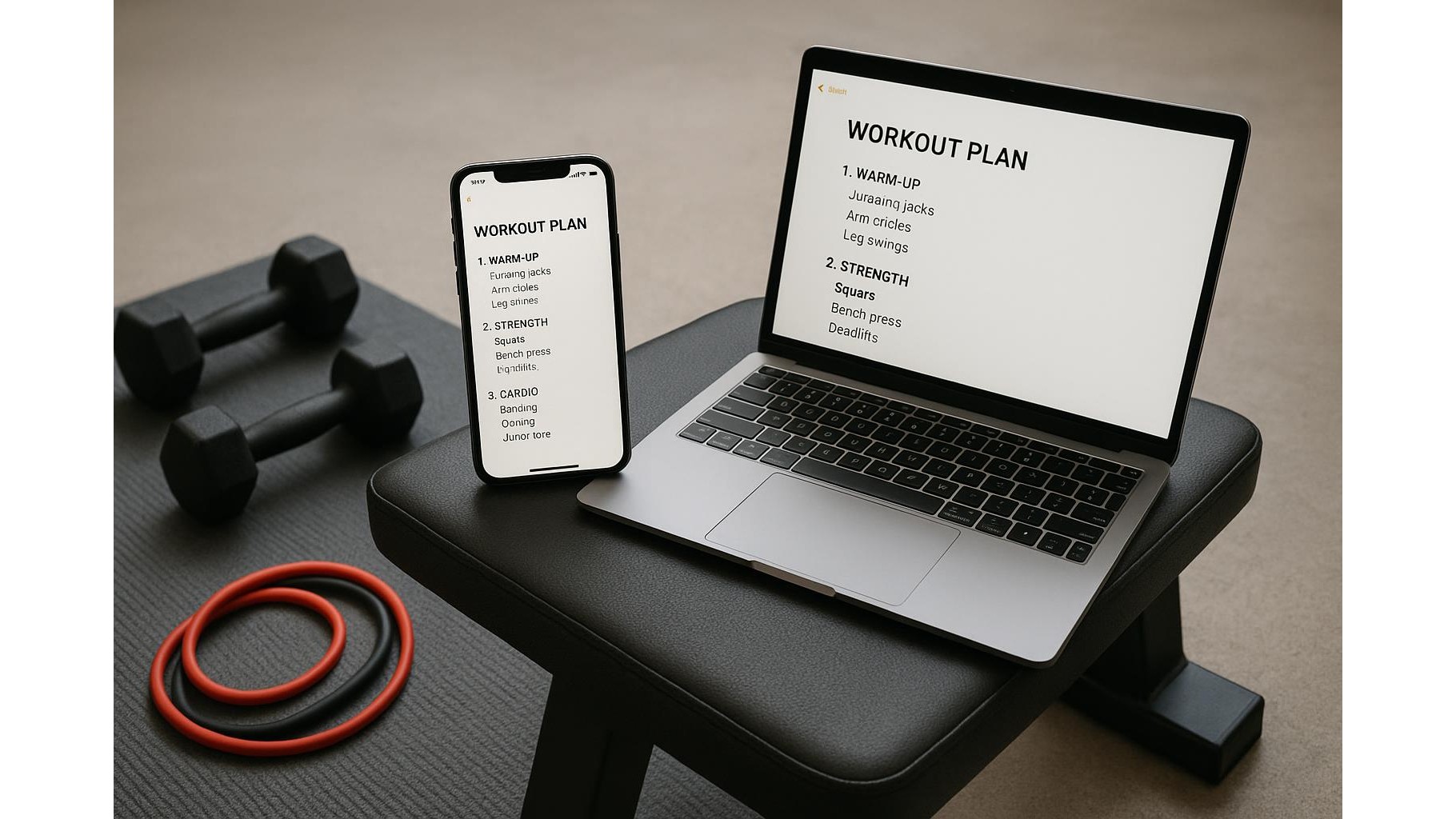
If you train at home, it’s easy to drown in scattered PDFs, random screenshots and scribbled workout cards. Yet with nothing more than a free notes app or documents app, you can build a streamlined home workout hub that holds your plans, logs your sets and reps, tracks progress and links directly to your favourite exercise videos. This guide walks you through a simple, repeatable structure you can set up today and then use on any phone, tablet or laptop.
Choose and set up your single training hub
The first step is picking the one free tool that will become your central home training brain. Any app that handles basic text and checklists will work: Apple Notes, Google Keep, Notion, Obsidian or even Google Docs and Microsoft Word Online. The key is that it must sync across your devices so you can open your workout plans in the garage, living room or garden. Create one main note or document called something like “Home Training Hub”. At the top, add a simple table of contents with links (or headings you can search) for sections like “Programs”, “Exercise Library”, “Progress Tracking” and “Videos”. From now on, every training‑related idea lives here instead of being scattered in multiple apps.
Build your workout templates and weekly schedule
Next, design reusable workout templates inside your hub. Start with a simple full‑body layout you can copy for each session. For example, create headings such as “Warm‑up”, “Lower Body”, “Upper Body Push”, “Upper Body Pull”, and “Core / Conditioning”. Under each heading, list exercises with blank spaces or checkboxes for sets and reps. A line might read: “Goblet squat – 3 x 8–10 | Load: ____ kg | Notes: ____”. Save this as a master template, then duplicate it for each day of the week you train (e.g. “Monday Strength A”, “Wednesday Push/Pull”, “Friday Conditioning”). Over time you can create specialised templates for bodyweight workouts, kettlebell sessions or time‑crunched 20‑minute circuits.
Log sets, reps and progression in real time
Once your templates are ready, your notes app becomes a live training log. During workouts, open the specific day’s note and fill in the blanks as you go. Type the weight, reps and any quick comments such as “last set hard, reduce rest next week”. Many note tools support checklists, so you can tick off sets as you complete them, which keeps you focused and reduces decision fatigue. Each week, duplicate last week’s session, paste it below and intentionally add a bit of progressive overload—an extra rep, slightly more weight, or shorter rest. Because all previous logs stay in the same document, you can quickly scroll back to see how your home strength and conditioning are improving.
Create an exercise library with links to videos
To avoid wasting time searching for technique cues, build a small exercise library section in your hub. For each key move in your home gym—squats, hip hinges, presses, rows, core drills—create a bullet list entry with the exercise name, a one‑line coaching cue, and a link to your favourite demonstration video on YouTube or another platform. For example: “Romanian Deadlift – push hips back, keep bar close – [Video link]”. In your workout templates, make exercise names match these library entries exactly, so you can use your app’s search function to jump straight to the explanation whenever you need a reminder. Over time, this becomes a personalised technique manual tailored to your home workout equipment and goals.
Track progress and adjust your home programming
A powerful advantage of running everything in one training hub is how easy it becomes to track your progress over months. Add a “Progress” section with a simple list of key indicators: best 5‑rep goblet squat, maximum push‑ups in one set, longest plank, or fastest time for a specific circuit. Every 4–6 weeks, schedule a mini check‑in where you log updated numbers. You can even keep a short monthly review note: “What improved?”, “What stalled?”, “What felt too easy or too hard?”. Use these reflections to tweak your home workout plan, swapping exercises that no longer serve you, adjusting volume, or adding a new progression. Because all your data—plans, logs, and reviews—live in one free, searchable space, you’ll have a clear picture of what actually works for your body and schedule.
By turning a simple notes or documents app into a structured home workout system, you eliminate clutter and make your training easier to follow and easier to improve. One central hub holds your programs, real‑time logs, progress markers and trusted video links, so you can stop juggling multiple apps and focus on consistent work. Set it up once, refine it as you go, and your free digital notebook becomes a powerful ally in building strength, fitness and confidence at home.









