
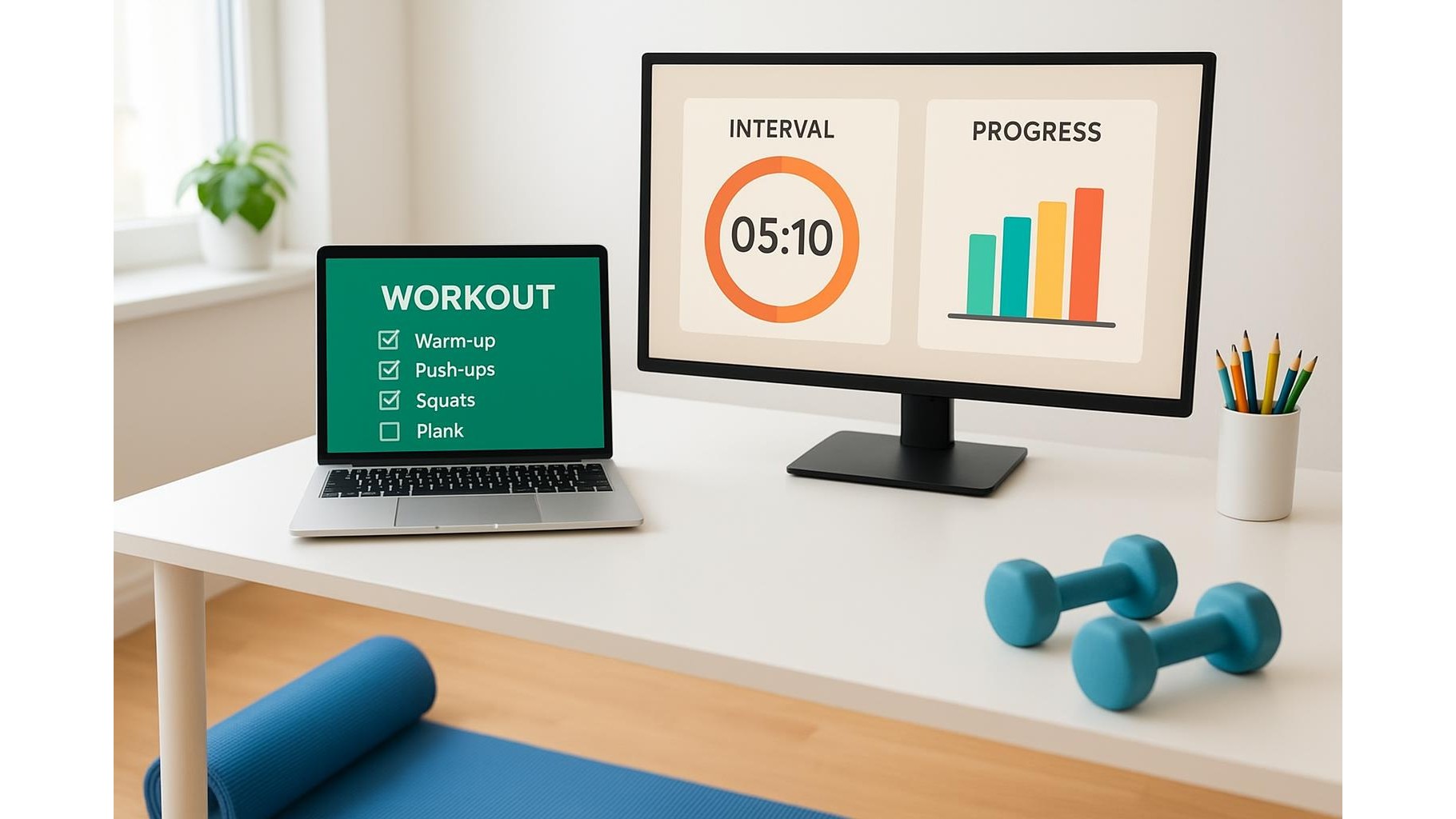
Keeping a consistent home workout routine is much easier when your plan, timers and progress are always visible. Instead of constantly unlocking your phone or opening fitness apps, you can turn your computer into a quiet personal trainer. By using desktop widgets on Windows and macOS, you can pin checklists, timers and progress charts right on your screen, so every work break becomes a cue to move.
Why desktop widgets are perfect for home athletes
Desktop widgets sit on top of your wallpaper or in a sidebar, giving you always-on workout reminders without distracting pop‑ups. For a home athlete who works at a desk, this is ideal: your exercise checklist, water tracker or mobility routine can stay visible in the corner of the display while you answer emails or join video calls. Because widgets update in real time, you see sets completed, time remaining on an interval, or weekly workout streaks at a glance. This constant low‑level visibility is often enough to nudge you into doing a quick set of squats or a stretch during micro‑breaks, supporting an active home office without needing to open any extra apps.
Setting up workout widgets on Windows
On Windows, you can use built‑in tools and free apps to keep your home workout plan on the desktop. Start with the Widgets panel (Windows 11) to pin a to‑do list or calendar focused on training sessions. For more persistent on‑screen notes, use apps that create sticky notes or floating panels and dedicate one to your daily workout checklist: list warm‑up, main sets and cooldown, then tick items off as you go. You can also add a countdown timer widget for work/rest intervals when doing HIIT or EMOM sessions. Place these widgets on a secondary monitor or at the edge of your main screen so they are always visible but never cover important work windows. Over time, you will start associating certain hours or tasks with short movement breaks, guided entirely by what you see on your desktop.
Using macOS widgets for training checklists
On macOS, widgets live in the Notification Center and, in newer versions, directly on the desktop. You can pin Reminders or Notes widgets containing your workout routine, broken down into clear steps: mobility drills, strength exercises, core work and stretching. Every time you open your laptop, the plan is right there. Many fitness and habit‑tracking apps now include macOS widgets that show today’s workout, steps or active calories. Add a habit tracker widget focused only on your training goals, and a simple calendar widget that highlights planned strength, cardio and rest days. By keeping this information visible in your peripheral vision, you reduce the mental friction of starting a session and make it far more likely that you will follow through on your home fitness plan.
Timers and intervals always in sight
For effective home workouts, you need accurate timing for rest periods, high‑intensity intervals and work blocks. Instead of juggling phone timer apps, use desktop timer widgets that sit on top of your windows. Configure a simple countdown widget for 30–60 second rest periods or 20–40 second work intervals, and keep it anchored in a corner of the screen. For circuit training, set multiple timers with labels like “Squats”, “Push‑ups” and “Plank” so you know exactly what is next without breaking focus. Some timer tools allow you to save presets for your favourite routines, meaning that with one click your entire interval sequence is ready to go. Seeing the time tick down on your desktop keeps you honest with rest periods and creates a natural rhythm that makes solo training at home feel structured and professional.
Visual progress charts on your desktop
Motivation grows when you see your fitness progress every day. You can turn spreadsheets or tracking apps into simple progress chart widgets by using tools that display parts of a webpage or document on your desktop. Create basic line charts for strength gains, bar charts for weekly workout volume, or ring charts for daily activity targets, then pin them as mini dashboards. Each time you log in to your computer, you are reminded of your consistency, PRs and streaks. This visual feedback loop is powerful: missed sessions stand out, while steady improvement becomes obvious. Over time, your desktop becomes a living scoreboard of your home gym performance, encouraging you to keep training even on busy days.
By turning your computer into a quiet coach using desktop widgets, you keep your home workout plan, timers and progress always in sight. Windows and macOS both make it easy to pin checklists, countdowns and charts where you can see them without effort. With your routine permanently visible in the corner of your screen, it becomes natural to use work breaks for short, focused sessions, turning your home office into a more active, health‑supporting environment.









