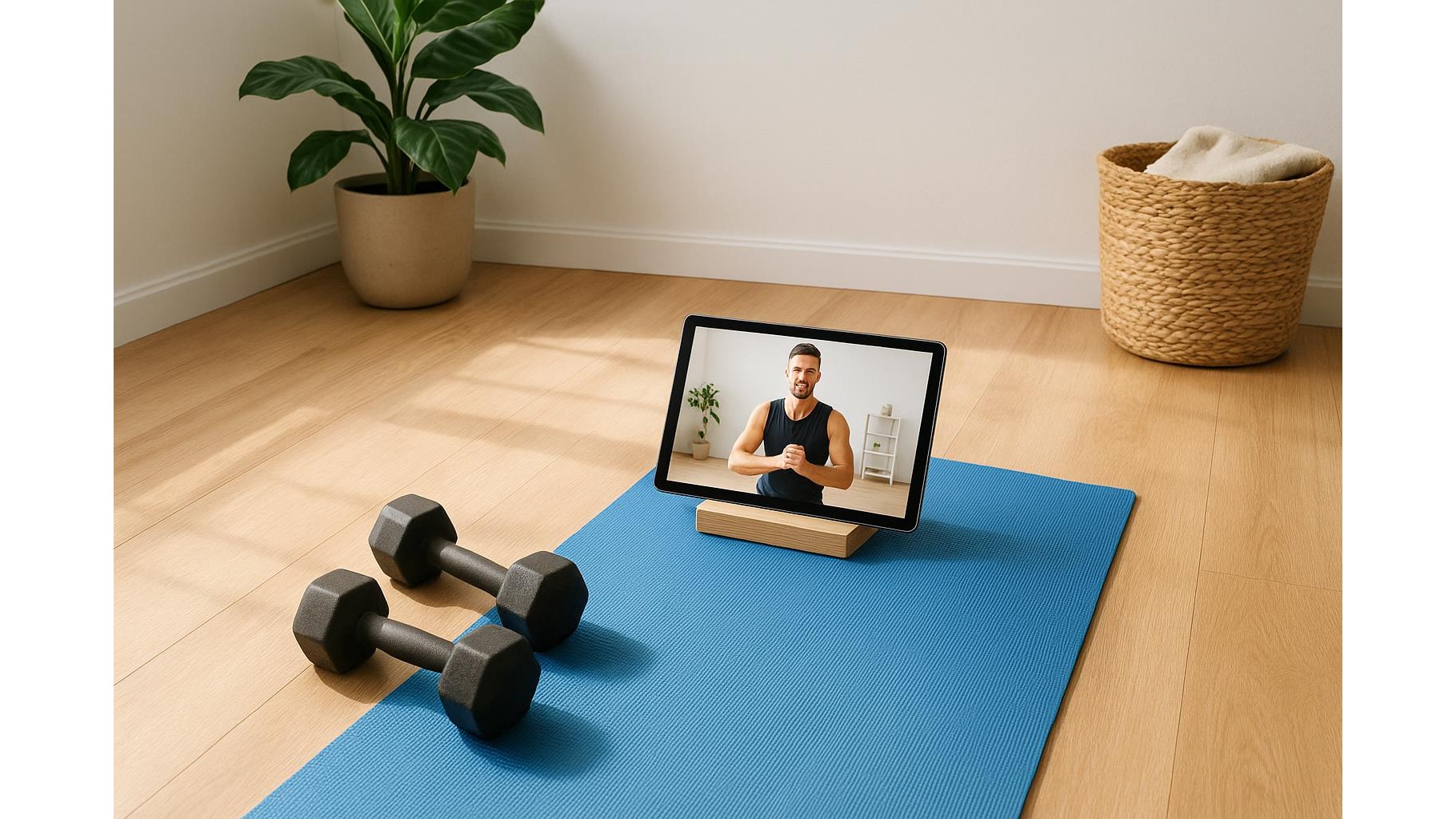
If you are setting up a home gym, a cheap tablet or laptop dedicated to streaming workouts can be as useful as your dumbbells. But with dozens of low‑cost options, it is easy to waste money on a device that stutters, has a dim screen, or dies mid‑session. This guide focuses on what really matters when buying an affordable device purely for following fitness videos at home, so you do not overpay for power you do not need.
Table of contents
Screen size, brightness and viewing angles
For home workouts, the display is your most important feature. A 10–11 inch tablet or a 13–15 inch laptop strikes the right balance between portability and visibility. Go for at least HD resolution (1280×800 or 1366×768), though Full HD is ideal if you watch a lot of YouTube or fitness apps. Prioritise good brightness so you can see clearly even with daylight coming through the window, and avoid very glossy screens if your workout space has strong light sources that cause reflections. A wider viewing angle is crucial, because you will rarely be directly in front of the screen when you are doing burpees or yoga flows.
Speakers and audio clarity for following cues
Many cheap devices cut corners on speakers, but clear audio is essential to follow coaching cues without constantly staring at the screen. Look for models that mention stereo speakers and, ideally, front‑facing drivers rather than bottom‑firing ones, so sound projects towards you when the device is on the floor or a stand. Even if maximum volume is not huge, clarity in the mid‑range (where voices sit) matters more than booming bass. Always check that there is a 3.5 mm headphone jack or stable Bluetooth support, so you can pair wireless earbuds or a soundbar when you do noisy HIIT sessions and do not want to disturb neighbours.
Battery life for long workout sessions
When you dedicate a tablet or laptop to home workouts, all‑day battery life is less critical than on a travel device, but you still want it to last several sessions without a charger. Aim for at least 6–8 hours of video playback in the specs. That usually translates to multiple 30–45 minute workouts before you need to plug in. A lower‑power processor is not a problem, because streaming fitness content is light work; in fact, efficient chips and lower‑resolution screens can improve battery life. Also pay attention to charging port type: USB‑C charging is more convenient if you already have modern phone chargers and extension cables in your workout area.
Wi‑Fi performance and streaming stability
Laggy or buffering video ruins your training flow, so Wi‑Fi performance matters more than raw processing power. Look for support for at least dual‑band Wi‑Fi (2.4 GHz and 5 GHz), which gives you more flexibility to connect in different rooms and avoid interference from other devices. If your router is in another part of the house, consider where you will set up the device and whether you might need a mesh system or range extender. On laptops, an Ethernet port or USB dongle option can give you a rock‑solid wired connection near your rack or cardio machine. For tablets, stable Wi‑Fi and a reliable streaming app (YouTube, fitness platforms, or live classes) are the key ingredients for smooth home workouts.
Operating system, storage and build for gym use
Since this device is dedicated to fitness streaming, you can keep specs modest. On tablets, an affordable Android model with 3–4 GB of RAM and at least 32 GB of storage is usually enough for fitness apps and some offline videos. On laptops, an entry‑level Windows or ChromeOS machine with 4–8 GB of RAM and solid‑state storage will open browser tabs quickly and boot without delay. Build quality is more important than raw speed: a sturdy hinge, a chassis that can handle being moved around the room, and non‑slippery surfaces help when you reposition the screen between sets. Finally, consider a cheap stand or wall shelf so you can raise the screen to eye‑level, reduce neck strain and keep it away from sweat and accidental kicks.
Choosing a budget tablet or laptop purely for home workouts is about focusing on what genuinely improves your sessions: a clear screen you can see from the mat, speakers you can hear over your breathing, enough battery for a week of classes, and Wi‑Fi that keeps streams stable. Ignore high‑end processors or gaming features, and instead invest in a device that nails the basics for home fitness streaming so you can follow your favourite trainers without distractions.