
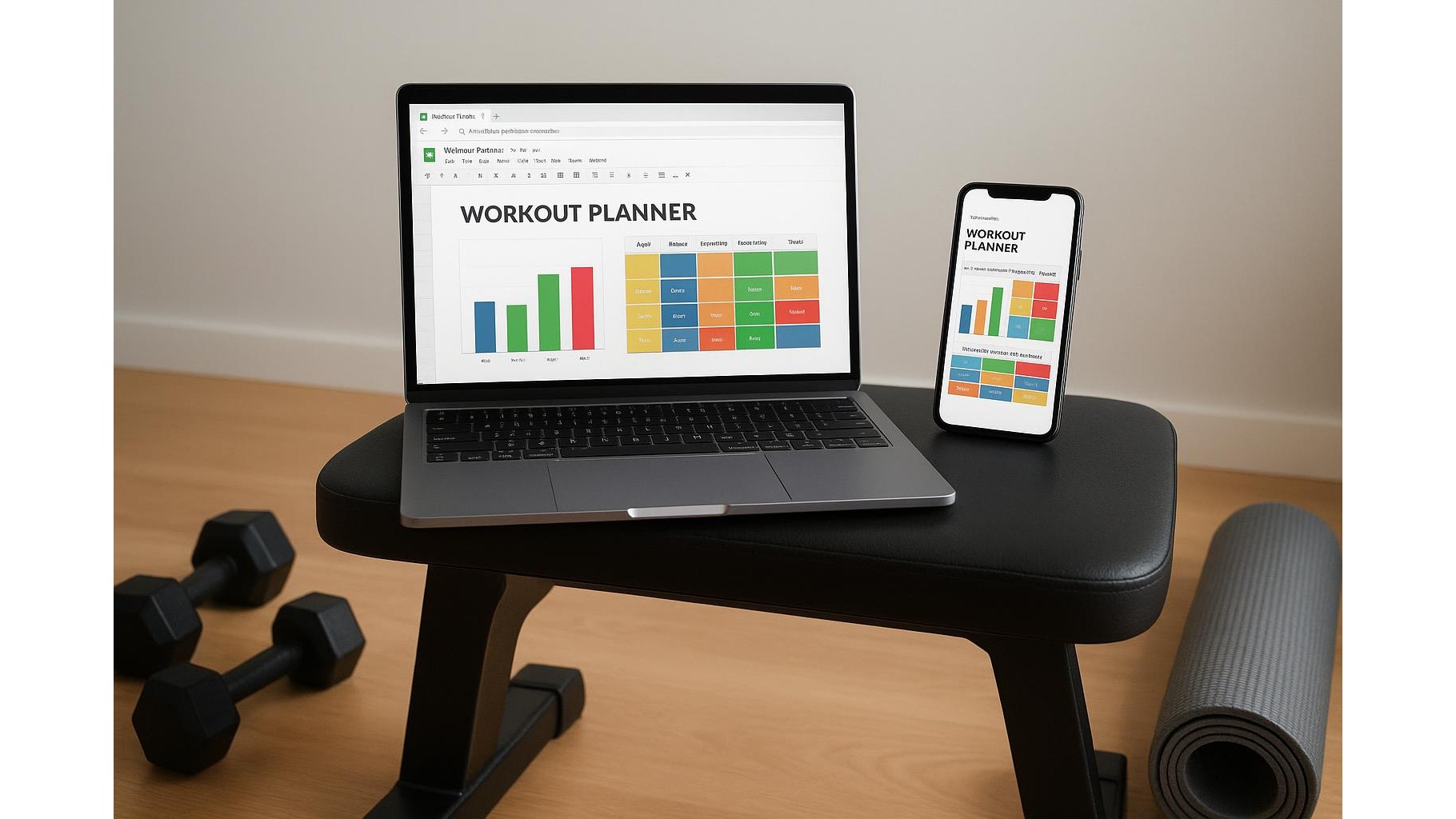
Transforming Google Sheets into your all‑in‑one home workout planner lets you program a full year of training, track every rep and volume change, and view progress charts from any device. With a clear structure for splits, deload weeks, volume tracking and simple automation, you can replace scattered apps and notebooks with one powerful, flexible spreadsheet that syncs across your phone, tablet and laptop.
Designing your annual home workout blueprint
Start by creating a “Year Overview” sheet that maps out your entire training calendar. In column A, list the weeks of the year (Week 1 to Week 52). In the next columns, add your current training block (e.g. Hypertrophy, Strength, Conditioning), your chosen split (Upper/Lower, Push/Pull/Legs, Full Body), and focus areas such as “Glutes”, “Bench press”, or “Conditioning”. Use simple data validation drop‑downs so you can quickly change blocks as your goals evolve. Colour‑code blocks with conditional formatting (e.g. blue for strength, green for hypertrophy) to visualise intensity waves at a glance. Reserve every 4th or 5th week as a deload, and mark it clearly with a different colour and the word “DELOAD” so you never forget to schedule recovery.
Setting up training split templates and daily logs
Create separate sheets for each training split: for example, “Upper”, “Lower”, and “Full Body”. At the top of each sheet, add fields for Date, Week Number, and Block Name that reference your Year Overview using simple VLOOKUP or INDEX/MATCH formulas. Below, build a table with columns like Exercise, Sets, Reps, Weight, RPE, and Notes. Turn this into a reusable template by formatting the headers, freezing the header row, and protecting formulas. Each workout can be logged on a new row, and you can duplicate tabs for specific phases (e.g. “Upper – Strength” vs “Upper – Volume”). This structure ensures that every home session, whether with dumbbells, resistance bands or bodyweight, is recorded consistently and is easy to filter later.
Automating volume tracking and weekly summaries
To transform your spreadsheet into a true home training hub, add automatic volume tracking. Insert a hidden helper column that calculates volume per set (Sets × Reps × Weight). Then, use SUMIF or SUMIFS functions to aggregate weekly volume per muscle group or per exercise. For example, all rows tagged “Squat” can be summed to show total lower‑body volume for Week 12. Build a dedicated “Weekly Summary” sheet that pulls in total sets, reps and tonnage per pattern (Squat, Hinge, Push, Pull, Core). Conditional formatting can highlight weeks where you’ve pushed volume too high or under‑trained. This automation gives immediate feedback on progression, making progressive overload easier to manage across months.
Creating progress charts for strength and consistency
Once your data structure is in place, you can add progress charts that update automatically. Use the Insert → Chart function in Google Sheets to plot 1RM estimations, average weekly volume, or even workout frequency. For lifts like squat or bench, create a small table calculating estimated 1RM with a common formula (e.g. Epley: Weight × (1 + Reps/30)), then select this range to generate a line chart. Another useful visual is a column chart of workouts per week, pulled from your daily logs. Because Sheets syncs across devices, you can log sets on your phone in the garage gym and later review long‑term trends on your laptop, staying motivated as you see your consistency and strength climb over the year.
Simple automation tips for multi‑device use
To keep your annual home workout planner smooth on all your devices, focus on simple automation rather than complex scripts. Use pre‑filled drop‑downs for exercise selection so taps are fast on mobile. Add checkboxes for “Workout Completed” and use formulas to count completed sessions per week. Leverage ARRAYFORMULA to auto‑fill calculations down entire columns, so you never have to drag formulas on your phone. You can even set up email reminders or use the Google Sheets mobile app with notifications so your training plan is always a tap away. With clean templates, clear naming, and light automation, your spreadsheet stays robust, fast and user‑friendly across your whole home gym ecosystem.
By structuring your Google Sheets home training hub around an annual overview, split‑based templates, automated volume tracking and dynamic charts, you gain a clear, data‑driven view of your progress. Everything from splits to deloads is visible at a glance, and every rep you log turns into meaningful feedback. This approach keeps your home workouts organised, scalable and accessible from any device, so you can focus less on managing your plan and more on executing it consistently.









