
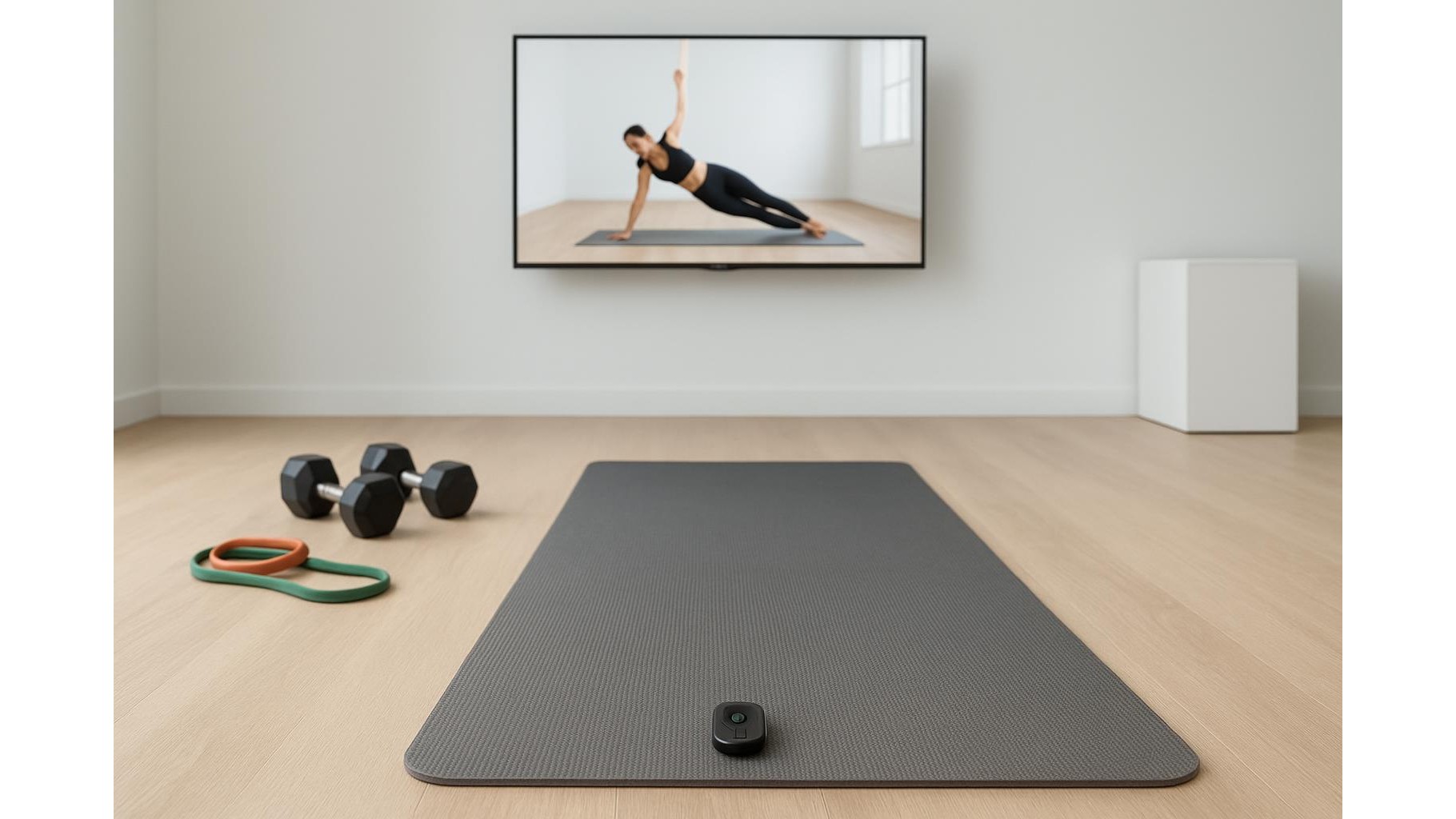
When you are deep into a set of push‑ups or holding a plank, the last thing you want is to break form just to tap your screen. Bluetooth clickers and mini media remotes let you start, pause and skip your home workout videos and interval timers from the mat, keeping your focus on reps instead of on your phone or TV.
Why a Bluetooth mini remote belongs in every home gym
A compact Bluetooth remote works like a tiny wireless keyboard or media controller. Paired with your smart TV, laptop or phone, it lets you play, pause, skip forward and back without touching the main device. For home workouts this is huge: you can quickly restart a circuit, skip a long intro or pause during a stretch without losing your position on the mat. Unlike full‑size remotes, these clickers are light enough to keep next to your dumbbells or yoga blocks, and many are shaped to sit safely in the corner of a mat without being in the way.
Key features to look for in a workout‑friendly clicker
For fitness use, the most important thing is how easily you can hit the controls mid‑set. Look for a simple button layout with clear play/pause and skip keys you can press by feel. A grippy, sweat‑resistant casing helps when your hands are warm, and a lanyard loop or clip lets you attach the mini remote to a rack or resistance band anchor. Check that it supports Bluetooth 4.0 or later for stable connections and low latency, and that it works across iOS, Android, Windows and macOS if you use multiple screens. Replaceable coin‑cell batteries are convenient for occasional use, while a USB‑C rechargeable model can be better if you train daily.
Compatibility with workout apps, TVs and streaming services
Before you buy, think about where you usually follow your home workouts. If your main screen is a smart TV, you want a remote that can send standard media keys understood by apps like YouTube and most streaming platforms. For laptop‑based workouts, almost any Bluetooth media controller that maps to play/pause and track skip will work with browser‑based classes and downloaded videos. Phone and tablet users should confirm that the clicker is recognised as a media controller so it can control popular fitness apps, timers and music without extra software. The more closely the remote mimics standard keyboard shortcuts and media keys, the more seamlessly it will work across your devices.
How to set up your Bluetooth clicker for home training
Setup is usually straightforward. On your phone, tablet, TV or laptop, open the Bluetooth menu and put the clicker into pairing mode by holding its power or pairing button for a few seconds. Select the device name when it appears, wait for confirmation, and then open a workout video to test play/pause and skip. On computers you may want to check the keyboard or media key settings to ensure the buttons map correctly. For interval training, pair the remote with your timer app and practice pausing, skipping intervals and restarting sessions so you develop muscle memory. Keep the device within the recommended Bluetooth range—typically up to 10 metres—with as few obstacles as possible between the clicker and host device.
Practical tips for using a mini remote during workouts
To get the most from a Bluetooth mini remote in your gym corner, give it a dedicated spot near your mat or bench so you always know where it is mid‑set. Use it to quickly skip warm‑up sections once you know a routine, or to repeat a tough interval without touching your screen. If you also stream music, remember that the same buttons will usually control your music app, letting you adjust tracks between exercises. For shared spaces, pairing the remote to a single device and disabling other Bluetooth connections during sessions helps avoid accidental control of someone else’s screen. Finally, check battery level regularly so you are not left without controls just as your HIIT session begins.
A small Bluetooth clicker or mini remote is a low‑cost upgrade that makes your home workouts smoother and more focused. By choosing a model with clear, tactile controls and broad compatibility, then pairing it carefully with your TV, laptop or phone, you can manage videos, timers and music without leaving the mat—keeping your attention exactly where it should be: on form, breathing and consistent progress.









