Turning your living room into a home gym is easier than ever, but manually tracking every rep and set can quickly kill your focus. The good news: modern free rep-counting apps use your phone’s camera or motion sensors to automatically log reps, sets and even rest times, so you don’t need pricey smartwatches or connected equipment. Below you’ll find how these apps work, what to look for, pros and cons, plus a couple of low-cost smart tools that pair nicely with them for more structured home workouts.
Table of contents
How free rep-counting apps actually work
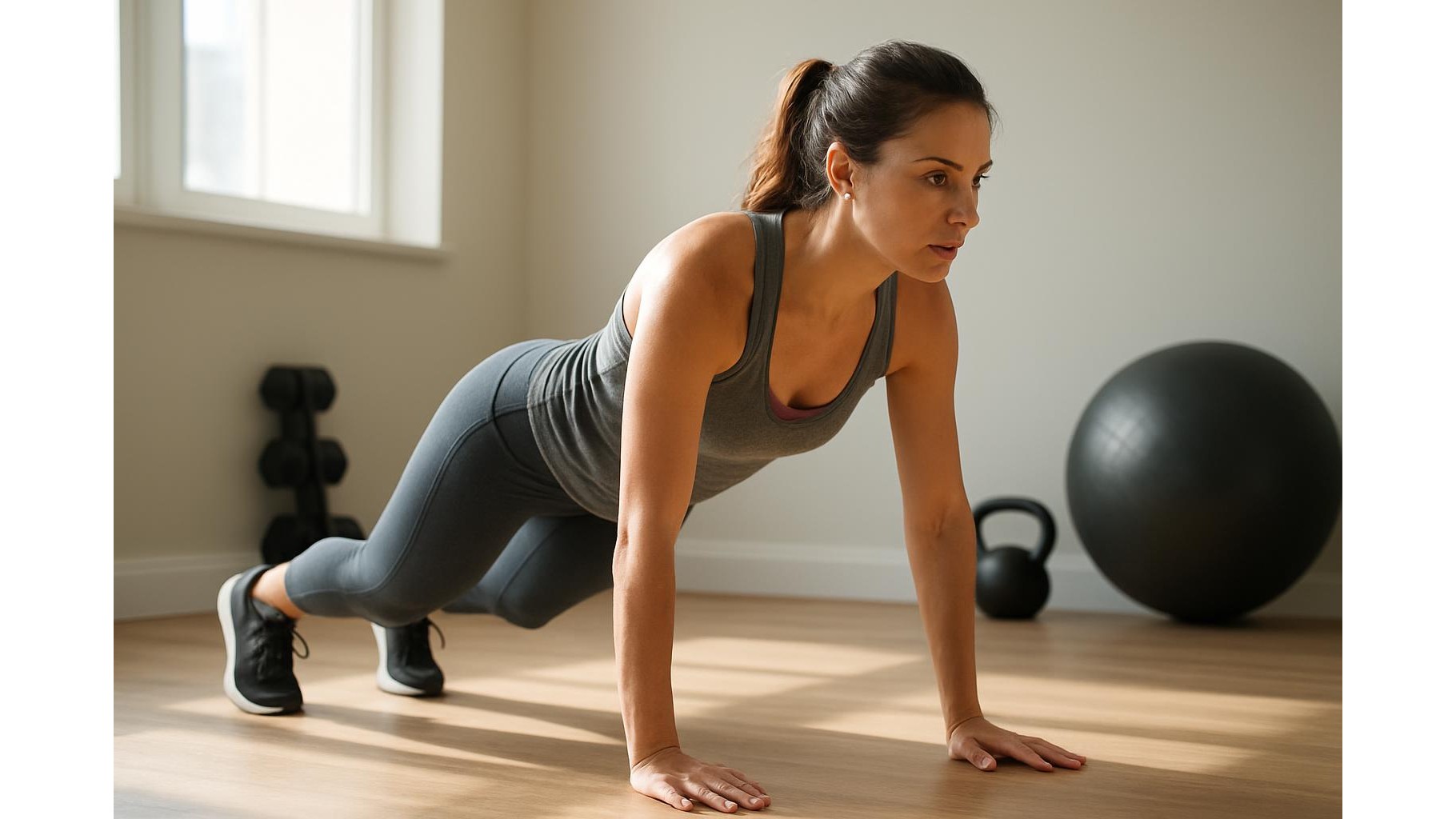
Most rep-counting apps rely on two main technologies: your phone’s accelerometer/gyroscope and its camera. Motion-based apps ask you to keep the phone in a pocket or strapped to your arm; they detect repetitive movement patterns (e.g. squats, push-ups, crunches) and translate those into counted reps. Camera-based apps use basic computer vision or pose estimation: you place the phone against a wall or on a stand, and the app tracks your body angle to recognise when a rep starts and ends. Both approaches work best with controlled, repeatable exercises and consistent technique, which is perfect for a minimalist home routine built around staples like squats, lunges, glute bridges and push-ups.
Pairing apps with a smart counting arm trainer
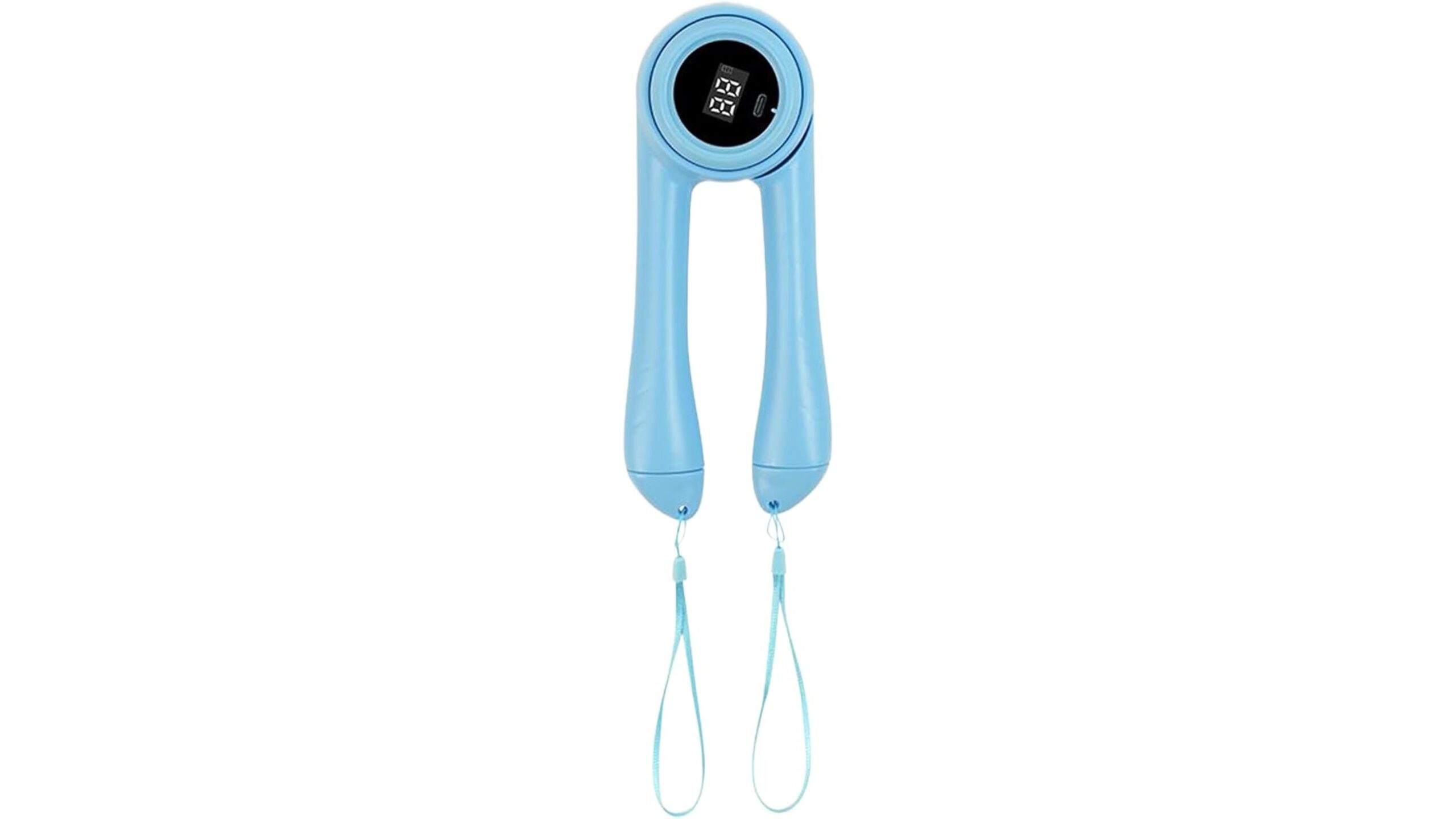
While apps can cover most bodyweight moves, adding a small smart tool can make upper-body work more engaging. A good example is the Counting Arm Strength Machine, Digital Workout Tracker, Smart Rep Counting Technology. This compact rebound-style arm trainer includes its own digital display that tracks reps as you squeeze and extend, independently of your phone. The intelligent counting system is designed to activate deltoids and biceps, and the anti-slip curved grip keeps the device stable even when your hands get sweaty. Because it’s small (about 22×9×7.5 cm) and USB‑rechargeable, it’s easy to throw into a bag and use alongside a basic rep-counting app that logs your sets and rest times.
Alternative smart rep-counting tools for home and travel
If you prefer a slightly different design or colour, the Counting Arm Strength Machine, Digital Workout Tracker, Rebound Exerciser Trainer offers similar smart rep-counting technology with a foldable form factor that fits easily into a drawer or suitcase. It targets upper-body strength via compound movements that involve the chest, shoulders and forearms, making it a solid complement to free apps that focus on bodyweight patterns. Many users treat this kind of tool as a dedicated “arm and chest finisher”: they let the built-in counter handle the reps while their phone app tracks the session as a whole. For home gym enthusiasts who want structure without a subscription, this mix of free apps and low-cost hardware is very efficient.
Using a rep-counting roller with sensor-based apps
For broader upper-body and grip work, consider pairing your phone app with a roller-style trainer such as the Arm Strength Roller – Folding Grip Trainer, Rotating Wrist Exerciser, Non-Slip Resistance Device. This device combines a smart counting display with a rotating wrist mechanism and non-slip resistance grips, ideal for wrists, forearms, shoulders and upper back. When you use it along with a motion-based app, the phone’s sensors will detect the repeated rolling pattern, while the built-in counter ensures every rep is recorded, even if the app misses a few. Its foldable build and USB charging make it convenient for home, office or travel workouts, and it integrates naturally into short, high-rep circuits tracked by free apps.
Pros, cons and privacy tips for camera and sensor apps
The biggest advantages of free rep-counting apps are cost and convenience: no wearables, no subscriptions, and minimal setup. They can help beginners maintain better consistency and reduce the mental load of counting under fatigue. However, accuracy can drop with very fast reps, chaotic movement or cramped spaces, especially for camera-based apps that rely on a clear view and good lighting. Sensor-based apps may struggle with exercises that look similar in terms of motion. From a privacy standpoint, always read permissions: avoid apps that unnecessarily request access to contacts or location, turn off cloud backups for training videos if possible, and prefer options that process camera data locally on the device. If you’re using rep-counting tools like the arm trainers above, remember that their on-device counters don’t need your personal data at all.
For home gym athletes, combining free rep-counting apps with small smart tools such as the Counting Arm Strength Machine and the Arm Strength Roller can deliver surprisingly accurate tracking without investing in expensive wearables. Let the apps manage your sets, reps and rest times, while dedicated devices handle targeted arm and chest work. Choose apps that respect your privacy, test camera vs. motion tracking to see what suits your space, and you’ll have a lean, affordable tracking setup that keeps your training honest and your focus on what matters most: performing better reps.