Building a powerful home gym routine is not only about lifting weights or crushing cardio. Long-term progress depends on regular mobility, stretching and recovery sessions that keep your joints happy and muscles supple. The good news: you don’t need to pay for premium subscriptions to get guided sessions. Below is a curated list of the best free mobility and stretching apps to use alongside your home workouts, with notes on session length, difficulty levels, voice cues and offline use.
Daily stretching made simple
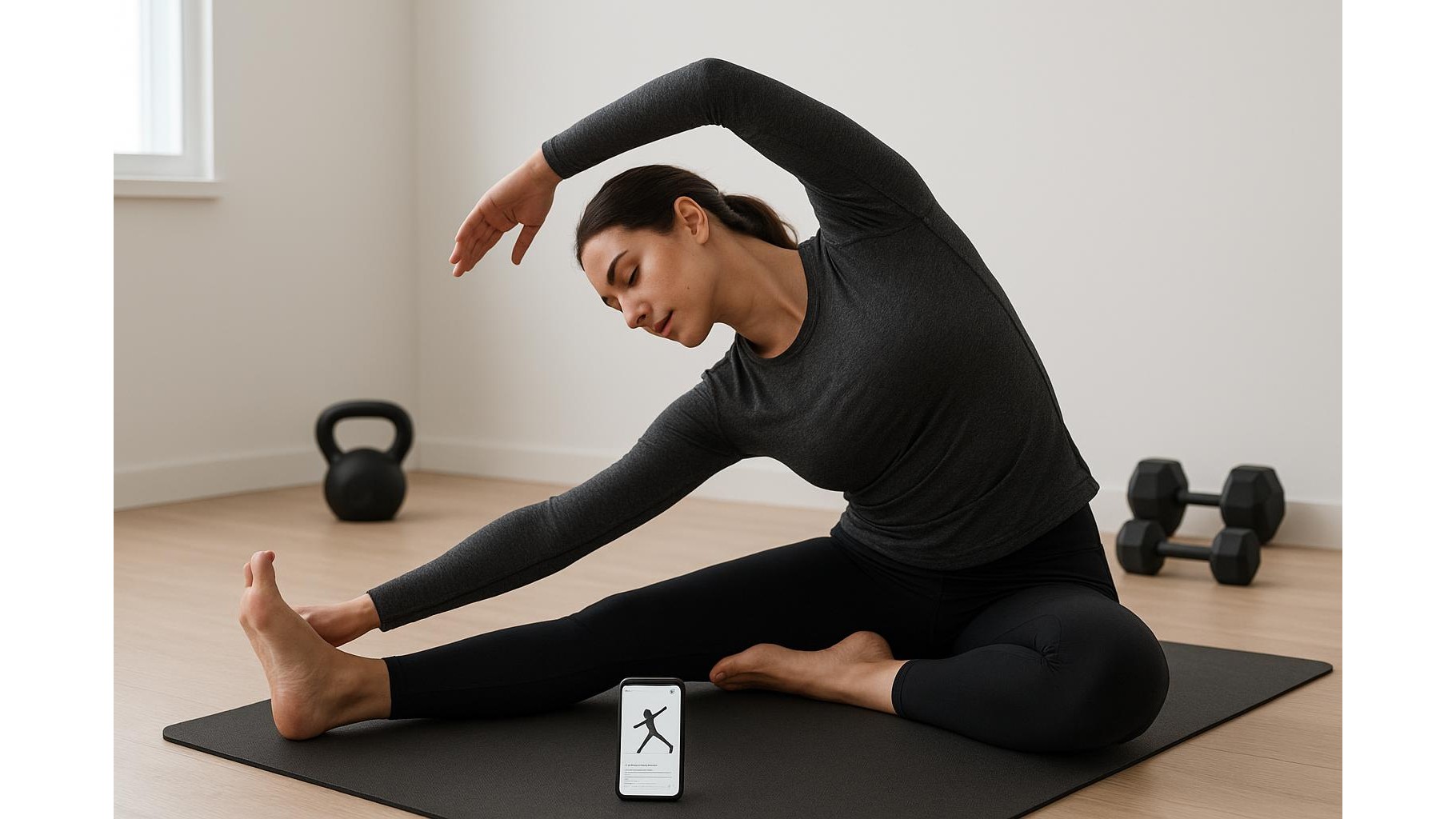
For quick, everyday routines, Stretching & Flexibility apps are ideal. A great example is the free version of StretchIt, available in app stores, which offers short follow-along sequences targeted to the hips, hamstrings and shoulders. Typical sessions last 10–15 minutes, making them easy to tack onto the end of a workout or to use as a separate morning mobility block. Most of these apps feature clear video demos with simple voice cues like “hold”, “breathe in” and “switch side”, which is perfect if you don’t want to stare at your phone the whole time. Difficulty filters let you choose from beginner-friendly static stretching up to more advanced active mobility flows.
Guided mobility flows for strength athletes
If you lift in your home gym, a more structured mobility app can help you open up tight areas that limit your squat or overhead press. Apps such as ROMWOD-style mobility platforms (look for free tiers in your app store) focus on long, slow holds and joint-specific drills. Sessions can range from 15 to 30 minutes and are often labelled by body part (hips, ankles, thoracic spine) or training goal (squat depth, shoulder stability). Most provide calm, guided voice instructions so you can set your phone down beside the rack and just follow the audio. Some apps allow partial offline use if you download sessions in advance, handy if your garage gym Wi‑Fi is unreliable.
Yoga-based recovery without the price tag
Many of the best free yoga apps double as superb mobility and stretching tools, especially for rest days. Look for apps that offer categories such as “Yin yoga”, “Restorative” or “Post-workout cool-down”. Sessions often run from 10 to 45 minutes and use long, supported poses to target deep connective tissues. Levels are typically tagged as beginner, intermediate or advanced, allowing you to scale intensity and complexity. Strong visual guidance is combined with soft voice cues—helpful if you want to close your eyes and relax. Many yoga apps also let you pre-download classes for offline practice, so your recovery work is never at the mercy of your internet connection.
Micro-sessions for desk workers and busy parents
If your biggest challenge is time, consider micro-mobility and desk-stretching apps designed around 3–7 minute sessions. These typically include short break reminders and tiny routines that loosen your neck, upper back and hips after long hours at a computer. In a home gym context, they slot neatly between meetings or before an evening workout, so you arrive at the barbell already “unlocked”. Voice cues are usually minimal and direct—“roll down slowly”, “circle shoulders”—making them ideal if you’re multitasking. Because the videos are short and low‑resolution, they often stream smoothly even on weaker connections, and some apps cache their most used routines for basic offline access.
Breathwork and relaxation to finish your session
True recovery is as much about the nervous system as the muscles, which is where breathwork and relaxation apps become valuable additions to your home gym stack. Many popular meditation apps include free libraries of post-workout body scans, guided breathing and sleep-prep sessions. These typically run from 5 to 20 minutes and focus on down‑regulating your system after intense training. Audio-first design means you can turn off the screen, lie on your mat and simply follow the instructions. Some apps even offer offline downloads of breathing sessions, so you can build a consistent routine without data worries. Pairing this kind of guided relaxation with your stretching work can significantly improve overall recovery and sleep quality.
Free mobility and stretching apps can transform your home gym setup from a simple training space into a complete performance and recovery environment. By choosing apps with the right session length, difficulty level, clear voice cues and at least some offline functionality, you remove friction and make it easier to stick to the habits that keep you lifting, running and moving well for years. Experiment with a few options, keep the ones that fit naturally into your day, and treat mobility and recovery as core parts of your programme—not optional extras.