
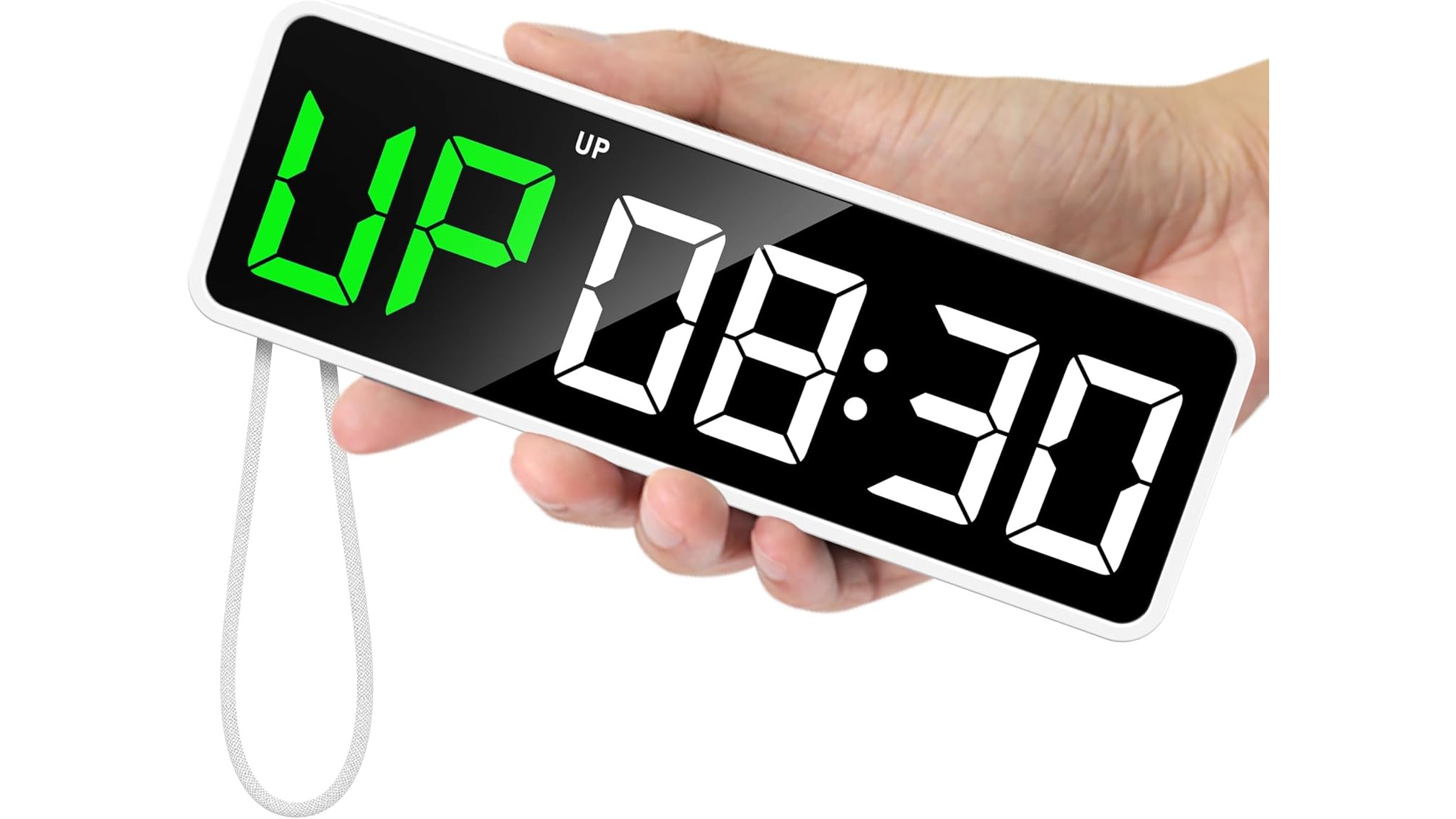
If your home gym lives in a spare corner and your main device is a laptop, installing yet another app can feel like overkill. The good news is that you can build a powerful laptop-only home workout setup with simple browser-based timers and dashboards. Combine those with a couple of compact physical timers for when you want to step away from the keyboard, and you get a flexible system for intervals, set logging and progress tracking without cluttering your devices.
Why browser-based workout timers belong in a laptop home gym
Browser-based workout timers are ideal if your laptop is already your entertainment, coaching and music hub. Online tools like basic HIIT timers, EMOM and Tabata countdowns run in any modern browser, often full screen, so they are easy to see across the room. You can keep a second tab open with a simple spreadsheet or online dashboard to log sets and reps between rounds. This minimizes app switching, plays nicely with YouTube follow‑along workouts, and means you can recreate the same setup on any computer just by signing into your browser.
Complementing web timers with a pocket gym clock
One smart way to upgrade a browser-first setup is to add a compact, magnetic gym timer you can glance at away from the desk. The REACHER Gym Timer Clock, Mini Portable Digital Workout Interval Timer is well suited to laptop-centric spaces. It offers 10 workout modes, including Tabata, EMOM, up and countdown and a stopwatch, so it mirrors the functionality of many web tools but in physical form. The super bright LED display is readable from across a home gym, and the strong N52 magnet lets you stick it to a rack or any metal surface while your laptop runs music or coaching videos. With up to 40 hours of battery life on a single charge, it handles a full week of training without needing a cable trailing from your desk.
A minimalist timer that keeps you off your phone
If your goal is to keep the laptop for dashboards and video while avoiding phone distractions, a simple, laptop-friendly timer like the PELLOR Gym Timer Clock, Mini Portable Digital Workout Interval Timer can be a great partner to browser tools. It supports timing, countdown, stopwatch, custom intervals, HIIT, TABATA, FGB and clock mode, so you can set your structure once and let it run while a browser tab handles notes and progress graphs. The built‑in lithium battery offers up to 23 hours of use and recharges via USB‑C, while the high‑definition LED display has five brightness levels for dim garages or bright living rooms. Thanks to its strong magnet and compact size, you can mount it near your laptop screen or on a rack, freeing the browser to focus on content instead of timing.
Large-display timing for bigger spaces
If your laptop sits off to the side and you train a few metres away, a larger wall-mounted display pairs nicely with browser-based dashboards. The Gym Timer with Start/Stop Button, Interval Timer Stopwatch Countdown Digital Wall Clock offers a 1.5‑inch, 6‑digit LED display that stays visible up to 10 m. It includes a 12/24 h clock, stopwatch, count-up/countdown and interval timer with prep times, ideal for structured HIIT, EMOM and circuit sessions you plan in a spreadsheet or web app. Dual control via wired start/stop button and remote means you can keep your laptop safely on a desk while starting or pausing the timer from your lifting area, keeping your workflow clean and your tracking in the browser.
Building a simple browser dashboard for progress
With timing handled by a mix of web tools and compact gym clocks, your laptop screen can focus on progress visualization. Basic spreadsheets or free online dashboards let you create weekly templates for sets, reps and load, plus charts that show volume and PRs over time. Use one tab for a simple EMOM or Tabata timer, another for your training log, and pin both in your browser. Between sets, you can quickly update numbers without hunting through apps. Over weeks and months, this lightweight system gives you the same visibility as more complex tracking software, but with the flexibility of running entirely in a browser on any laptop.
For laptop-only home gyms, a mix of browser-based workout timers, simple online dashboards and a compact physical timer or two creates a powerful, low-friction setup. Tools like the REACHER and PELLOR mini gym timers or a large wall clock-style timer handle visual countdowns and intervals, while your browser takes care of logging, programming and video guidance. The result is a clutter-free, app-light environment that still supports structured training, progressive overload and long-term consistency.









