
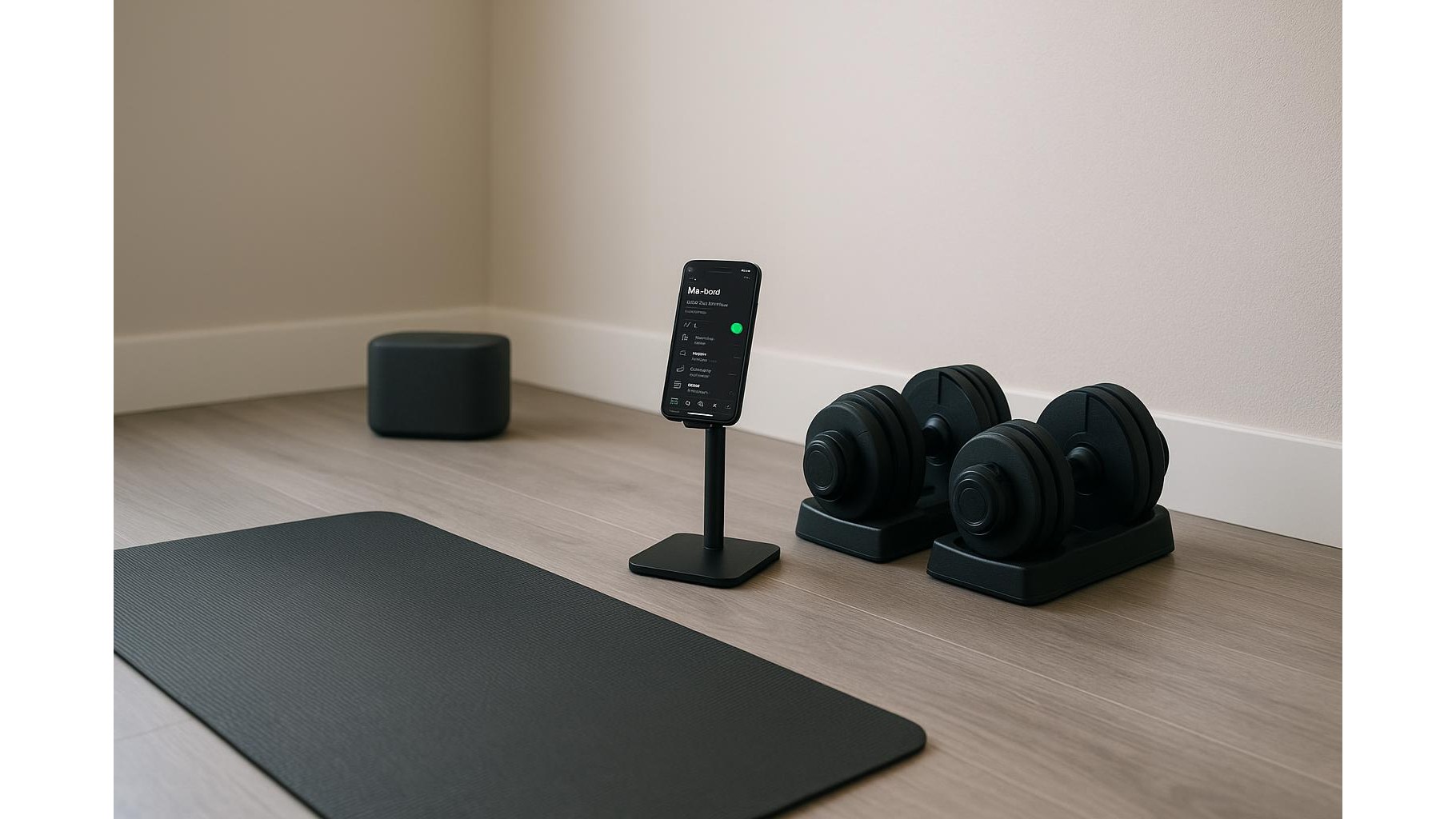
Building a consistent home workout habit is easier when you remove as much friction as possible. One powerful but often overlooked hack is automating your workout music, so the perfect Spotify playlist starts playing the moment you begin training. With IFTTT (If This Then That), you can link simple triggers—like starting a timer, connecting your fitness tracker or opening a specific app—to automatically fire up tailored playlists for strength sessions, cardio or yoga. Here’s how to set it up step by step.
Why automate your workout playlists
Music can dramatically boost motivation, focus and perceived effort during home workouts. But manually hunting for the right playlist wastes time and breaks your warm-up flow. By using Spotify + IFTTT, you can map different triggers to different playlists, so a high-energy mix starts for strength days, a lo-fi playlist for mobility, or calming tracks for yoga. Automation turns your audio environment into a training cue: when the music starts, your brain knows it’s time to move. Over time, this association strengthens your routine and helps you stick to your home gym schedule.
Setting up the basics: Spotify, IFTTT and accounts
Before building your automations, you need a few essentials. First, a Spotify account (Free works, but Premium avoids ads and lets you skip more tracks, which is ideal for focused training). Second, a free IFTTT account, which acts as the glue between services. Sign up on IFTTT, then connect your Spotify account via the “Services” section, authorising access so IFTTT can start and control playback on your devices. Make sure you also have at least one device ready as your main playback target—for example a smart speaker, soundbar or Bluetooth speaker in your home gym corner.
Create dedicated playlists for each home workout
Automation is only as good as the playlists it triggers. Start by creating distinct Spotify playlists for your main training types: one for strength training (higher BPM, energising tracks), one for HIIT or cardio (fast and intense), and one for yoga, stretching or recovery (calm, instrumental or ambient). Name them clearly, like “Home Gym – Strength”, “Home Gym – Cardio”, “Home Gym – Yoga”. This naming system helps you quickly find the playlist URLs you’ll need in IFTTT. Spend some time curating tracks you won’t want to skip—automation works best when you can hit go and not touch your phone again for the whole session.
Building IFTTT applets to start the right playlist
In IFTTT, every automation is an applet with two parts: a trigger (IF This) and an action (Then That). For the trigger, choose something that reliably marks the start of your home workout. Popular options include: starting a timer on your phone, beginning an activity on a compatible fitness tracker, connecting your phone to your home Wi‑Fi network, or even opening a specific workout app. For the action, select Spotify and then “Play playlist” (or similar), pasting in the URL of the playlist you created. You can build separate applets for each training type—for example, “IF I start a running activity on my tracker, THEN play my Cardio playlist”—so the audio always matches your session.
Smart triggers for strength, cardio and yoga days
To really dial in your system, match context-aware triggers to your different workouts. For strength days, you might use a trigger like starting a strength-tracking app or turning on a specific smart plug that powers your rack lighting. For cardio, you could tie playback to starting an indoor cycling app or connecting to your treadmill’s Bluetooth. For yoga and mobility, a softer signal—like setting a recurring calendar event at a quiet time of day—can trigger your mellow playlist. The goal is to design triggers that feel natural and require zero extra taps. When the trigger happens, your playlist should start within seconds, keeping you in the training mindset.
Fine-tuning, testing and keeping your flow
Once your applets are live, test each one before relying on it in a full workout. Make sure Spotify is set to play on the correct device and that volume levels are appropriate for your home gym. If playlists don’t start reliably, check your device’s power-saving settings—some phones delay background actions. Over time, you can refine your automations: swap playlists as your tastes change, adjust triggers to match new routines, or temporarily disable certain applets during recovery weeks. By investing a little time up front, you’ll create an automatic audio environment that supports every session, from high-intensity circuits to quiet evening stretches.
Automating your home workout music with Spotify and IFTTT removes one more barrier between you and consistent training. By pairing smart triggers with purpose-built playlists, you can start every session in the right mental state, without scrolling or searching. Once set up, this system quietly works in the background, helping your home gym feel more like a dedicated studio and less like a corner of your living room—so you can focus on lifting, moving and progressing.









