
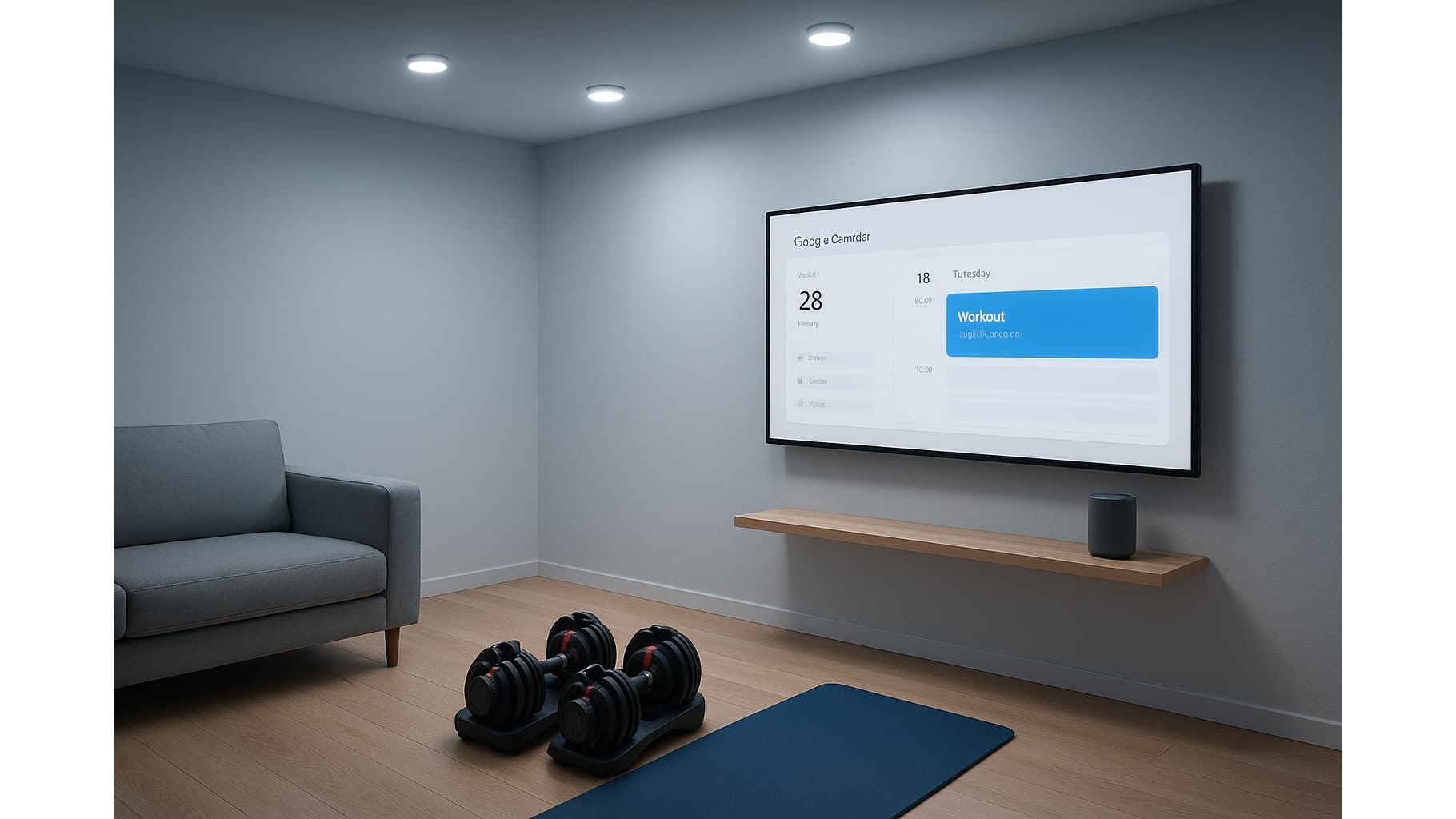
Sticking to a consistent home workout routine is much easier when your environment does the motivating for you. By connecting Google Calendar, IFTTT and simple smart home devices, you can make your lights, music and reminders switch on automatically at training time. Instead of relying on willpower, your home becomes a coach that cues you to move, helping you protect your workout slot even on busy days.
Plan your workout schedule in Google Calendar
The foundation of an automated fitness routine is a clear, recurring plan in Google Calendar. Start by blocking fixed time slots for your home gym sessions, ideally at the same time on multiple days so they become habits. Label them clearly, such as “Strength – Living Room” or “HIIT – Garage Gym,” and use a distinct colour so they stand out from work meetings. Make sure notifications are turned on and set at least 10–15 minutes before start time. These calendar entries will later act as triggers inside IFTTT, so each event can automatically launch lights, music and other cues that signal “it’s training time”.
Use IFTTT to turn calendar events into smart triggers
IFTTT (If This Then That) is the glue between your Google Calendar and your smart home devices. After creating a free account, connect your Google Calendar and your chosen smart home services (for example a smart bulb platform, smart plugs or notifications). Then create applets where the “If This” is a calendar event that matches a specific title or keyword like “Workout” or “Gym”, and the “Then That” is an action such as turning on lights, sending a push notification, or starting a playlist. This way, whenever your workout event begins, your connected devices respond instantly, transforming your space and reducing the chance you ignore your plan.
Light up your workout zone automatically
Lighting is a powerful cue for behaviour, and smart bulbs make it effortless to set the mood. With IFTTT, you can build an applet that, when a “Workout” calendar event starts, turns on your smart lights in your gym corner at full brightness or in an energising colour. For example, a colour-changing Wi‑Fi bulb that works with Google Home and IFTTT can flash or change colour right at session start, making it impossible to ignore your training window. You might configure one scene for early-morning calm stretching (warm, low light) and another for evening strength work (bright, cool light). Over time, your brain links that lighting pattern to exercise, helping you transition into workout mode faster.
Power your home gym gear with smart plugs
Smart plugs are ideal for automating non-connected fitness gear like fans, non-smart lamps or even a treadmill. Connect your device to a Wi‑Fi smart plug that supports app control and integration through services like IFTTT. Then create an applet so that when your calendar workout starts, the smart plug turns on automatically, powering your fan and any extra lighting in the area. You can also program an automatic switch-off at the scheduled end of your session, nudging you to cool down and wrap up. This simple automation removes small friction points—like remembering to plug everything in—so getting started feels as easy as walking into a ready-made gym.
Automate music, reminders and focus
Sound is another strong motivator, so pairing your calendar with a wireless Bluetooth speaker in your home gym zone can lock in your focus. Use IFTTT or your voice assistant routines so that, when a training event begins, your speaker is powered (via smart plug) and your favourite workout playlist starts on your preferred streaming service. You can also set up automatic spoken reminders on a smart speaker, or push notifications on your phone, five minutes before the session to prompt you to change clothes and fill your water bottle. Combining light, sound and timely reminders creates a powerful ritual that nudges you toward movement even when your motivation dips.
Test, refine and keep your automations flexible
Once your calendar-based automations are in place, spend a week testing and adjusting. You might find that lights switching on 5 minutes before the event work better than at the exact start, or that a more upbeat playlist boosts adherence. Use IFTTT’s filters to limit triggers to specific days or keywords, and don’t be afraid to pause automations during holidays or deload weeks. The goal is not rigid perfection but a supportive environment that makes your chosen schedule easier to follow. Over time, these smart triggers reduce decision fatigue and help you treat your home workouts as non‑negotiable appointments with yourself.
By pairing Google Calendar, IFTTT and a few well‑chosen smart home devices, you turn technology into an ally for consistency. Automated lights, music, plugs and reminders transform your home into a gym that “comes alive” whenever it’s time to train. With your surroundings doing the prompting, you can focus less on forcing motivation and more on showing up, rep after rep, session after session.









