Keeping a home treadmill running smoothly is not only about better workouts, it is also about safety and protecting your investment. From noisy treadmill belts and slipping belts to mysterious error codes flashing on the console, most problems start small and can often be solved with a few simple checks. In this guide you will find step‑by‑step treadmill troubleshooting tips, when to try a DIY fix, and when it is wiser to stop and call a qualified technician.
Understanding common treadmill belt noises
A squeaky treadmill belt or grinding sound usually signals friction or misalignment. First, unplug the treadmill and remove any dust, pet hair or debris from under the belt and around the motor cover. Check that the treadmill is on a stable, level surface, as an uneven floor can cause the deck to flex and creak. Listen carefully: a rhythmic squeak that matches belt rotation often indicates a dry deck that needs belt lubrication, while a harsher scraping noise may come from the side rails or a belt that has drifted too far to one side. Never ignore new noises: they are often the earliest warning sign that your treadmill needs attention.
Quick fixes for slipping or jerky treadmill belts
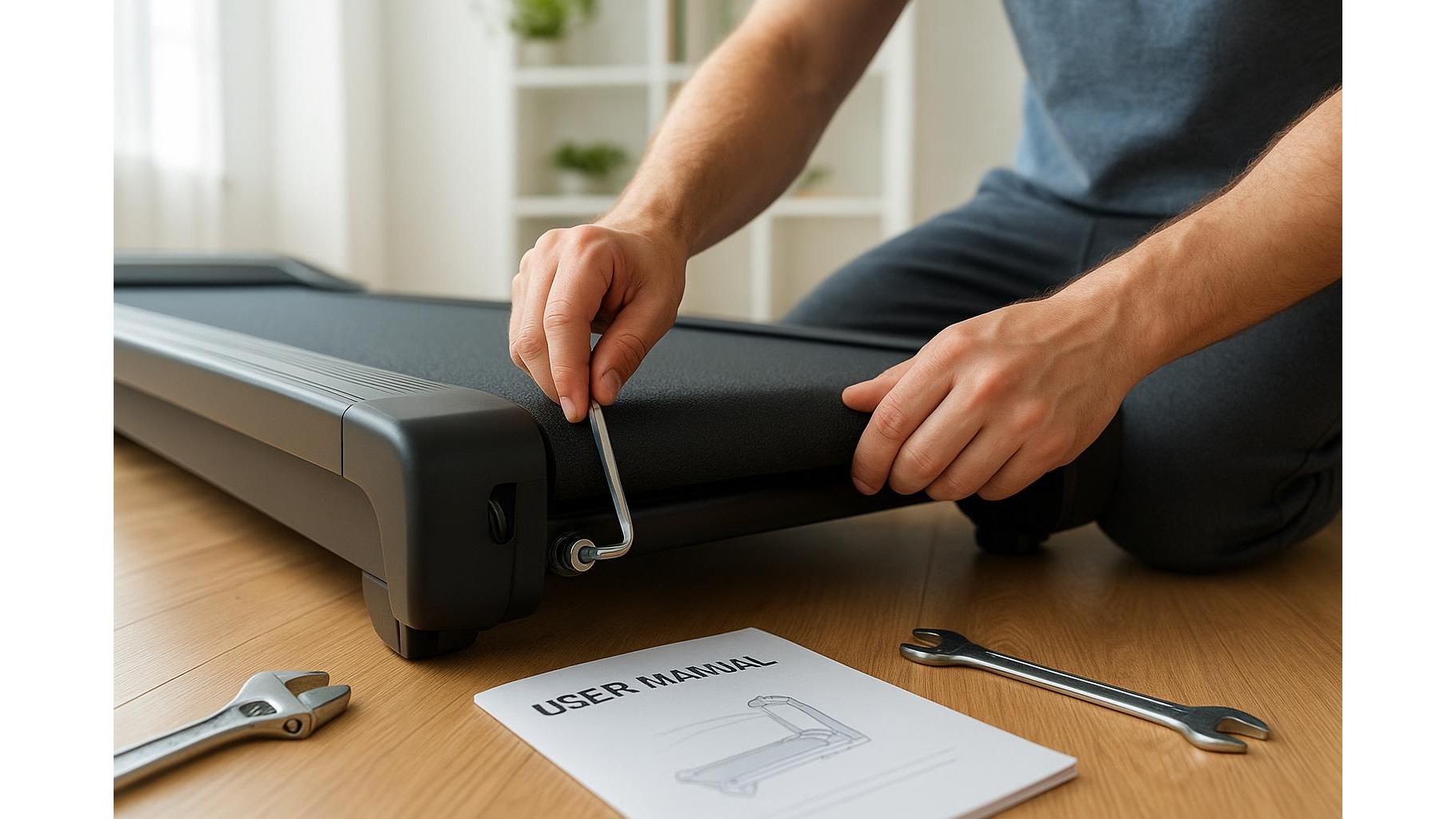
A slipping treadmill belt feels like a sudden loss of traction under your feet, especially when you increase speed or incline. Start by confirming that the belt tension is correct: most home treadmills allow you to tighten the rear roller bolts with an Allen key in small, equal turns on both sides. The belt should lift only a few centimetres in the centre when pulled up by hand. If it lifts higher, it is too loose; if it barely moves, it may be over‑tightened and strain the motor. Also check for sweat or spilled drinks on the belt surface and wipe them away with a damp cloth. Persistent slipping even after proper tensioning can indicate a worn walking belt or drive belt, which usually requires a professional replacement.
[p iol_placeholder type=”cta” id=”telegram”/]
Dealing with basic treadmill console error codes
Modern treadmill consoles display error codes to help identify faults, but each manufacturer uses different codes. Common messages include speed sensor errors, incline motor faults and safety key warnings. If your console shows an unfamiliar code, first remove the safety key and unplug the treadmill for 30–60 seconds to perform a basic reset, then power it back on. Make sure the safety key is fully inserted and its magnet is clean. Check the user manual or the brand’s support website for an error code list; if the manual is missing, many brands provide PDF downloads online. Never bypass safety devices or try to run the treadmill with open motor covers while powered, as this exposes live components and moving parts.
Essential maintenance to prevent future problems
Regular treadmill maintenance dramatically reduces belt noise and error codes. Keep the area around your treadmill dust‑free, vacuuming under and around the deck regularly. Wipe down the belt and side rails after use to remove sweat and moisture that can accelerate wear. Most home models require periodic silicone lubrication between the deck and belt; always follow the interval recommended by your manual and use a lubricant specified for treadmills, applying a thin, even layer. Check power cables for kinks or crushed sections and ensure the plug is firmly seated in a surge‑protected outlet. Once a month, visually inspect screws and bolts on the frame and handrails, tightening any that have loosened from vibration.
When to stop DIY repairs and call a technician
While many home treadmill issues have simple fixes, there are clear signs that you should stop DIY work. Burning smells, visible sparks, a smoking motor cover or repeated tripping of your circuit breaker indicate potential electrical or motor failure that must be handled by a qualified technician. Likewise, if the treadmill stops abruptly during use, if the belt will not move despite correct tension, or if the console displays recurring error codes even after a reset, professional diagnostics are needed. Opening the motor compartment, adjusting internal wiring or replacing drive components without training can void warranties and create serious safety risks. When in doubt, document the symptoms, take note of any error messages and contact the manufacturer or an authorised repair service.
Keeping your home treadmill in good condition is mostly about paying attention to small changes: new noises, slight belt slips or occasional console glitches. By cleaning the deck, adjusting belt tension, understanding basic treadmill error codes and following a simple maintenance routine, you can solve most minor problems before they become major failures. At the same time, knowing when to step back and call a technician protects both your safety and your machine. With the right balance of DIY care and professional support, your treadmill can deliver many years of reliable, quiet workouts at home.