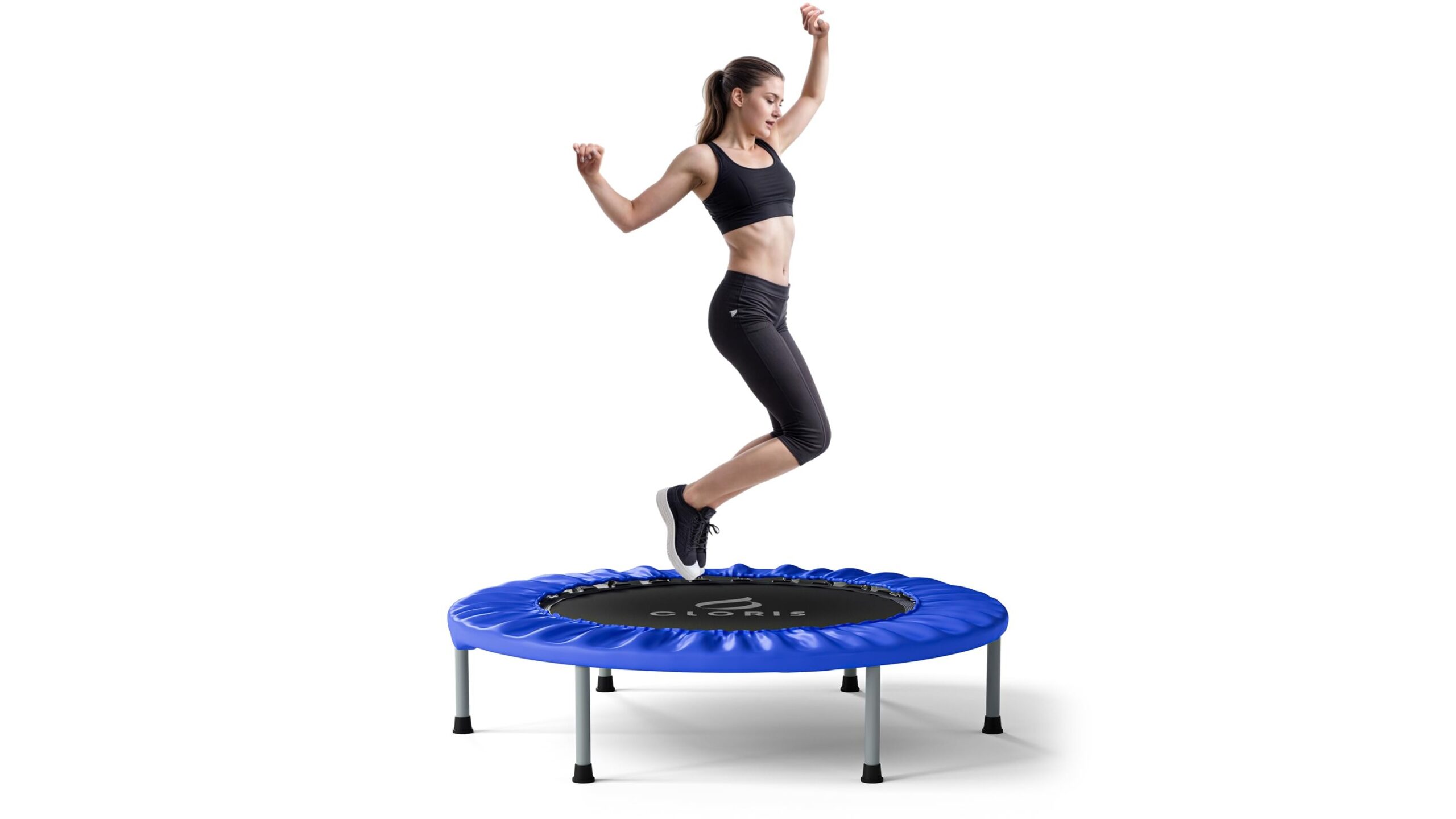
Turning your wrist into a complete training hub is now possible. With the right smartwatch-only training setup, you can run structured home workouts without ever touching your phone. Modern wearables can handle timers, heart-rate zones, basic training plans and even music playback, giving you all the feedback you need during a session. In this guide we’ll look at how to configure your watch so that every home workout is organised, motivating and truly phone-free.
Choosing the right smartwatch for phone-free workouts
To manage phone-free home workouts, your watch needs a few key features: reliable heart-rate tracking, customisable workout profiles, vibration or audio alerts and ideally some form of offline music. Look for models that explicitly support on-device workout creation or interval timers, and that store several training sessions locally. GPS is less critical indoors, but high-quality optical heart-rate sensors and strong battery life are essential if you’re training most days. A bright display and easy navigation via buttons or responsive touch controls will make it easier to check your metrics mid-set without breaking focus.
Setting up timers and interval structures on your wrist
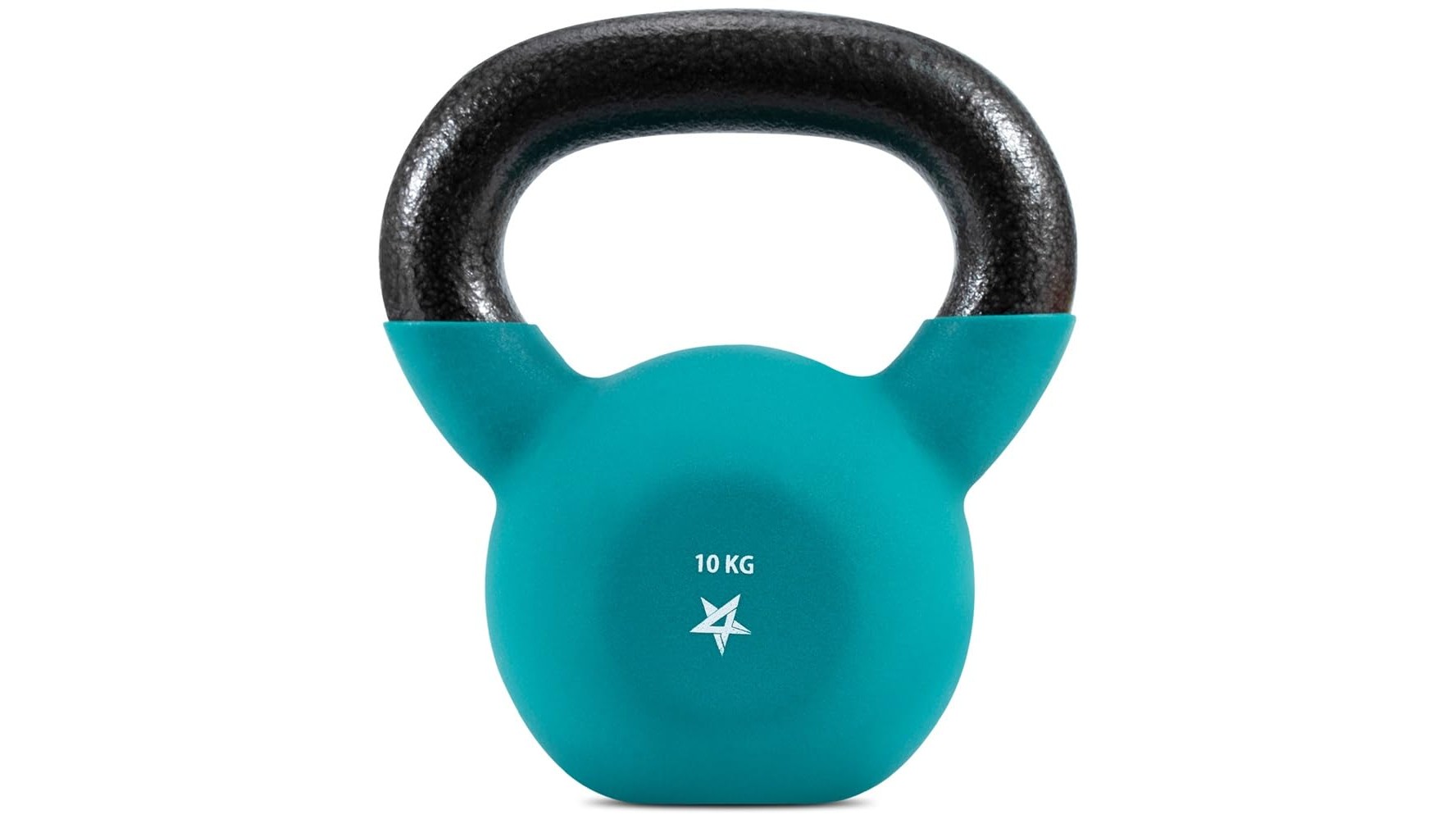
Structured interval training is the backbone of effective home workouts, and your smartwatch can manage it all. Most fitness watches include configurable interval timers where you define warm-up duration, work periods, rest periods and cool-down. Program your typical routines directly on the watch: for example, 5 minutes warm-up, 40 seconds work, 20 seconds rest for 10–15 rounds, then a final stretch block. Enable vibration alerts so you can move between moves (squats, push-ups, kettlebell swings) without looking at a screen. For strength sessions, use countdown timers to standardise rest between sets, and save these timer presets so they’re always available with a couple of taps.
Using heart-rate zones for safe and effective intensity
Without a phone screen, your heart-rate zones become the main guide for intensity. Start by setting your estimated maximum heart rate and resting heart rate in your smartwatch app, then let the device calculate HR zones. During home cardio circuits or bodyweight EMOMs (Every Minute On the Minute), aim to stay in a specific zone depending on your goal: Zone 2–3 for fat-burning and endurance, Zone 4 for high-intensity conditioning. Configure your watch to send alerts when you leave a target zone, so you know when to push harder or back off. This is especially valuable in a small home space where it’s easy to overdo it without realising how hard your heart is working.
Building simple wrist-based training plans
A simple training plan can live entirely on your smartwatch. Decide on two or three core workout types: a strength-focused session, a cardio/HIIT session and a mobility or recovery day. Create a dedicated workout profile on your watch for each, assigning appropriate timers and heart-rate targets. For example, your strength profile might prioritise set timers and lower HR zones, while HIIT focuses on shorter intervals and higher HR alerts. Use the calendar or schedule function (if available) to assign sessions to specific days, then simply check your wrist each morning to see what’s planned. Over time, review your training load, active minutes and weekly frequency on the watch to ensure you’re progressing without overtraining.
Managing music and focus with your smartwatch
To stay fully phone-free, move your music onto the smartwatch. Many modern devices let you sync playlists from streaming services or transfer local audio files. Pair a set of Bluetooth earbuds directly to the watch so you can control volume, skip tracks and pause playback without leaving your workout space. Create dedicated playlists for different session types: calm instrumental tracks for mobility and stretching, higher-tempo playlists for HIIT or kettlebell circuits. If your watch supports audio cues, you can even have it announce interval changes or lap times over the music. This combination of on-wrist coaching and sound keeps you in the zone without glancing at a TV, tablet or smartphone.
Practical tips to stay consistent with smartwatch-only training
To get the most from smartwatch-only home workouts, treat your watch like your training partner. Charge it regularly and schedule sessions for the same time each day, then use reminders or daily goals to nudge you into action. Before each workout, quickly check battery level, selected workout profile, HR zone targets and timer presets so there are no interruptions once you start. After you finish, review your session summary on the watch: duration, average heart rate, time in zone and calories. These quick check-ins reinforce progress and make it easier to adjust intensity next time. With just a few minutes of setup, your smartwatch becomes a self-contained coaching system that lets you move, sweat and improve—no phone, no distractions, just you and your training.