Training in a modern home gym is not just about dumbbells and benches anymore. With the rise of gesture and voice-controlled workout apps, you can now start timers, change intervals and follow guided sessions completely hands-free. That means no more tapping sweaty screens between sets, and a smoother, more focused training flow whether you lift, stretch or ride an indoor bike.
Why hands-free control matters in your home gym
In a compact home gym setup, your phone or TV is often close to your training zone, but not always easy to touch safely. Mid-set, your hands are sweaty, your heart rate is high and you do not want to fumble with a screen to pause a HIIT timer or skip an exercise. Voice commands and basic gesture control solve this: you can say “pause workout”, “next exercise” or “start 30‑second timer” without breaking form. This is especially valuable during heavy lifts, kettlebell swings or yoga flows, where maintaining posture is more important than reaching for your phone. Hands-free interaction also helps keep your screens cleaner and reduces the risk of dropping devices mid-workout.
Using smart speakers and displays as hands-free workout hubs
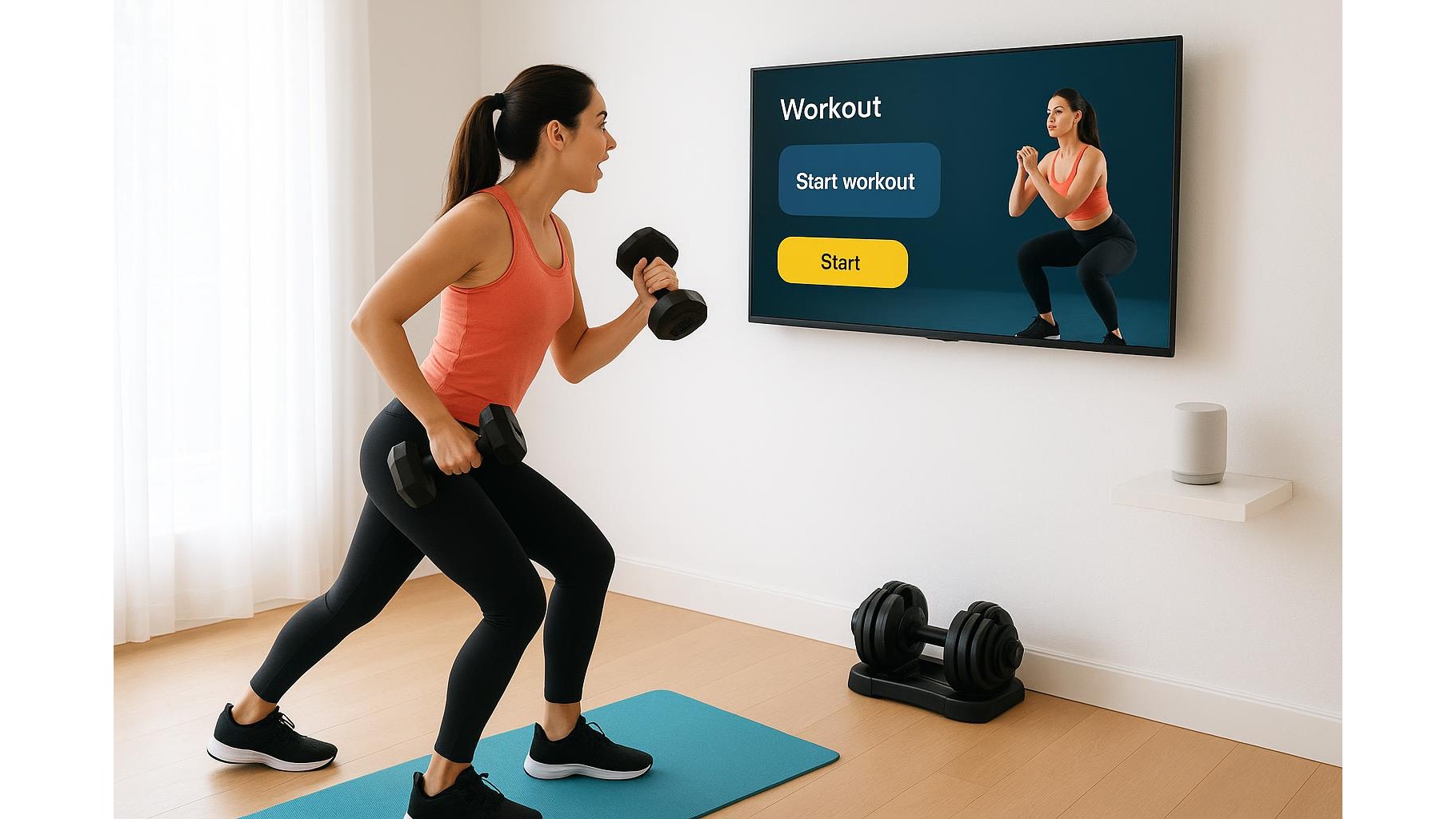
One of the easiest ways to add voice-controlled workouts to your home gym is to use a smart speaker or smart display that supports fitness skills and routines. With a compatible voice assistant, you can launch guided sessions like bodyweight circuits, stretching routines or breathing exercises just by speaking. Smart displays in particular shine because they combine audio coaching with on-screen demos, yet still respond entirely to your voice. You can place the device at eye level near your rack or mat and say things like “start a 20‑minute core workout” or “lower the volume” while you keep moving. For many users this becomes the central control panel of the home gym, replacing manual timers, whiteboards and printed plans.
Gesture-aware apps and cameras for form and navigation
While voice commands are now common, some fitness apps also experiment with gesture control through your phone or TV camera. These apps can read simple arm movements, like raising a hand to advance to the next exercise, or holding a pose to pause the routine. For home strength training and functional workouts, this means you can navigate between instruction screens or adjust rest periods without putting weights down awkwardly to tap a display. In addition, basic computer vision can give you feedback on your posture during squats or lunges, helping you correct your form while the app automatically tracks reps. Although gesture recognition is not perfect yet, it already reduces how often you need to touch the screen and keeps your focus on technique.
Practical tips to set up voice and gesture control
To get the most from hands-free workout apps, think carefully about your room layout. Place your smartphone or TV where the microphone can clearly “hear” you over background music and where the camera, if used, can see your full body. Avoid pointing speakers directly at walls that cause heavy echo, as this can confuse voice recognition. Test your favorite voice commands before a tough session so you know the exact phrases that start, pause or skip exercises. If you use gesture-based apps, ensure the space is well lit and your training area is not too cluttered, which helps the camera detect your movements reliably. Combining these small adjustments creates a smoother, more intuitive home gym workflow where technology supports you instead of interrupting your sets.
Building a future-proof, hands-free home gym routine
As AI coaching, motion tracking and voice interfaces continue to improve, your home gym can evolve into a highly personalised training space that responds naturally to your movements and words. Today’s gesture and voice-controlled workout apps already allow you to run interval sessions, follow video classes and log reps without needing to swipe or tap, making training more continuous and immersive. By integrating these tools into your weekly plan—using voice to start warm-ups, gesture to move between exercise demos and verbal commands to adjust timers—you create a routine that feels closer to working with a live coach. Over time, this hands-free approach can increase adherence, reduce friction and let you stay mentally locked in on what matters most: consistent, high-quality effort in every set.
In summary, hands-free fitness technology transforms the way you interact with your home gym. By relying on voice commands and emerging gesture controls, you minimise distractions, keep your form safer and streamline your training sessions. Whether you are new to home workouts or upgrading an existing setup, exploring these apps and smart devices is a practical step toward a more efficient, engaging and future-ready training environment.