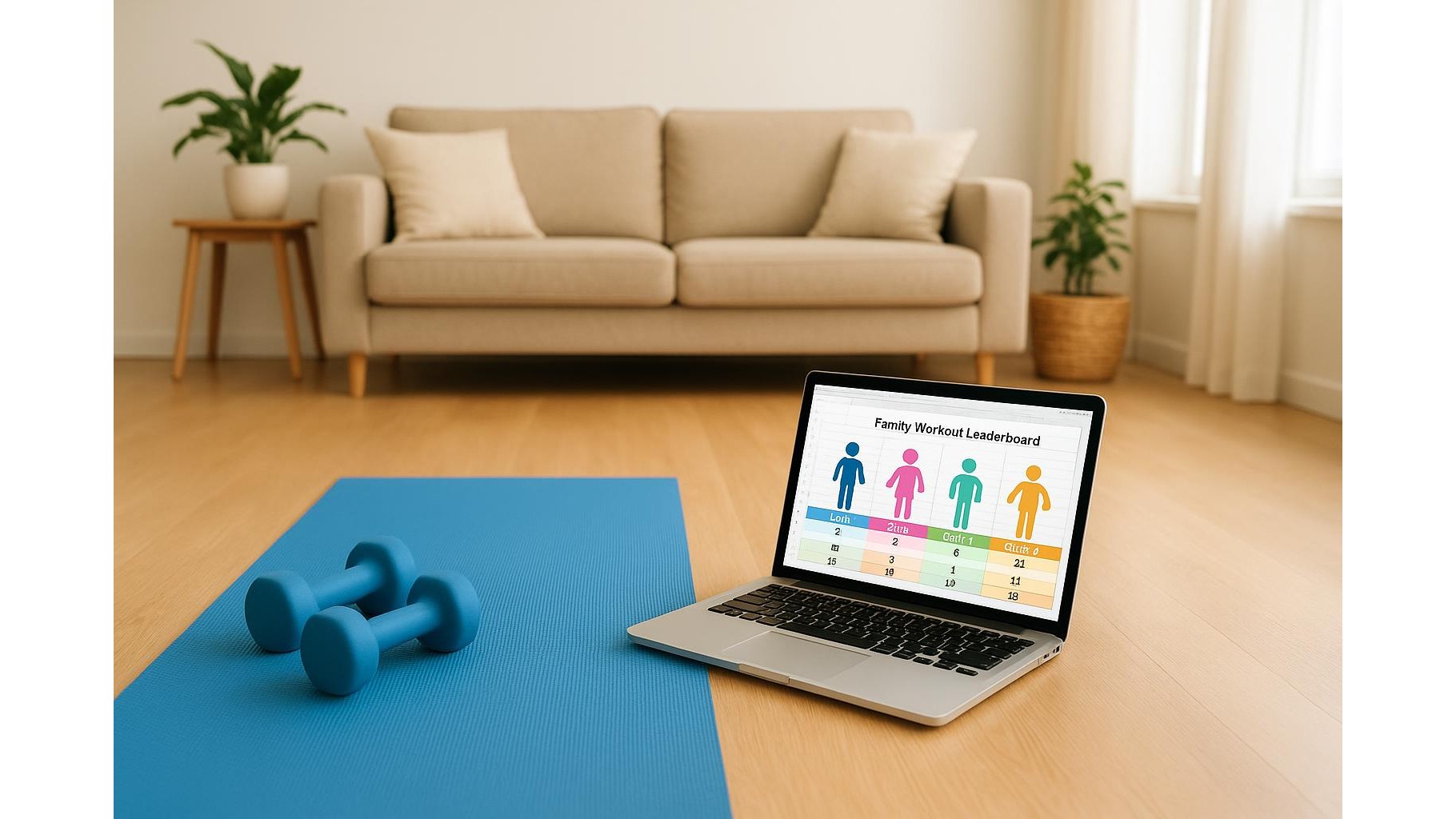
Creating a family workout leaderboard is a simple, low‑cost way to turn everyday exercise into a fun game. With nothing more than a free spreadsheet app such as Google Sheets, LibreOffice Calc or Microsoft Excel Online, you can track steps, strength workouts and cardio time for every family member. The goal is not to create pressure, but to make movement visible, celebrate consistency and help kids and adults stay active together in your home gym or living room.
Choose your free spreadsheet tool and set up the file
Start by picking a free spreadsheet tool that everyone in the family can access. Google Sheets works well because it’s easy to share on phones, tablets and laptops, but Excel Online or LibreOffice are also solid options. Create a new file called something like “Family Workout Leaderboard”. In the first sheet, make a simple table with columns for Name, Week, Steps, Strength Sessions and Cardio Minutes. Freeze the header row so it stays visible as you scroll. If your family already uses fitness trackers or phone apps for steps, you can copy the daily or weekly totals into this sheet. Keep formatting simple at first: bold headers, clear fonts and one row per person per week.
Create separate tabs for steps, strength and cardio
To keep the data organised and easy to read, add three more tabs: one for Steps, one for Strength and one for Cardio. On the Steps tab, create columns for Date, Name and Total Steps. On the Strength tab, track Date, Name, Workout Type (e.g. bodyweight circuit, dumbbells, resistance bands) and a simple Session Score from 1 to 5 based on effort. On the Cardio tab, log Minutes of activity such as cycling, skipping rope, brisk walking or indoor rowing. Use basic formulas like =SUM() to calculate total weekly steps or minutes for each person, and reference those totals in your main leaderboard tab. This structure lets different types of exercise count towards the same friendly competition.
Add simple charts and conditional formatting for motivation
Visual rewards often motivate more than raw numbers. In your spreadsheet app, insert a simple column chart or bar chart that compares weekly totals between family members. For example, chart total steps per person for the current week or total cardio minutes per month. Use conditional formatting rules to highlight consistency: turn cells green when someone hits a weekly target such as 50,000 steps or three strength sessions. You can also highlight the top score in each column with a bold colour while keeping everyone’s scores visible. Avoid over‑complicated dashboards; one or two clear charts are enough to keep the leaderboard fun and easy to understand for kids and adults.
Protect privacy and keep competition friendly
To prevent the leaderboard from becoming stressful, set some family rules around how you use it. Focus on personal improvement rather than shaming the person with the lowest numbers. For younger children, consider using nicknames instead of full names in the shared file, or tracking only stars and badges instead of precise step counts. Most spreadsheet tools offer options like sheet protection or restricted sharing, so parents can control who can edit formulas and charts. You might make one tab just for adults with more detailed stats (such as heart‑rate zones or specific weight loads) and a simpler, playful tab for kids with points for active play, dancing or short home workouts. The aim is to encourage movement, not to create anxiety.
Keep it fun with goals, rewards and simple routines
To keep your family leaderboard from fading away after a week, build in short‑term goals and small rewards. Examples include choosing a family movie, a special healthy dessert or control of the music playlist in the home gym for the week’s top scorer. Rotate weekly challenges such as “most steps on stairs”, “most strength sessions over 10 minutes” or “most cardio minutes before 9pm”. Make updates part of a routine: for instance, everyone adds their numbers to the spreadsheet after dinner or on Sunday evenings. As consistency grows, you can gently raise targets or add new columns, such as Active Days per Week. Over time, this simple, free spreadsheet system can become a cornerstone habit that keeps your whole household healthier and more active together.
In summary, a simple family workout leaderboard built with free spreadsheet tools is an easy, flexible way to track movement for all ages. By separating steps, strength and cardio into clear tabs, adding a couple of motivating charts, respecting privacy between adults and kids, and centering fun over perfection, you turn numbers into encouragement rather than pressure. Whether your home gym is a fully equipped room or just a yoga mat in the living room, this approach helps every family member see their progress and stay engaged with exercise over the long term.