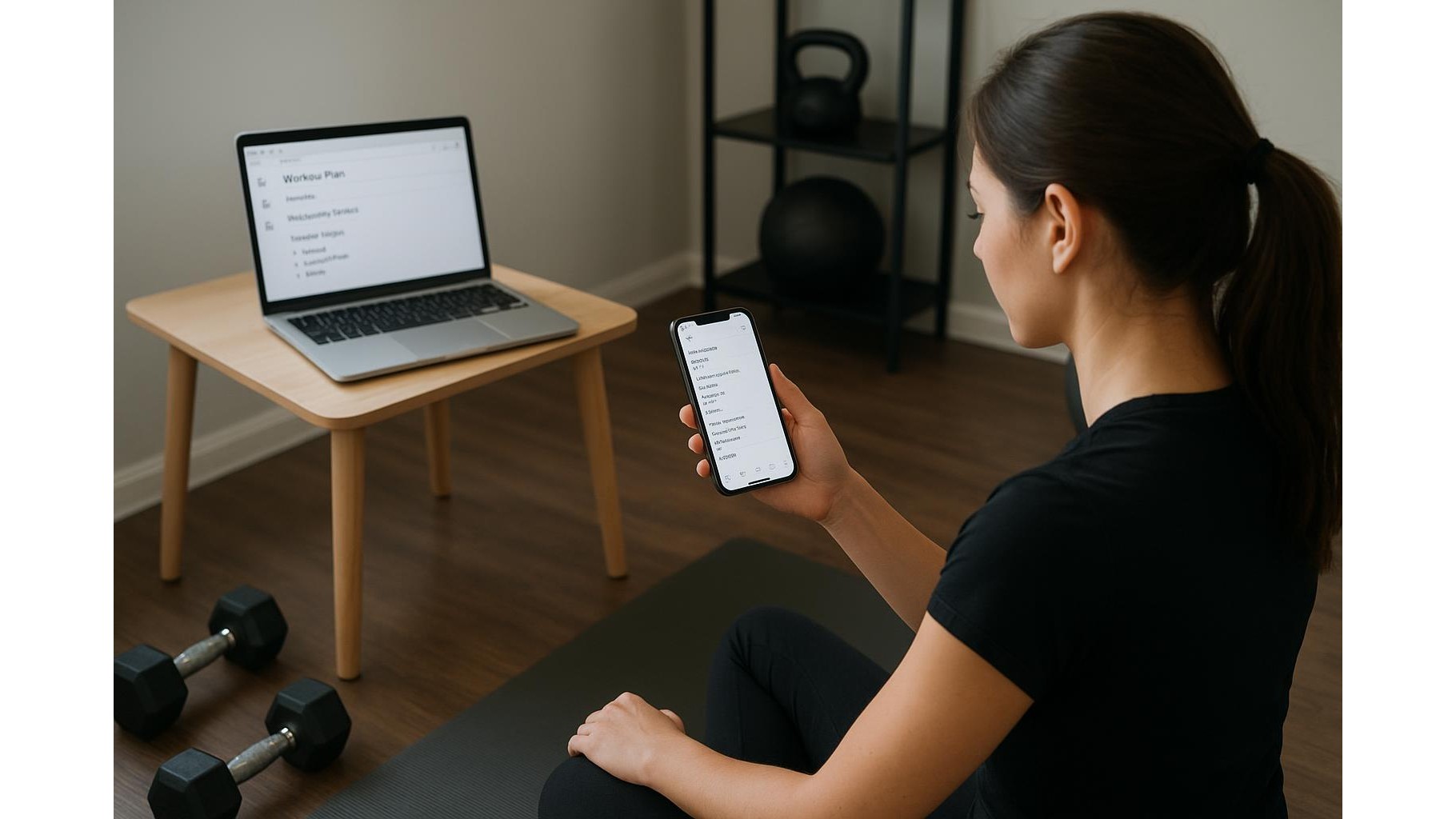
Tracking sets, reps and workout notes across phone, tablet and laptop can get messy fast. Most fitness apps are bloated, paid, or don’t sync well between devices. A surprisingly powerful alternative is a single, pinned email draft that follows you everywhere you log in. No new apps, no learning curve: just your usual inbox turned into a minimal training log you can update in seconds from any home device.
Why an email draft beats most tracking apps
An email draft works on almost every device you own: your smartphone during a workout, your laptop when planning the week, your tablet on the sofa. Because it lives in your regular inbox, it automatically syncs via the cloud, so your latest home workout notes are always available. There are no subscriptions, no complex analytics screens to tap through, and no risk of losing data when an app shuts down. You also keep full control of the format: you can log strength training, HIIT, mobility sessions or simple step counts in the exact style that makes sense to you, without being forced into someone else’s template.
Setting up your universal email workout log
To start, open your usual mail service (Gmail, Outlook, etc.) and create a new email. In the subject line, type something easy to search like “Home Workout Log – Master Draft”. Leave the recipient field empty, and write a simple, repeatable structure in the body, for example: date on one line, then your exercises, sets and reps underneath. Pin or star this draft so it always sits at the top of your drafts folder. From now on, never send this email—just keep editing the same draft. Because every edit auto-saves, you can put your phone down between sets, change device mid-session or pick up where you left off after work without worrying about pressing save.
Designing a clean format for sets, reps and notes
The power of a draft log is in its simplicity. Use clear headings for each workout: for example, type the date in bold like 2026-09-26 – Upper Body. Underneath, list your main movements:
- Push-ups: 4 x 12
- Bodyweight squats: 3 x 20
- Plank: 3 x 30s
Add short notes such as “felt heavy”, “add a set next week”, or “switch to single-leg variation soon”. Keep everything text-only so it stays fast and responsive even on older phones. If you want a quick overview of progress, add a one-line weekly summary at the end of each week like “Week total: 3 strength sessions, 1 mobility, 1 conditioning” so patterns jump out when you scroll back.
Using the draft across phone, tablet and laptop
Before your session, open the pinned draft on the device you’ll keep near your home gym setup. Most email apps let you resume editing the same draft with one tap. During rest periods, quickly type your completed sets and reps or adjust the plan for the day. When you move to another device—say from phone to laptop—the updated draft will already be there thanks to automatic sync. This works whether you train in the living room, garage or a small home office corner, and it’s especially useful if you share devices with family: your data lives in your account, not on a specific piece of hardware.
Staying consistent and backing up your training history
Consistency matters more than design. Make it a rule: if you train, you update the draft. To protect your history, every few weeks you can duplicate the draft or copy its contents into a new email and send it to yourself with a subject like “Workout Archive – Jan 2027”. That way you build a chronological archive without cluttering your main draft. If the master draft ever feels too long, trim old sections you’ve already backed up. Over time, you’ll have months or years of home workout data searchable by exercise name, date or keyword, all without needing spreadsheets or specialist apps.
Using a single pinned email draft as a universal workout log gives you exactly what you need and nothing you don’t: fast access on every device, total control over format, and easy long-term backup. By keeping the structure simple and committing to logging every session, you turn your everyday inbox into a quiet but powerful ally for staying consistent with your home gym training, tracking progress and making smarter adjustments over time.