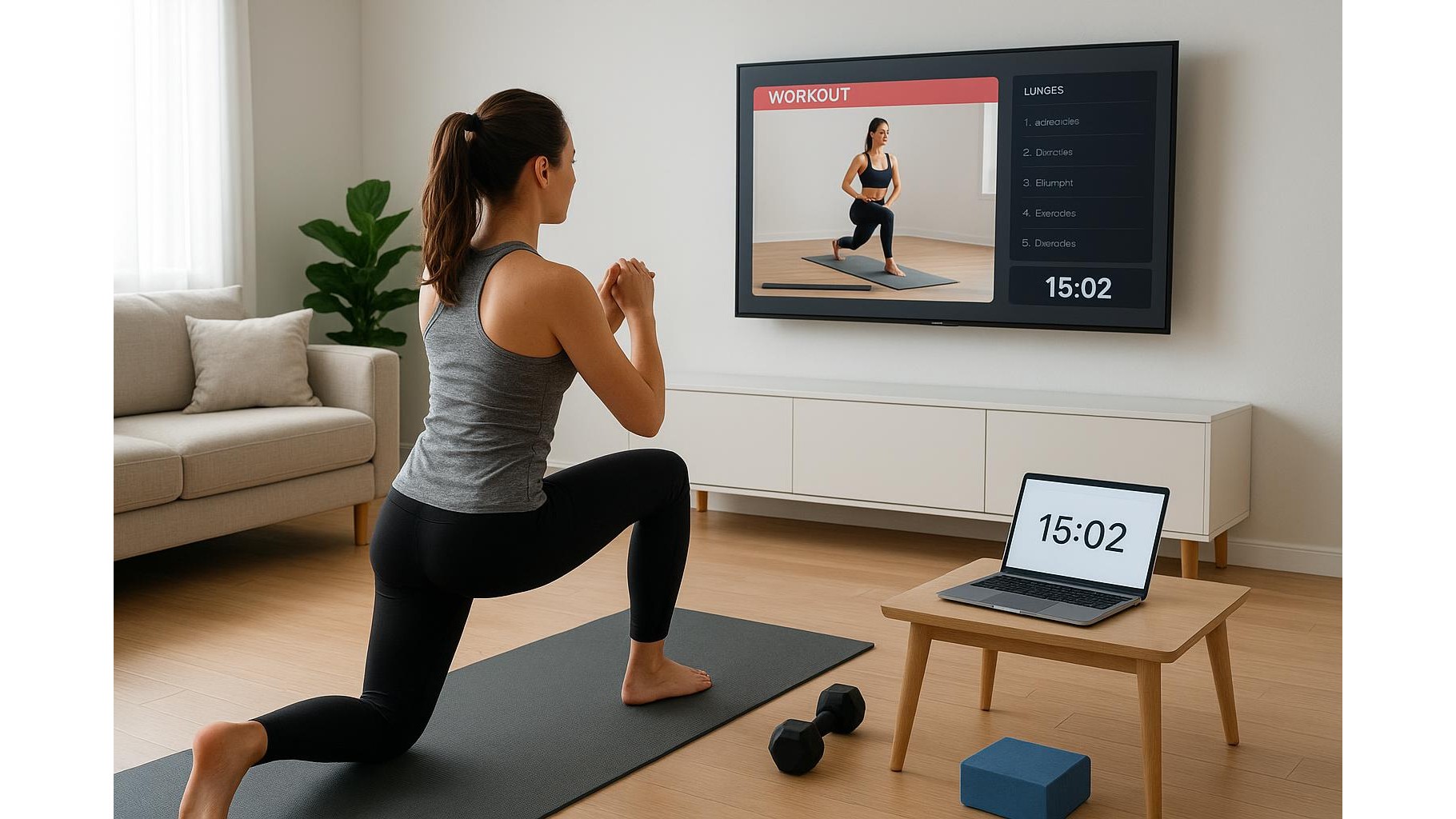
Building a consistent home workout habit does not have to mean paying for subscriptions. With a smart TV, laptop or tablet, you can create a structured, distraction-free routine using only free YouTube workouts and simple browser-based fitness tools. The key is turning random videos into a reliable training playlist that feels like a real programme, not just a one-off session. Here is how to design a no-subscription workout library that keeps you motivated week after week.
Table of contents
Set your training goals and screen setup
Before you start saving links, define what you want from your home workouts: strength, fat loss, mobility, or general fitness. This will determine the type of free online workouts you prioritise. Make sure your viewing setup is comfortable and safe: position your smart TV, laptop or tablet at eye level when you stand, so you are not constantly bending your neck. Test the volume so you can hear instructions over your breathing without disturbing neighbours. Clear at least a mat-sized area around the screen and move any coffee tables or cables that might trip you up. This basic setup instantly makes your living room feel like a mini studio.
Curate reliable YouTube channels and playlists
Not all free YouTube fitness channels are equal. Look for creators who offer clear cues, safe progressions and workout series organised into playlists, not just random uploads. Prioritise channels that label videos by level (beginner, intermediate, advanced), duration and equipment used. Start by saving 2–3 go-to channels for your main goal, for example one for bodyweight strength, one for HIIT cardio and one for mobility or yoga. On your YouTube account, create custom playlists such as “Monday – Full Body”, “Wednesday – Cardio” and “Friday – Core & Mobility”. Add 2–3 videos to each so you can mix and match depending on your energy level without wasting time searching.
Use your browser as a training dashboard
Your browser can be more than a video player; it can act as your home training hub. Create a dedicated folder in your bookmarks bar called “Workouts”. Inside, add subfolders for Strength, Cardio, Mobility, Warm-Ups and Cool-Downs. Save your favourite free workout videos, timer websites and online workout generators into these folders. Keep a tab permanently pinned for a simple online interval timer so you can run EMOM or Tabata-style sessions even when a video does not include a countdown. This structure means that, when it is time to train, you simply open your browser, click into the right folder and start, instead of scrolling endlessly through recommendations.
Build balanced weekly templates, not random sessions
To turn scattered TV workouts into results, you need a weekly template. Decide how many days you will realistically train—three, four or five—and assign each day a focus: for example, Day 1 Full-Body Strength, Day 2 Low-Impact Cardio, Day 3 Core & Mobility, Day 4 Power & HIIT. For each day, pre-select one main workout video (20–30 minutes) plus an optional finisher (5–10 minutes) and a short cool-down. Add these in order to a single playlist or to a bookmarked sequence of links. Repeat the same structure for 4–6 weeks, gradually choosing slightly longer or more advanced sessions from the same channels. This simple progression keeps your no-subscription training plan challenging and intentional, instead of random and frustrating.
Minimise distractions and keep yourself accountable
Free content on a browser or smart TV comes with one big problem: distractions. Before each workout, close unrelated tabs, mute social notifications and, if you are using a laptop or tablet, switch to “Do Not Disturb” mode. Treat your scheduled workout like an appointment: add it to your digital calendar and set reminders. Keep a simple training log in a browser-based note app, writing down the video titles, duration and how you felt after each session. Over time, this log becomes a personalised library of “great” sessions you can revisit whenever motivation dips, and it proves that free, structured online workouts genuinely move you forward.
A no-subscription home fitness setup is not about having the fanciest apps; it is about using free TV and browser workouts intentionally. By clarifying your goals, curating quality channels, organising your browser as a workout dashboard, following a weekly template and protecting your focus, you can turn any smart TV, laptop or tablet into a powerful training partner. Start small, with a few trusted videos and a clear plan, and your free playlist will quickly feel as effective and professional as a paid programme.