
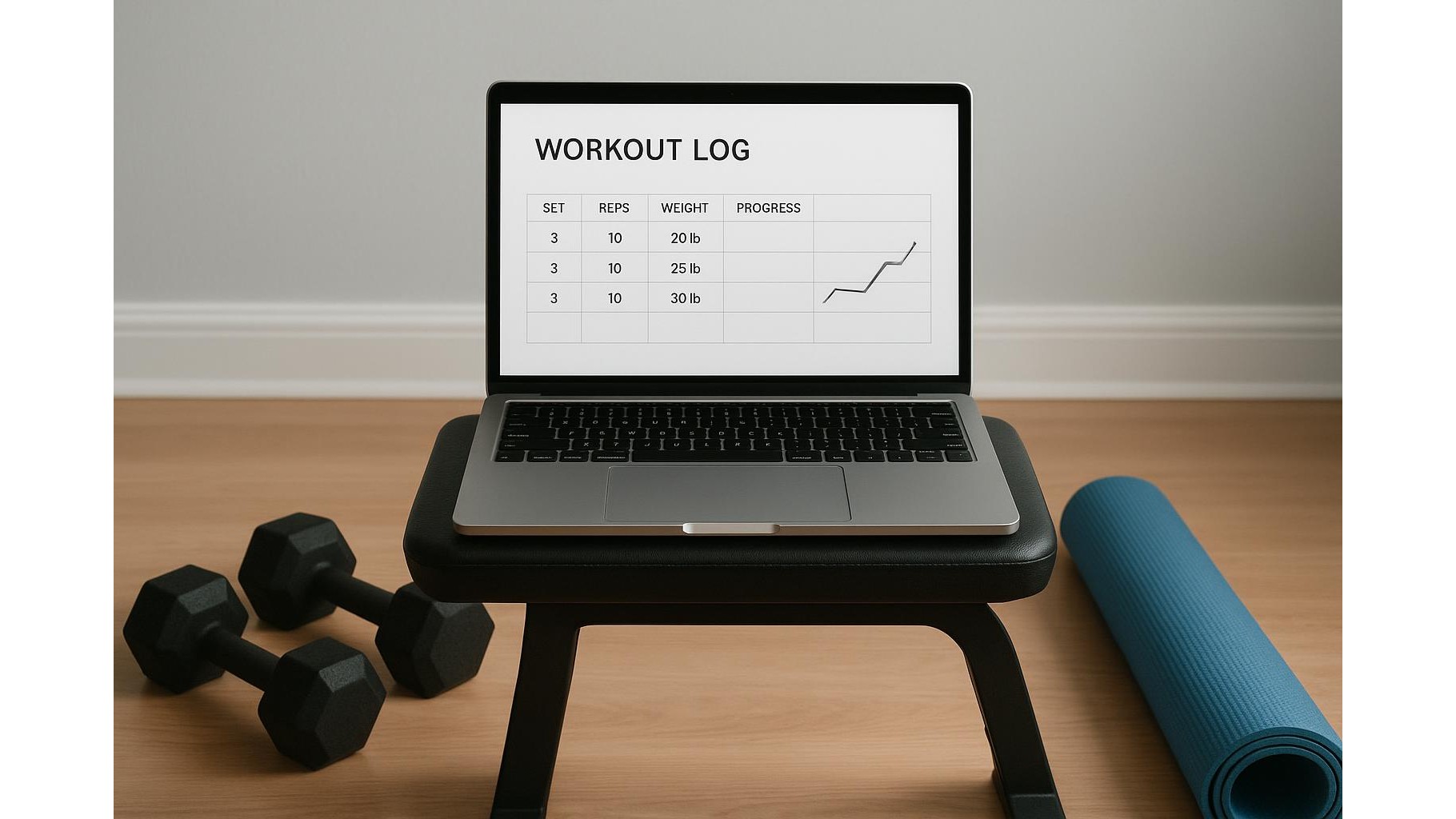
Keeping track of your home workouts does not have to mean buying apps or complex software. A simple spreadsheet training log can capture every set, rep and cardio session, show your progress in clear charts, and stay perfectly in sync across devices. With a bit of upfront structure, your spreadsheet becomes a powerful yet minimal-tech home gym progress tracker.
Why a spreadsheet is perfect for home workout tracking
A spreadsheet is ideal for logging sets, reps and loads because it is flexible, free and runs on almost any device. Whether you prefer Google Sheets, Excel or LibreOffice, you can create a single file that works on laptop, tablet and phone. Unlike many fitness apps, you fully control columns, formulas and layout. You can start with a very simple table and gradually add features like automatic totals, volume calculations and progress graphs without needing coding skills.
Designing your basic workout log layout
Begin with one main sheet called something like Training Log. Create columns for Date, Exercise, Set, Reps, Weight (or band colour / difficulty), RPE or effort, and Notes. Each row represents a single set. For bodyweight exercises, you can leave the weight column blank or enter 0. Use data validation or drop-down lists for the exercise names to keep them consistent. Over time, this simple table becomes a searchable history of your home strength training, making it easy to see exactly when you added load or increased volume.
Adding cardio and conditioning to your sheet
To track cardio sessions, you can either add extra columns to the same log or create a second sheet named Cardio. Typical columns include Date, Type (bike, run, rower, skipping), Duration, Distance, Average heart rate and Intensity. If you use a basic heart rate monitor, simply copy the average or max value into the sheet. For interval sessions, use one row per session with a short description in the notes field, or one row per interval if you want more detail. This gives you a complete picture of both strength and conditioning progress in your home gym.
Simple formulas to track volume and progress
Once the basic layout is in place, start using very simple formulas. Add a column for Volume where each row calculates Reps × Weight. You can then build a summary sheet that pulls data using functions like SUMIF or FILTER to show total weekly volume per exercise. For example, you can see how your total squat volume has changed over the last six weeks. Use conditional formatting to highlight personal bests such as heaviest load or most reps. None of this requires advanced knowledge: just a few copied formulas and your spreadsheet becomes a powerful progress tracking tool.
Creating automatic charts for motivation
To visualise your improvements, create a new sheet called Charts. Insert simple line charts that use data from your summary tables: total weekly volume, best 5-rep weight for key lifts, or total minutes of cardio. As you keep logging, these charts update automatically, offering a clear view of long-term progress and helping you adjust your home workout programming. Seeing a line rise over months is highly motivating and far more informative than relying on memory or occasional photos.
In summary, a basic training spreadsheet can function as a complete home workout log, covering strength, cardio and conditioning without any complex technology. By structuring your sheets clearly, using a handful of simple formulas and adding automatic charts, you create a personalised system that grows with your fitness journey. Consistent logging turns everyday sets and reps into valuable data that keeps your home gym training focused, progressive and rewarding.









