
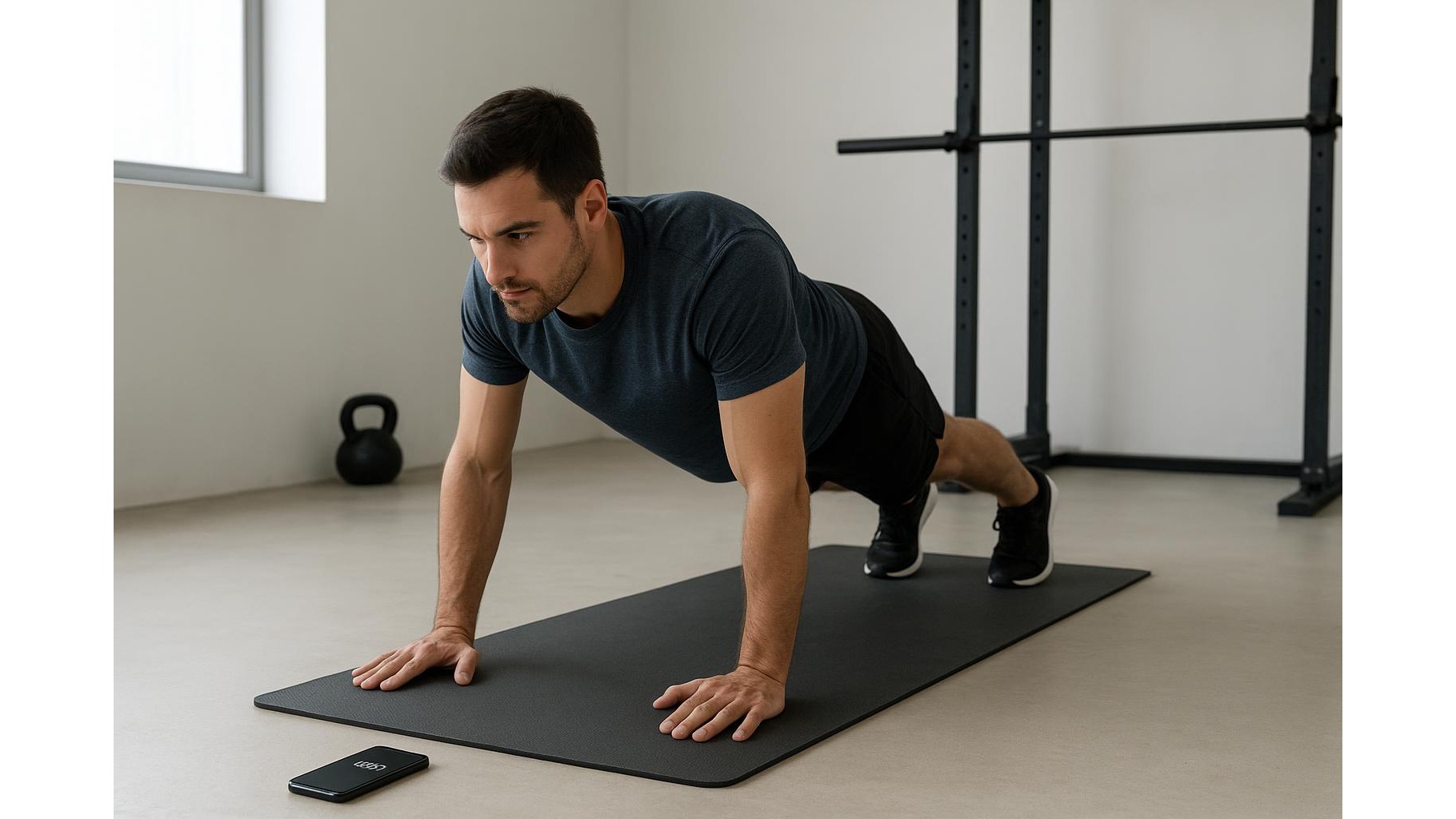
Structured home workouts often seem to require fancy interval apps and dedicated gym timers. In reality, your phone’s built‑in clock app is enough to run effective EMOM, interval and circuit sessions. By combining the basic alarm, timer and stopwatch functions in a smart way, you can build a reliable, distraction‑free timing system that works in any home gym and with any training style.
Why your phone’s clock is a powerful workout tool
The standard clock app on your smartphone already contains everything you need to structure serious home workouts. The timer gives you precise control over work and rest blocks, the alarm can mark key transitions within longer sessions, and the stopwatch lets you track total duration and log performance. Unlike dedicated fitness apps, these features are universal, simple and free, which means less tapping and more training. Using only the clock app also reduces the temptation to check social media between sets, helping you stay focused. Once you set up a few reusable templates, you can quickly switch between strength, conditioning and mobility sessions without downloading anything new.
Using the timer as an EMOM and interval engine
To run an EMOM (Every Minute On the Minute) with just your clock, start with a countdown timer set to the total workout duration (for example 20 minutes). Next, enable the hourly chime or, if your phone does not have one, set a repeating series of short alarms at 1‑minute intervals before you start. On each beep, you perform the prescribed reps, then rest for the remainder of the minute. For classic interval training like 30 seconds on / 30 seconds off, use the timer in “repeat” mode if available: set 30 seconds, start it, and it will loop automatically. If there is no auto‑repeat, manually restart the timer at the end of each work interval, and count your rests using the stopwatch so you maintain consistency.
Building simple circuits with alarms and labels
For circuit training, alarms become your best friend. Decide how long you want each station to last, for example 45 seconds of work with 15 seconds to move. Then create a sequence of alarms spaced one minute apart, each labelled with the next exercise, such as “Push‑ups,” “Squats,” or “Plank.” When an alarm sounds, you instantly know it is time to switch movements. For longer blocks, like three rounds of a five‑exercise circuit, you can add a distinct alarm tone at the start and end of each round. This structure helps you stay on track without staring at the screen, and the labels act like a built‑in workout card, keeping the flow smooth even if you lose count mid‑session.
Stopwatch tricks for pacing, testing and logging
The stopwatch function shines for pacing and performance tracking. For steady‑state conditioning, simply start the stopwatch and aim to complete a certain distance or rep target before a chosen time. For strength or calisthenics, use lap features (if available) to mark the time of each set; over weeks, you can see whether you are completing the same volume faster, or squeezing more quality work into the same time. The stopwatch is also ideal for AMRAP (As Many Rounds As Possible) sessions: set a separate countdown timer for the total duration, start the stopwatch at the same time, and record how many rounds you achieve before time expires. This gives you an objective performance snapshot without complex tracking apps.
Practical setup tips for a distraction‑free home gym
To make this no‑frills timing system work smoothly, take a minute to prepare your environment. Put your phone on Do Not Disturb with alarms and timers allowed, so notifications cannot hijack your focus. Place the device somewhere visible but not easily reachable, to cut down on unnecessary screen time. Before you start, pre‑configure your timers and alarms for the entire session, then save those patterns as named presets where possible, such as “20‑min EMOM” or “Strength Circuits.” Over time, you will build a small library of reliable setups you can launch in seconds, keeping your home workouts structured, efficient and free from app overload.
Using only your phone’s basic clock app, you can create surprisingly sophisticated EMOM, interval and circuit structures that rival dedicated fitness timers. By combining timers, alarms and the stopwatch—and by standardising a few simple templates—you remove friction from your training routine and stay focused on what matters: consistent, progressive home workouts that fit your life, without extra downloads or digital clutter.









