
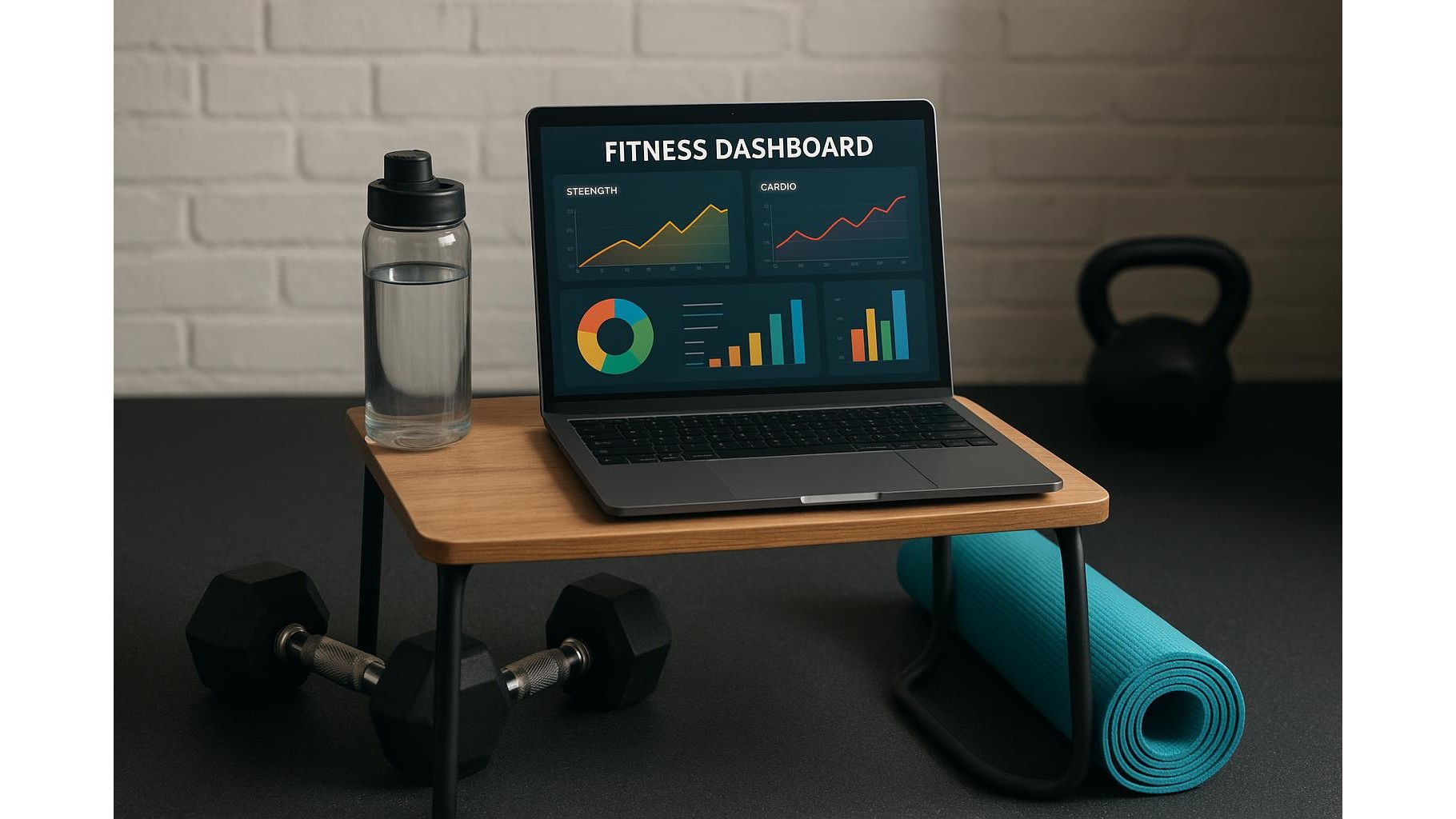
Building a powerful training log for your home gym does not require expensive apps or complicated software. With a simple spreadsheet dashboard, you can track strength, cardio and recovery in one place, visualise progress with automatic graphs and keep everything synced across laptop, phone and tablet. This guide walks you step by step through setting up a practical, minimalist system that you can start using today.
Designing your basic training dashboard structure
Start by creating one main training log sheet in Excel, Google Sheets or another free spreadsheet app. Use columns for Date, Exercise, Set, Reps, Weight, RPE (Rate of Perceived Effort) and Notes. For cardio, add columns for Duration, Distance and Average heart rate if you track it. Keep each row as one “set” or “cardio block” so you can filter and sort later. A second sheet can summarise key metrics per week: total sets per muscle group, total volume (sets × reps × weight), total cardio minutes and average RPE. This simple structure becomes the backbone of your home gym dashboard.
Logging sets, reps and cardio efficiently
To make your strength training log fast to use, rely on data validation and simple formulas. Create drop-down lists for common exercises (squats, presses, rows, deadlifts), and use formulas to auto-calculate tonnage (reps × weight) per set. For cardio sessions, use one row per workout with presets like “steady-state bike” or “interval run” and let the spreadsheet calculate pace or speed. You can also colour-code intensity using conditional formatting: for example, RPE 8–9 cells in orange, lighter sessions in green. This makes your dashboard readable at a glance and encourages consistent data entry after every home workout.
Adding automatic graphs for strength and cardio progress
Once you have a couple of weeks of data, turn your log into a visual progress tracker. Create charts that show estimated 1RM over time for key lifts (squat, bench, deadlift, overhead press) using standard formulas or built-in templates. Plot weekly volume per body part to make sure your programming is balanced and gradually increasing. For cardio, build line graphs for total weekly minutes, distance or average pace. Use filters or slicers (in Excel/Sheets) so you can select an individual exercise and instantly see how its performance has evolved. With these graphs, your spreadsheet becomes a true home gym analytics dashboard instead of a simple logbook.
Tracking recovery, sleep and readiness to train
A complete dashboard also needs recovery tracking. Add a dedicated sheet with daily entries for Sleep hours, Sleep quality, Resting heart rate, Stress level and Muscle soreness (for example, 1–5 scale). Use icons or simple colour scales to mark days where recovery is poor. Then, link this data back to your training log by calculating a readiness score or simply comparing hard sessions with the previous night’s sleep and stress. Over time, you will see patterns: maybe your heavy leg sessions work better after eight hours of sleep, or high stress days predict lower performance. This helps you adjust your home workout plan proactively.
Syncing your spreadsheet across devices for home workouts
To keep your training dashboard accessible during home workouts, store it in the cloud using services like Google Drive, OneDrive or iCloud. That way, you can edit it from your laptop, phone or tablet without using any paid fitness app. On your phone, create a shortcut to open the sheet directly before training and use a simple input layout with larger fonts so it is easy to type between sets. At the end of the week, review your graphs and recovery trends on a larger screen. This workflow makes your home gym tracking lightweight, always available and completely under your control.
Keeping your system simple and sustainable
The most effective home gym dashboard is the one you actually use. Resist the temptation to add too many metrics or complicated formulas at the beginning. Start with basic sets, reps, weight, cardio time and a few recovery markers. Once the habit is solid, you can layer in more detail such as exercise variants, heart rate data or weekly training blocks. Review and clean your data once a month, adjust your charts to highlight what matters most for your goals and keep the layout minimal. With a simple, consistent spreadsheet system, you can track strength, cardio and recovery effectively and guide your home training with clear, visual feedback.
In summary, turning a basic spreadsheet into a training dashboard gives you precise control over your home gym progress without subscriptions or complex apps. By structuring your log clearly, automating key calculations, visualising trends and including recovery data, you build a tool that grows with your experience. Keep it simple, update it regularly and let the numbers guide smarter workouts, better recovery and steady performance gains.









