Building a home gym is exciting, but it is easy to overestimate how often you actually use your cardio machines, racks and accessories. One of the simplest ways to get brutally honest insight is to connect key pieces of equipment to smart plugs with energy monitoring. These plugs track when a device is drawing power and how much it consumes, turning your workouts into clear data. In this guide, we will see how to plug in your machines, read the stats and use them to improve consistency, spot underused gear and fine-tune your weekly training plan.
Table of contents
Why smart plug energy data is perfect for home gyms
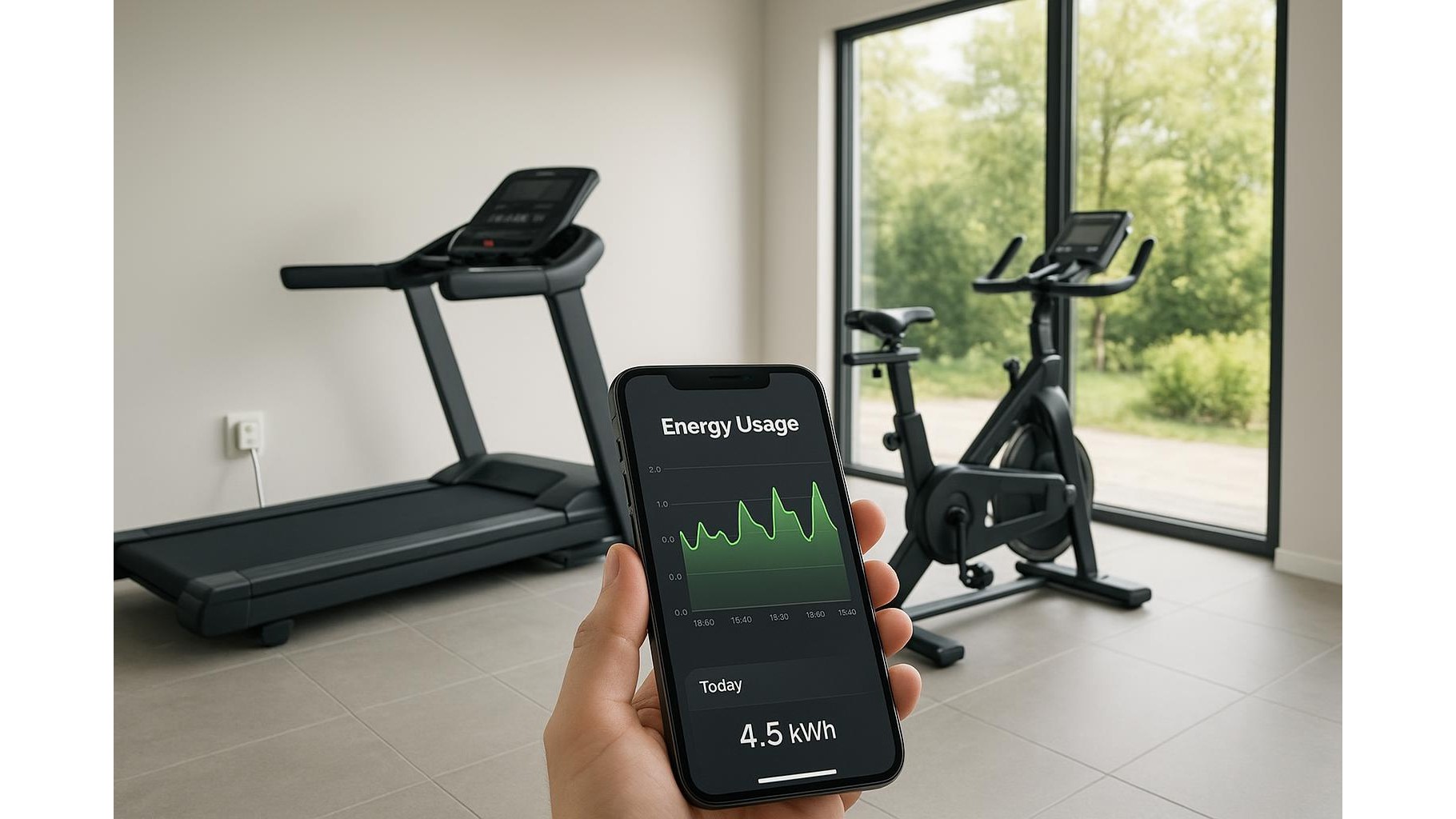
Most people rely on memory or tracking apps to judge how often they train, but those methods are easy to forget or fudge. A Wi‑Fi smart plug with power monitoring automatically logs every session where your treadmill, bike or cable machine is powered on. Because it measures energy usage, the data reflects not only that a session happened, but usually how long it lasted and how intense it was compared with other days. Over a few weeks, you get an objective picture of your home workout habits: which days you move, how often you skip, and which machines never leave standby. This makes it much easier to adjust your routine than relying on vague impressions like “I train most days”.
Choosing the right smart plugs for cardio machines and racks
For gym gear you want smart plugs that support energy monitoring, have a suitable maximum load, and work with your preferred app or voice assistant. Look for models that can safely handle the wattage of a treadmill or rowing machine, and check that they provide detailed kWh and usage-time reports in their companion app. Ideally, choose plugs that let you export or at least view daily and weekly graphs, so you can see at a glance how your training pattern evolves. Even a basic, budget-friendly smart plug can be enough for lighter gear like adjustable benches with powered features, fans or lighting, while heavier-duty plugs are recommended for high-draw machines like motors and big consoles.
Connecting treadmills, bikes and racks safely
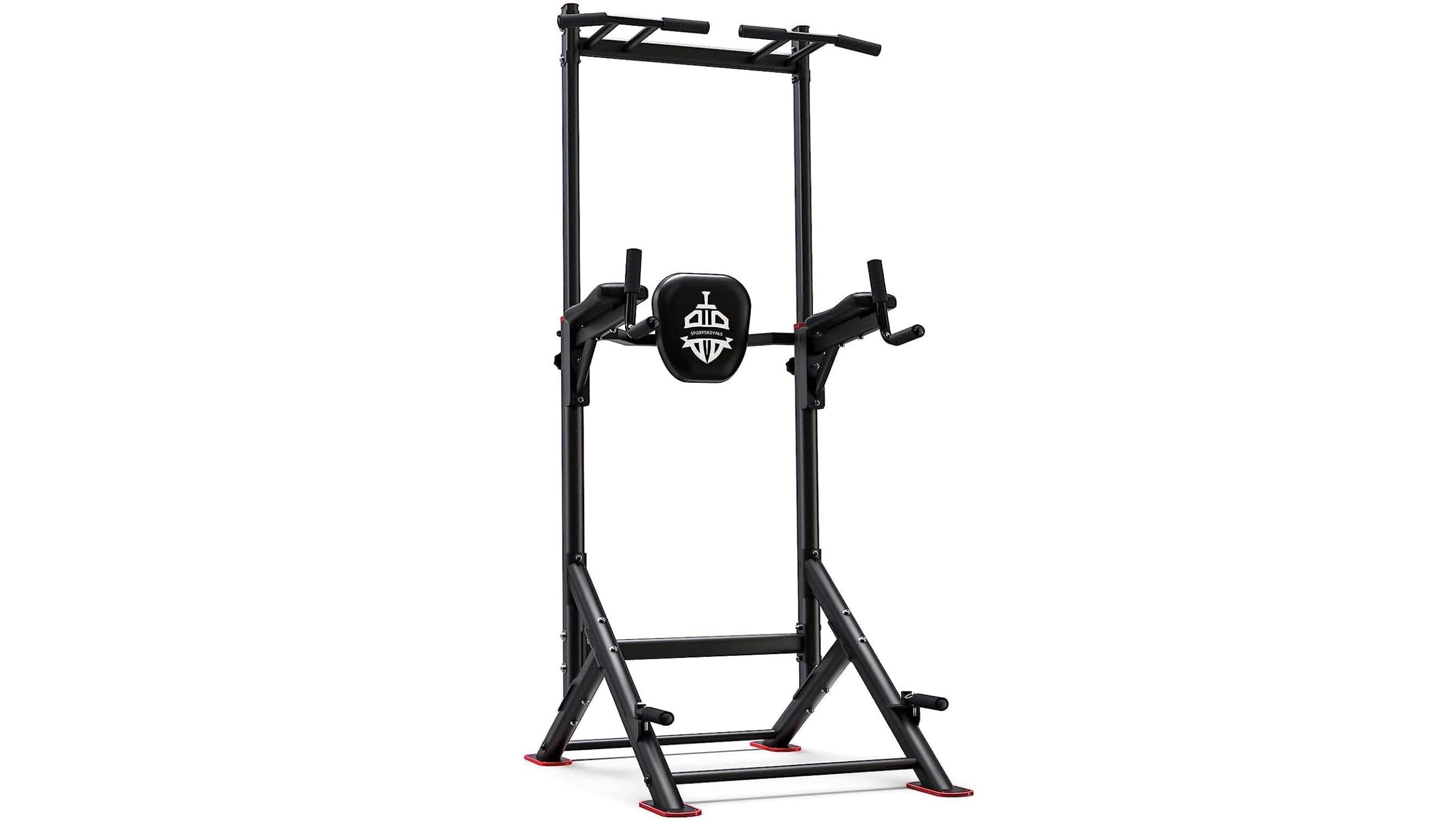
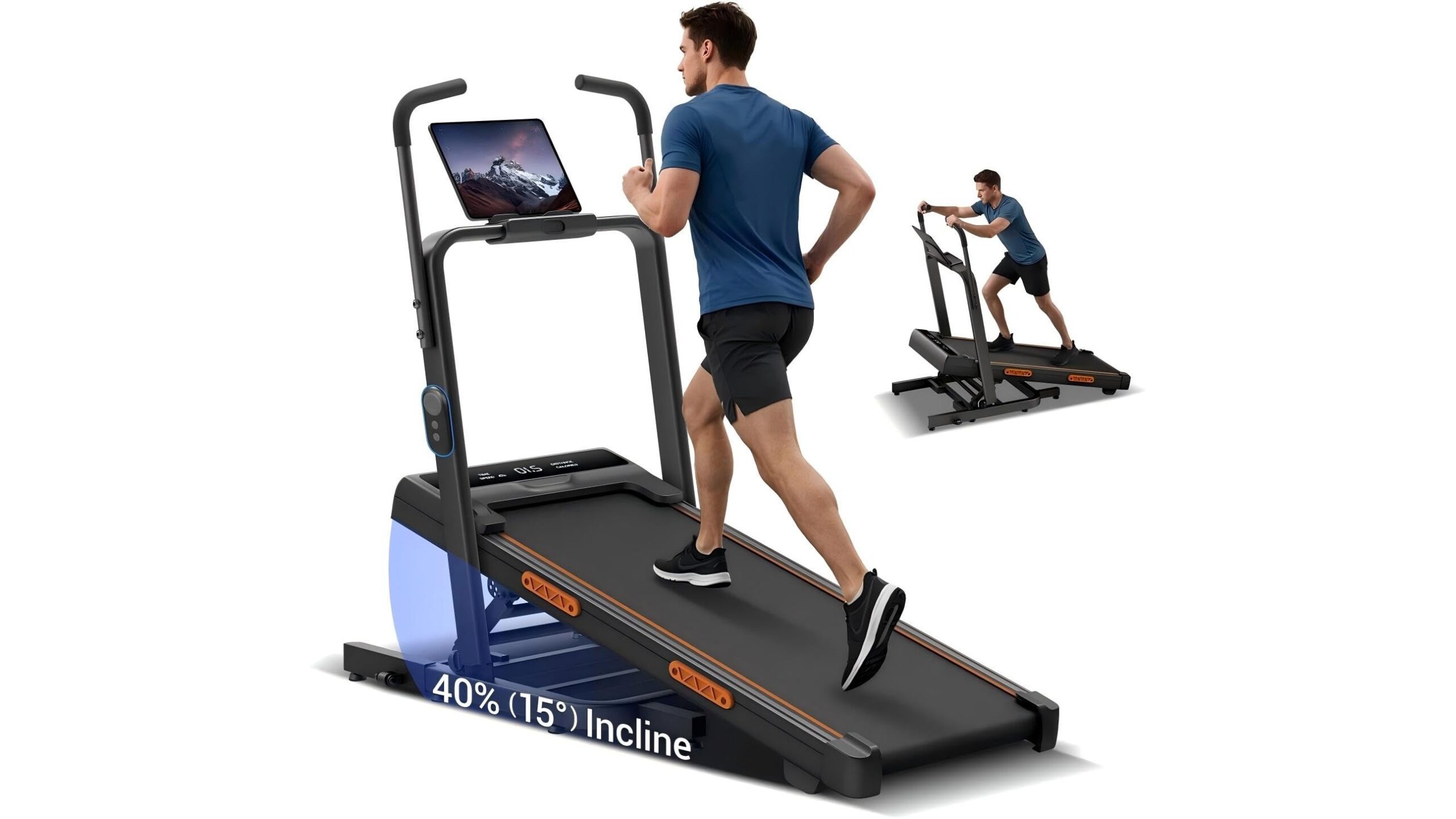
Before you plug anything in, check the power rating on your home gym equipment and on the smart plug. Your smart plug’s maximum load must exceed the machine’s wattage, otherwise you risk tripping the plug or damaging it. For a typical treadmill, connect the plug to the wall, then the treadmill to the plug, and complete the setup in the app so it recognises the device. For exercise bikes or ellipticals with moderate power draw, the process is similar. Avoid daisy-chaining multiple high-draw machines on one plug or multi-socket. Non-powered equipment like squat racks obviously cannot be monitored directly, but you can plug in associated gear such as the rack lighting or a timer you only use when lifting, giving you an indirect measure of barbell sessions.
Using energy stats to track consistency and spot underused gear
Once your smart plugs are installed, start training as normal and let the energy stats accumulate for at least two weeks. In the app, review each device’s daily runtime and kWh usage. A treadmill that draws power four mornings a week for 35–40 minutes shows strong consistency; a rowing machine that only lights up once every two weeks is clearly underused. Highlight patterns: do you always skip midweek? Is the bike only used on rainy days? You can then decide whether to reprogram your schedule, move a neglected machine into a more visible spot, or even sell equipment you never use. The data also helps you check if “quick sessions” are actually just 10‑minute warm-ups instead of the 30‑minute cardio you planned.
Turning power data into a smarter weekly training plan
With a month of usage data, you can design a home gym schedule that matches reality instead of wishful thinking. Use your smart plug graphs to assign specific days to each machine so the curves in the app reflect a balanced routine: for example, treadmill on Monday and Thursday, bike on Tuesday, rowing machine on Saturday. Set automation and reminders through the smart plug app or your smart home system: if the treadmill plug has not turned on by 7 pm on a planned training day, trigger a notification or switch on bright rack lighting as a visual cue. Over time, the goal is to see fewer blank days and a more even distribution of usage across all your main pieces of home gym equipment, reducing wasted purchases and improving adherence.
By pairing your home gym with smart plugs that track energy use, you transform each workout into measurable data. This objective record reveals how often you actually use your treadmill, bike and other machines, which gear is gathering dust, and when you are most likely to skip. With just a few safe connections and some time spent reading the stats, you can build a more realistic, sustainable training routine, make better use of your equipment investment and keep your fitness progress on track.