Building a consistent home workout routine does not require expensive subscriptions or complex apps. A basic spreadsheet workout tracker in Excel, Google Sheets or Numbers can log your sessions, track strength and cardio progress, and even reinforce healthy habits. With a few simple columns and formulas, you can create a personalised system that is flexible, transparent and fully under your control.
Why a spreadsheet beats many paid fitness apps
Most fitness tracking apps lock your data into their ecosystem, limit customisation and often hide useful features behind paywalls. A spreadsheet is the opposite: completely custom, portable, and adaptable to any training style, from bodyweight circuits to powerlifting or home cardio. You can see all your data at a glance, adjust layouts instantly, and back everything up in cloud storage. Whether you open it on a laptop, tablet or phone, your home workout log is always accessible without recurring fees.
Setting up a simple strength training template
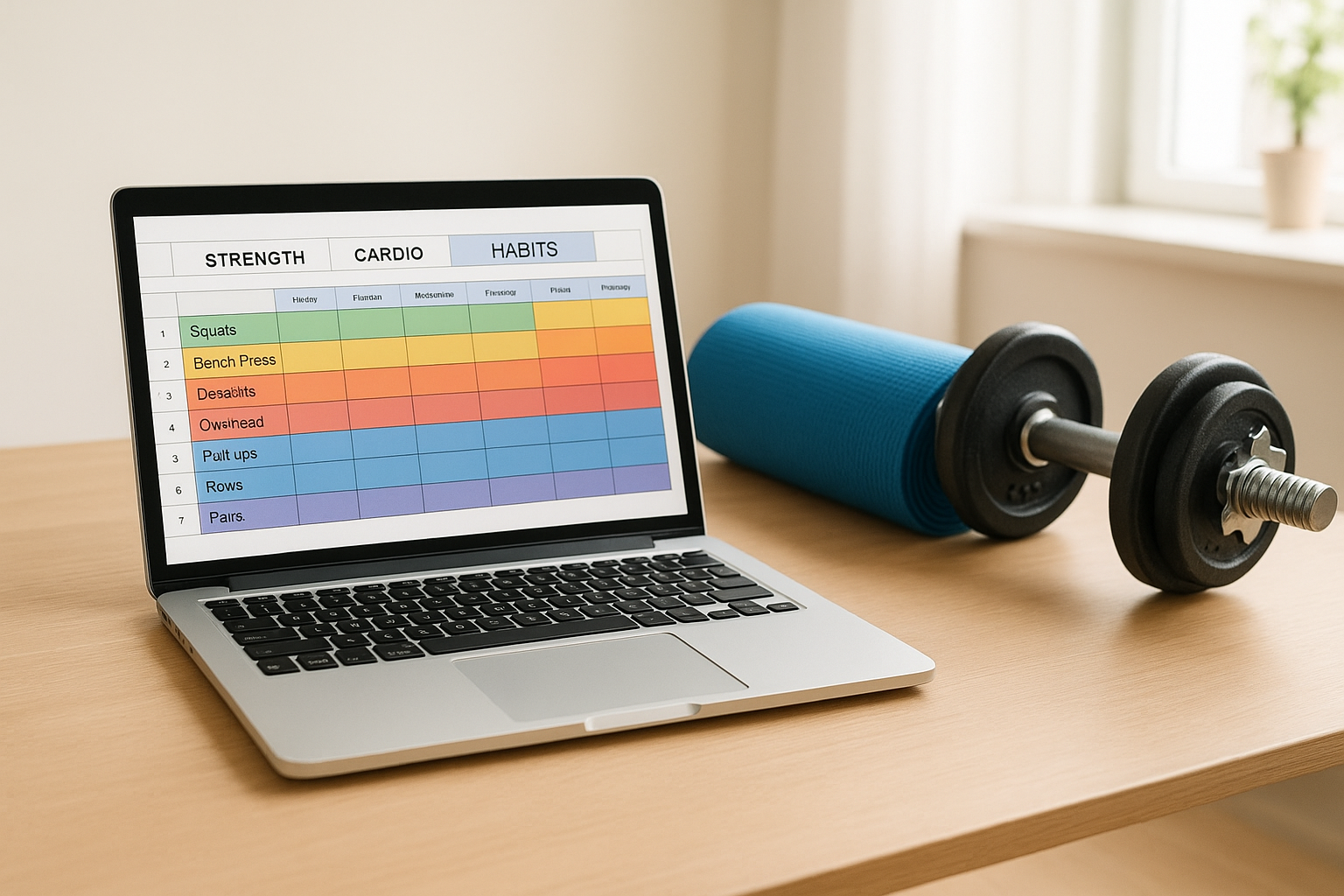
Start by creating a tab called Strength. In row one, add headers like: Date, Exercise, Set 1 (kg x reps), Set 2, Set 3, Notes. Each row represents one exercise in a session. For repeat movements such as squats or push-ups, you can use data validation or simple drop-down lists to avoid retyping. Over time, this table becomes a powerful strength progress tracker: you can quickly scan how your weights or reps have increased. To make it clearer, highlight cells green when you hit a personal best and yellow when you match your previous top performance, creating instant visual feedback on your home strength workouts.
Designing a cardio and conditioning log
On a second tab, build a Cardio tracker focused on time, distance and intensity. Useful columns include: Date, Activity (e.g. indoor cycling, brisk walk, skipping), Duration (minutes), Distance (if relevant), Avg HR (if you use a heart rate monitor), Perceived Effort (1–10) and Calories (optional). With simple formulas, you can total weekly minutes or calculate your average pace. Colour-code different activities so you can instantly see how much variety you have in your home cardio training. This sheet helps you avoid plateaus, progressively increase duration, and balance hard and easy days for better recovery.
Adding a habit and consistency dashboard
Effective training relies on consistency, not perfection. Create a third tab named Habits and list your key behaviours in rows: Workout completed, Daily steps target, Stretching, Protein goal, Bedtime before 23:00, etc. Across the columns, add dates for the month and mark each successful habit with a simple “1” or an “X”. Use conditional formatting so successes show as green blocks, turning your month into a visual habit tracker. A quick glance will reveal streaks, off days, and patterns that might be affecting your home fitness progress, helping you adjust goals and routines realistically.
Using basic formulas to turn data into insights
Even with minimal spreadsheet skills, you can unlock useful fitness analytics. SUM and COUNT formulas give you total sessions, sets and weekly training volume. AVERAGE reveals your typical workout duration or rep range. Simple charts can show your squat weight trend or monthly cardio minutes. By linking cells across tabs, you can build a compact dashboard that summarises your home workouts on one screen. This numeric feedback makes it easier to plan deload weeks, identify when progress slows, and adjust training variables such as frequency, volume or exercise selection.
Keeping your spreadsheet tracker simple and sustainable
The key to a successful spreadsheet workout tracker is simplicity. Only track data that you will actually review and use to make decisions. Start with a basic layout, then refine it as your needs evolve instead of overcomplicating it from day one. Save your file in cloud storage so it syncs across devices and takes seconds to update after each home workout. Over time, this humble spreadsheet becomes a detailed training diary, highlighting what truly works for you, without ads, subscriptions or distractions.
In summary, replacing paid apps with a simple spreadsheet workout tracker can make your home training more transparent, flexible and cost-effective. By building dedicated tabs for strength, cardio and habits, then adding a handful of formulas and basic formatting, you create a powerful, personalised system that grows with your goals. Start with the templates and ideas above, adapt them to your routine, and let your own data guide smarter, more consistent home fitness decisions.