
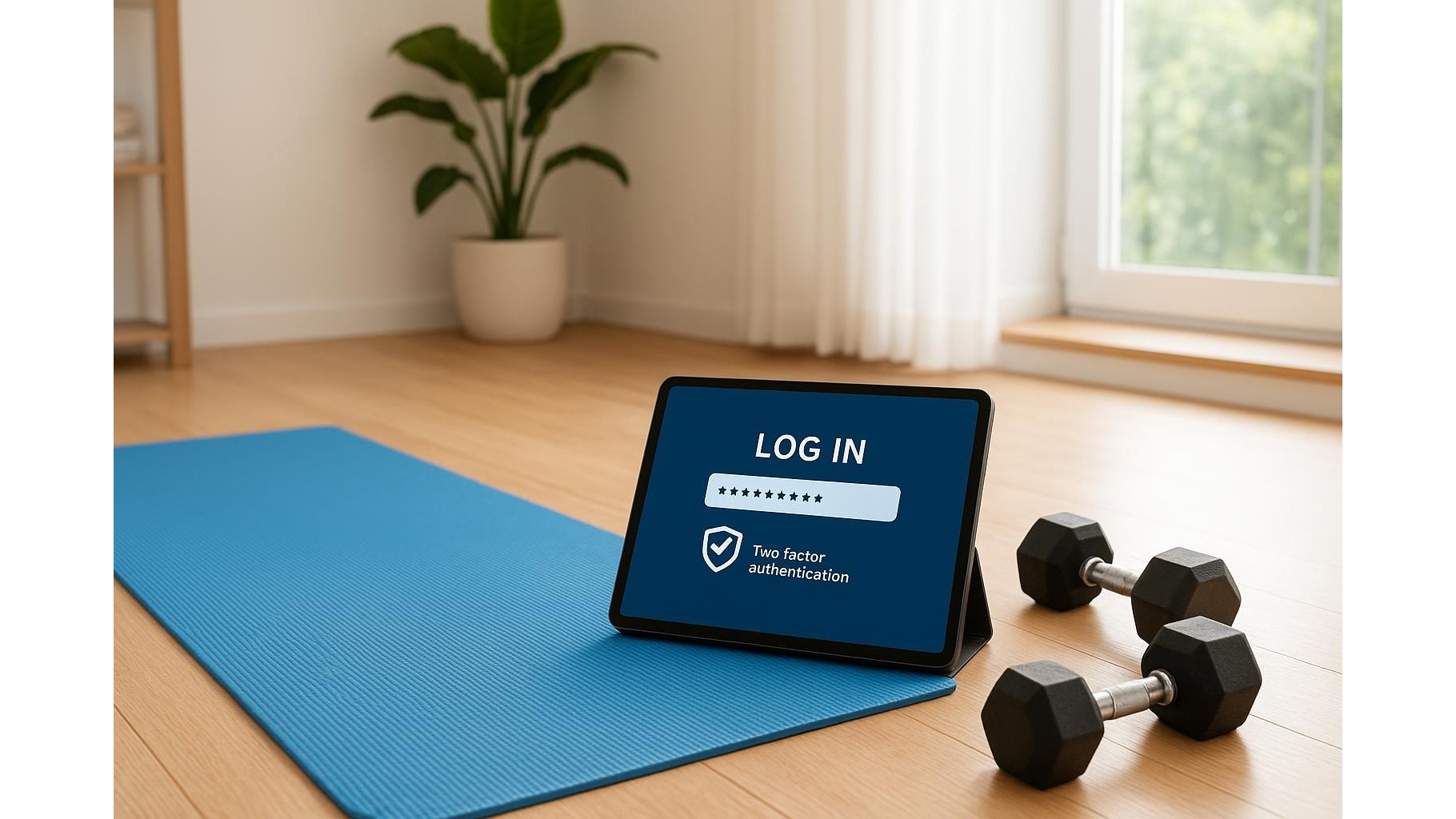
Building a home gym is not just about barbells and resistance bands. Your setup probably includes fitness apps, smartwatches, smart scales and maybe even a connected exercise bike. All of these live behind logins that store personal data: weight, heart rate, sleep, even location. Keeping those accounts secure does not have to be technical or intimidating. With a few simple habits around password hygiene, a basic password manager and two‑factor authentication, you can protect your digital fitness life as carefully as you protect your joints during a heavy lift.
Why your fitness accounts are worth protecting
Many people underestimate how sensitive fitness data really is. Your workout apps and wearables reveal when you are usually at home, your running routes, your weight trends and sometimes your medical information. If someone gets into your accounts, they might not just see embarrassing stats; they could piece together your routine or reset other logins linked to the same email. Treat your home workout apps like online banking: use unique, strong passwords and review which devices are signed in. A few minutes of security tuning now is far easier than dealing with a compromised account later.
Build strong, unique passwords with a manager
Typing complex passwords on a treadmill tablet or a smart TV is annoying, which is why many people reuse the same simple code everywhere. A password manager solves this by generating long, random passwords and remembering them for you. Instead of using your favourite workout phrase as the password for every app, let the manager create something unique for each fitness platform, from your calorie tracker to your rowing machine account. You only need to remember one strong master password. Choose a trusted, well‑reviewed manager, install it on your phone and laptop, and gradually update your most important home gym logins as you sign in. Over time, all your fitness services will be protected by strong, unique credentials.
Turn on two‑factor authentication wherever possible
Two‑factor authentication (2FA) adds a second lock to your account. Even if someone guesses or steals your password, they still need a code from your phone, smartwatch or an authenticator app. Check the security settings of your smart scale app, training platforms and smartwatch accounts for options like “Two‑step verification” or “Login verification”. Text‑message codes are better than nothing, but an authenticator app is usually more secure and works even with poor mobile signal in a garage gym. Make it a habit: any time you create a new account for a fitness service, immediately look for and enable 2FA before you log your first workout.
Secure the devices that power your home gym
Your home gym security is only as strong as the devices you use to access your apps. Start by putting a proper lock on your smartphone: PIN, password, or biometric, and avoid easy patterns. Do the same for tablets or cheap media boxes you use to stream workouts. Update the software on your smartwatch, heart‑rate monitor hub and connected machines regularly; these updates often fix vulnerabilities. If your treadmill, bike or rower has a built‑in tablet with apps, create a separate user profile for guests and avoid saving passwords on shared profiles. When you sell or give away gear, perform a factory reset so none of your tokens or login sessions are left behind.
Control sharing, syncing and social features
Many fitness platforms encourage sharing achievements, routes and photos. Before you post your latest 10K from a home treadmill or your garage squat PR, check the privacy settings. Disable public location sharing, limit leaderboards to friends you know and avoid using your full name and home town together. Review which other services your fitness apps are connected to: for example, a calorie tracker linked to your email, calendar and social accounts. Remove connections you do not need. In a shared home, log out of apps on the family TV after finishing a workout so children or guests cannot accidentally access your data or change settings.
Create simple security habits you can stick to
Just like training, cybersecurity for fitness apps is about consistency, not perfection. Set a recurring reminder every three to six months to review your home workout accounts: check which devices are logged in, remove old ones, and update any weak passwords in your manager. Avoid using your fitness passwords for unrelated services such as streaming or shopping. Be sceptical of emails claiming you need to “verify” your workout login; instead of clicking the link, open the app directly and check for alerts. With these small routines, you will keep your apps, smart scales and connected machines secure with almost no extra effort.
Good password hygiene in your home gym is less about technical tricks and more about a few clear decisions: use a password manager, turn on two‑factor authentication, secure your devices and be careful about what you share. Once these are in place, you can focus on what really matters: training hard, recovering well and letting your data quietly support your progress instead of putting it at risk.









