
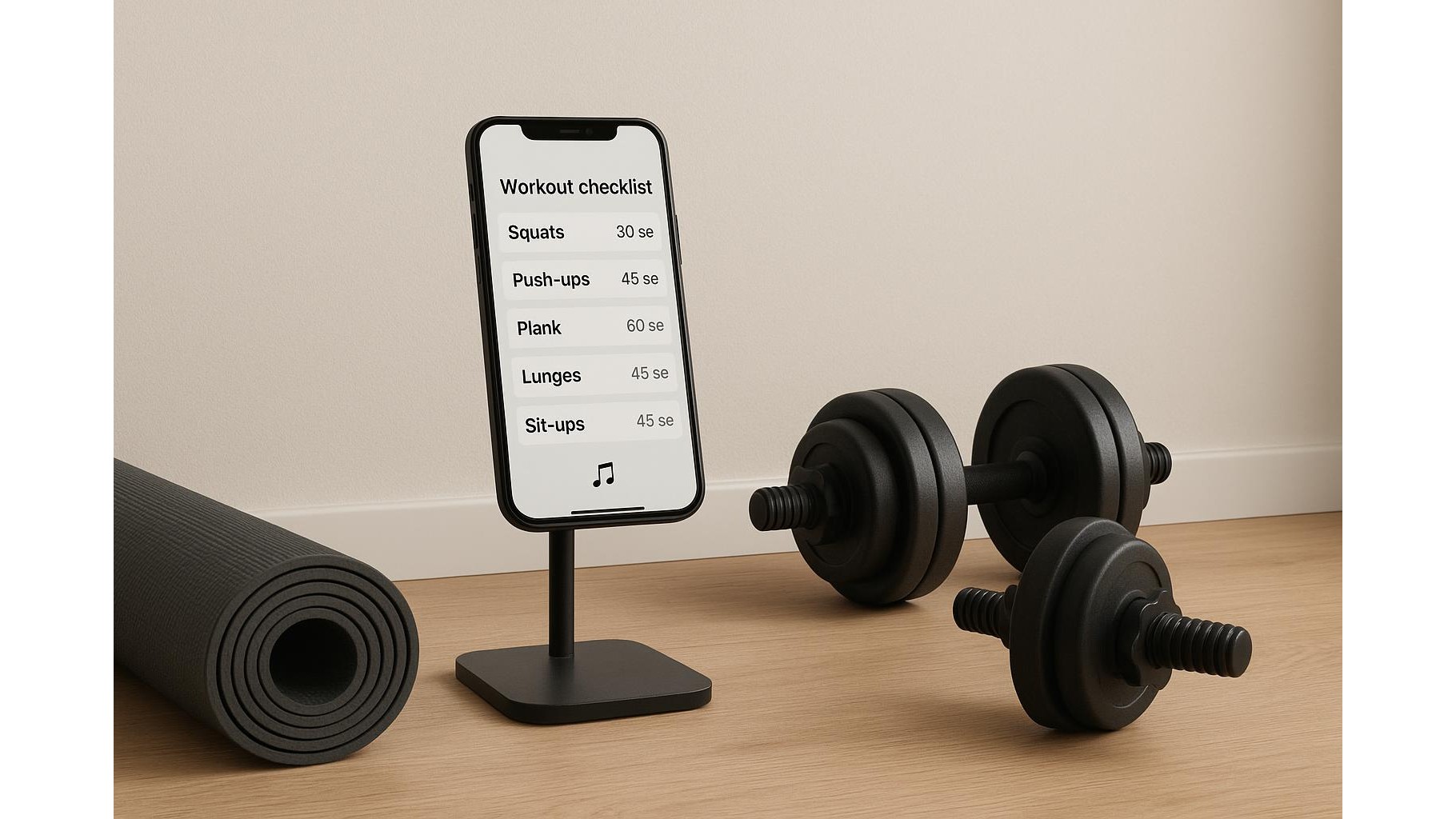
Training at home often means juggling a timer on one device, a workout log in a notebook and a music playlist on a separate app. The result is constant switching, lost focus and half‑tracked sessions. By turning a single productivity or fitness app into your central hub, you can bring timers, training logs and playlists together, making each workout smoother and easier to repeat and improve.
Choosing the right central app for home training
The first step is picking one app that will become your home workout control centre. Any flexible productivity tool that supports checklists, basic timers or reminders and quick note‑taking can work. Look for features such as customisable templates (so you can clone your favourite full‑body session), support for links (to open your music playlists in one tap) and easy logging of sets, reps and weights. Ideally, your chosen app should sync across phone and tablet, so you can prop a screen near your rack or bike and see your entire session at a glance. A clean interface and large tap targets help when your hands are sweaty or you are moving quickly between exercises.
Building reusable templates for sets, reps and circuits
Once you have chosen your main app, create a workout template for each training style you use at home: strength days, kettlebell circuits, mobility flows or cardio intervals. Use checklists or bullet points to list every exercise in order, with fields for sets, reps, load and RPE (rate of perceived exertion). For circuits, group movements into blocks (for example, Block A: goblet squat, push‑up, row) and note the required rest times between rounds. Save these as templates you can duplicate before each session, then adjust details like target reps or weight. Over time, this creates a structured history of your progressive overload without needing a separate training diary or spreadsheet. The key is to make the template detailed enough that you never have to wonder what comes next while you are mid‑set.
Centralising timers and intervals without leaving your app
Timers are usually scattered across multiple tools, but you can turn them into part of your central hub. Many productivity or fitness apps allow you to add reminders, countdowns or links that trigger built‑in timers. For strength work, add short countdowns for rest periods between heavy sets; for cardio, configure interval blocks (for example, 40 seconds work, 20 seconds rest for eight rounds) and attach them directly to your workout template. Instead of backing out to a separate timer app, you simply tap the relevant timer line and keep the rest of the workout in view. If your chosen app cannot host complex intervals, you can still centralise everything by embedding a link to your favourite interval‑timer web page or dedicated timer app, noted clearly next to each circuit so there is no guesswork once the session starts.
Linking playlists and controlling music from the same screen
Music is often another source of friction: you start a playlist in one app, lose your place in the workout in another and end up pausing the wrong thing. To avoid this, store all your training playlists inside your central hub as named links, grouped by workout type (for example, heavy lifting, low‑key mobility, high‑intensity cardio). At the top of each workout template, add a short “Start music” section with a link to the specific playlist you want. You open your workout, tap the playlist link, start playback and then return immediately to the same screen that holds your sets and timers. If your device supports quick controls, you can manage volume and skips from system shortcuts while the workout app remains in focus, meaning you never lose sight of what you should be doing next.
Tracking progress and reviewing sessions in one place
The real power of a centralised app appears over weeks and months. Because you are logging sets, reps, weights, RPE and intervals in the same workspace where you launch timers and playlists, you build a granular history of your training without extra effort. After each home session, quickly note what felt easy, what stalled and any tweaks for next time, then mark the workout as complete. Many apps allow you to view items by date, filter by tag (such as “leg day” or “conditioning”) or search for an exercise to see how your loads have changed. This makes it simple to spot plateaus, plan deloads and ensure your home gym programming stays balanced. A single, consistent system turns every workout from a one‑off effort into a data point that guides smarter training decisions.
By dedicating one well‑chosen app to be your home workout hub, you remove the chaos of switching between timers, notebooks and music players. Templates standardise your sessions, integrated timers keep your rest honest and linked playlists preserve focus and flow. Over time, your centralised log becomes a clear record of how you train, what works and where to go next. That structure not only saves time during each workout but also makes long‑term progress in your home gym far easier to track and sustain.









