Connecting your home workouts to Apple Health and Google Fit turns scattered data into a clear picture of your progress. By syncing your wearables, smart scales and fitness apps, you can monitor trends, adjust your training plan and stay motivated without leaving your home gym. This guide walks you through the essential steps and shows how to use the data to actually improve your results.
Set up Apple Health and Google Fit on your phone
Start by ensuring your smartphone is ready. On iPhone, open the Apple Health app, create or review your profile and double‑check your Health Data permissions so that new devices and apps can write data such as steps, workouts, heart rate and body measurements. On Android, install or open Google Fit, sign in with your Google account and configure activity goals (steps, active minutes, heart points). In both apps, visit the Privacy or Data & permissions sections and allow third‑party apps and devices to connect. This foundation is essential before linking any home gym equipment.
Sync your fitness trackers and smartwatches
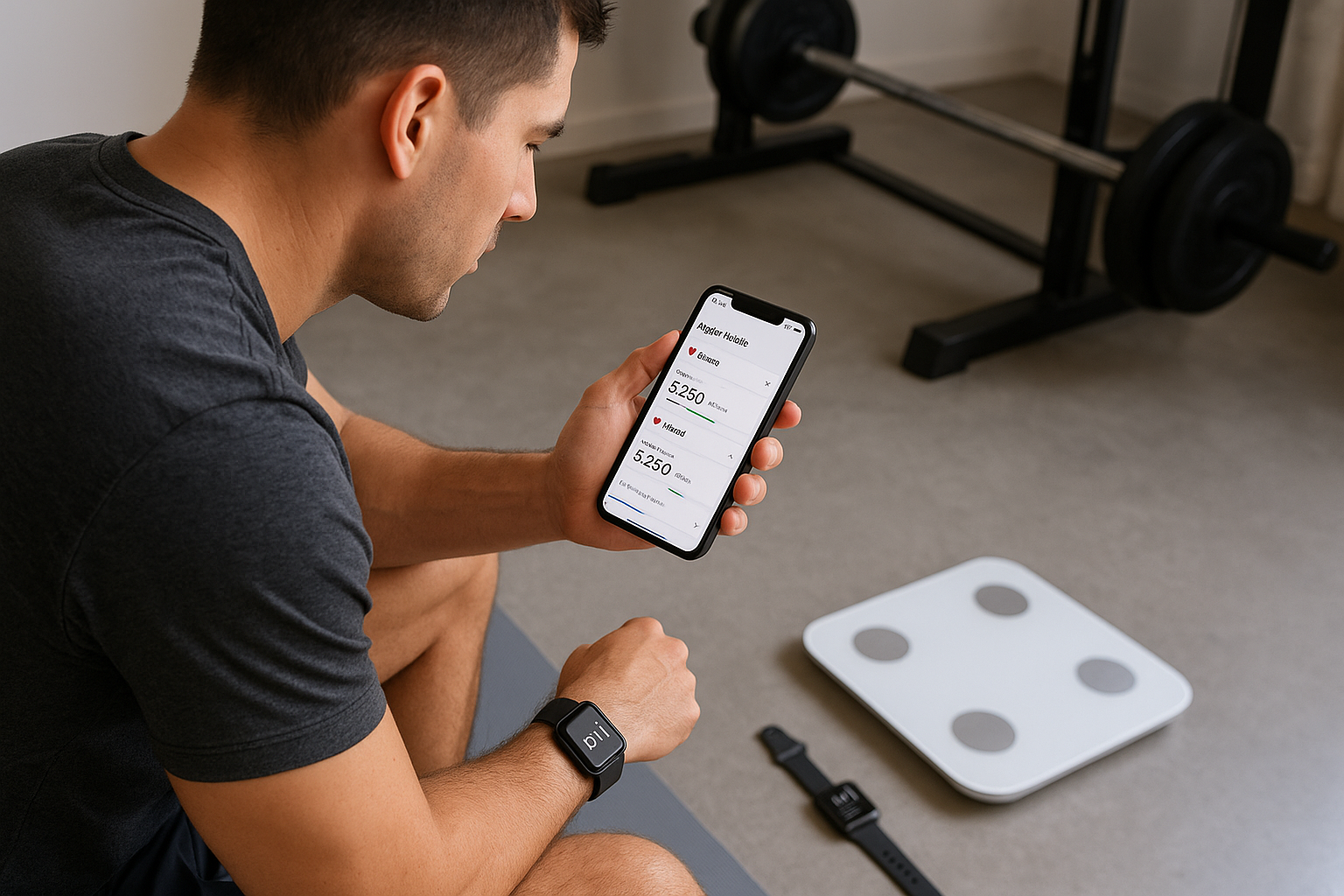
Your fitness tracker or smartwatch is usually the main data source. Most brands use their own companion app, which then syncs to Apple Health or Google Fit. For Apple Health, open the watch’s app on your iPhone, go to Settings or Health options and enable “Sync with Apple Health”, then choose which metrics to share (workouts, heart rate, calories). For Google Fit, open the tracker’s app on Android, look for Connected services or Link to Google Fit and grant all requested permissions. Always keep Bluetooth on during workouts, and periodically open both the brand app and your health app to make sure recent activities are fully uploaded.
Connect smart scales for weight and body composition
To track weight and body composition from your home gym, use a Bluetooth smart scale that supports Apple Health or Google Fit integration. The typical process is: install the manufacturer’s app, create a profile, pair the scale via Bluetooth, then open the app’s Health or Connections menu to enable syncing. Once linked, weigh yourself under consistent conditions (same time of day, similar clothing). The app will push body weight, BMI and, if supported, metrics like body fat and muscle mass into Apple Health or Google Fit. Over time, you can open the health app’s Trends or Highlights tab to see rolling averages instead of obsessing over daily fluctuations.
Link your workout and training apps
Many popular home workout, HIIT, yoga and strength training apps can send sessions to Apple Health and Google Fit. In each app, look for sections like Connected apps, Integrations or Health data. On iOS, you may be redirected to Apple Health to confirm what data the app can read (for personalised plans) and write (for logging workouts). On Android, you will usually grant access to your Google account and then toggle Google Fit syncing on. Make sure the workout app is set to write at least exercise duration, estimated calories and heart rate (if available). This ensures that even body‑weight circuits, kettlebell sessions or resistance‑band workouts in your home gym are properly tracked alongside steps and general activity.
Use data insights to optimise your home training
Once your devices and apps are connected, your focus should shift from collecting numbers to using them. In Apple Health, review Trends to spot patterns such as steadily rising resting heart rate (a sign you may need more recovery) or improving VO2 max estimates from regular cardio. In Google Fit, pay attention to Heart Points and Active minutes to ensure your home workouts hit recommended activity levels each week. Combine scale data with workout logs to see how changes in training volume or intensity affect body weight and composition. Use this feedback to tweak your home programme: add more strength sessions if muscle gain has stalled, or increase low‑intensity cardio if your activity score remains low despite frequent short workouts.
By methodically connecting your home gym devices and apps to Apple Health and Google Fit, you turn your smartphone into a central hub for all your training data. Wearables log heart rate and workouts, smart scales track long‑term body changes and fitness apps capture every home session. Reviewing these metrics regularly helps you adjust intensity, volume and recovery so you can train smarter, avoid plateaus and achieve more consistent results without leaving your home gym.