
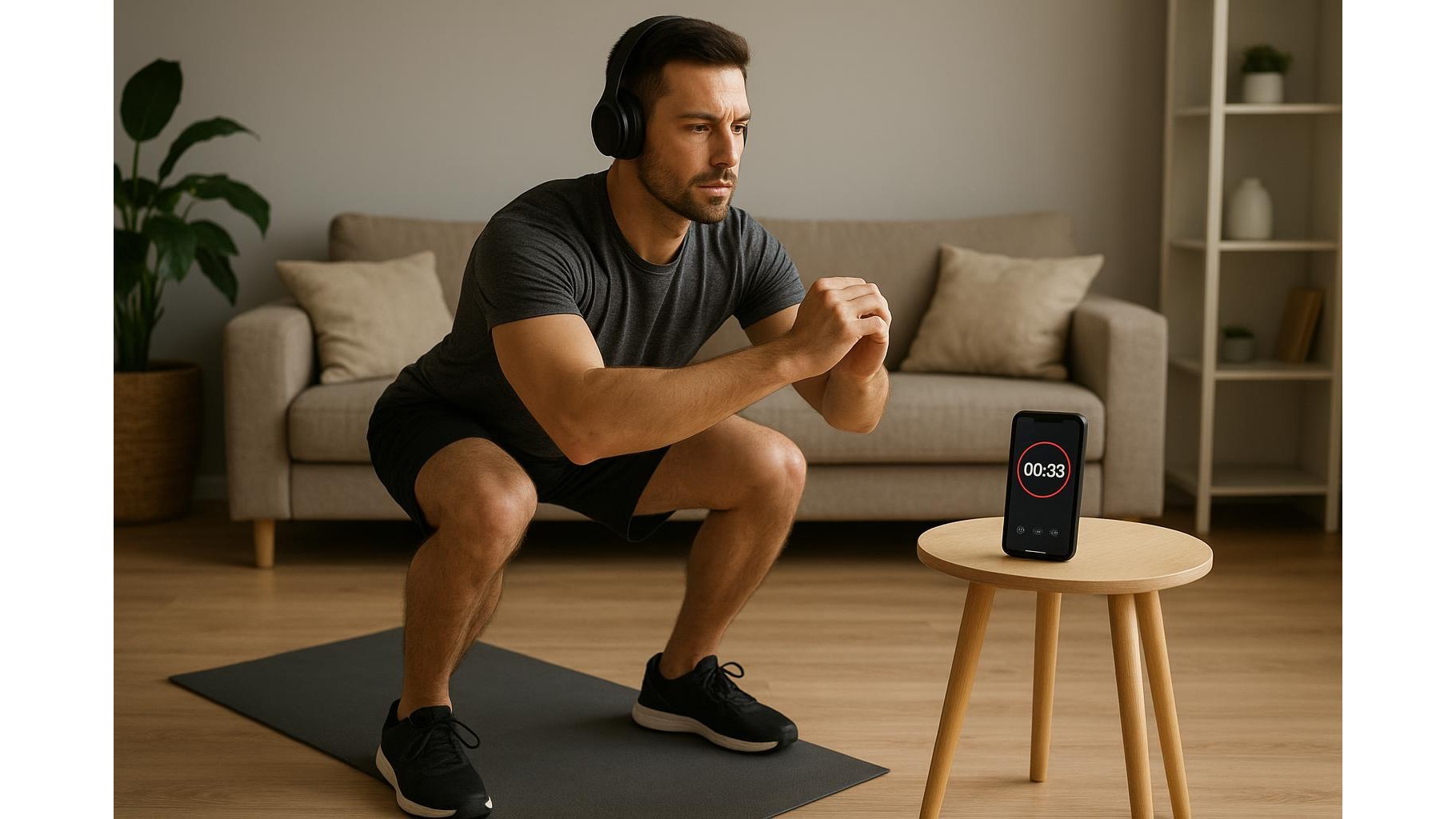
Interval beeper apps and Bluetooth headphones are a simple but powerful combo for your home workouts. Instead of staring at a screen or tapping your phone with sweaty hands, you can let spoken cues and beeps guide your EMOM, Tabata and circuit training. In this guide, we’ll look at how to set up a basic timer app, pair it with wireless headphones, and choose the right gear so every rep is truly hands‑free.
Why use interval beeper apps with Bluetooth headphones
Training with a simple interval timer app plus wireless headphones keeps your focus where it matters: on movement quality and intensity. Audio beeps or voice prompts tell you exactly when to work and when to rest, so you don’t get distracted checking your phone or wall clock. This is especially useful for high‑intensity interval training, EMOM sessions and home circuits, where seconds really count. Bluetooth headphones also mean you can move freely around your living room, garage or garden without worrying about cables, while still hearing clear cues over music or background noise.
Setting up a basic interval beeper app for EMOM, Tabata and circuits
The beauty of basic interval timer apps is that they’re quick to configure. For EMOM (every minute on the minute), you simply set a repeating 60‑second timer that beeps at the start of each minute, then choose a longer block duration (for example 20–30 minutes). For Tabata, configure 20 seconds of work and 10 seconds of rest, repeated for 8 rounds, and stack multiple Tabata rounds for a longer workout. For circuit workouts, you can create custom intervals such as 40 seconds work / 20 seconds rest, followed by a 1–2 minute rest block between circuits. Many apps let you colour‑code or label intervals, but the real value is the audible beeps and countdowns that you’ll hear clearly in your headphones.
Pairing your Bluetooth headphones and optimising sound cues
Once your intervals are set, pairing Bluetooth headphones is straightforward. Activate Bluetooth on your phone, put your headphones into pairing mode, and select them from the list of available devices. In your interval app, raise the alert volume so beeps stand out above music, or disable background music entirely if you prefer super‑clear cues. Some apps offer different beep tones or voice prompts for work vs rest; choose sharp, distinct sounds that you can recognise even when breathing hard. Test a short interval block before your main workout to ensure you can hear every signal from anywhere in your workout space.
Choosing the right Bluetooth headphones for home workouts
For effective hands‑free training, look for sports‑oriented Bluetooth headphones with a secure fit and decent battery life. Ear hooks or stabilising fins help them stay in place during burpees, skipping or kettlebell swings. Sweat resistance (IPX rating) is useful if you train at high intensity. Built‑in controls on the earbuds let you adjust volume or pause alerts without touching your phone. At home, you don’t need heavy noise‑cancelling models; in fact, a semi‑open or bone‑conduction design can be safer if you need to stay aware of family members or doorbells. Prioritise comfort during longer EMOM or circuit sessions so you can keep them on for 30–60 minutes without irritation.
Designing simple home workouts around audio cues
With your interval beeper app and Bluetooth headphones ready, you can build simple but effective home workouts that run entirely on audio. A beginner EMOM might be 10 rounds of 30 seconds body‑weight squats and 30 seconds rest, signalled by beeps. A Tabata finisher could alternate push‑ups and mountain climbers, guided solely by start/stop tones. For circuits, pick 4–6 exercises (for example squats, rows, lunges, presses, core) and assign each a time block in the app. Once you hit start, you no longer need to look at your phone; just move to the next station when the beep tells you. This structure keeps pace high, rests honest and mental load low.
Tips to stay consistent and troubleshoot common issues
To get the most from this hands‑free setup, keep your phone on a stable surface near your training zone to avoid Bluetooth drop‑outs, and make sure both phone and headphones are charged before longer EMOM or circuit days. If alerts are too quiet, check both system and in‑app volumes and disable battery‑saving modes that might reduce notification sounds. Save your favourite interval presets (for example “20‑minute EMOM”, “Full‑body Tabata”, “Strength circuit”) so you can launch a session in seconds. Over time, you’ll start associating specific beep patterns with effort levels, helping you push harder without watching the clock and turning your home into an efficient, distraction‑free workout space.
Using simple interval beeper apps with Bluetooth headphones is an easy tech upgrade that makes home training smoother, safer and more focused. Once you’ve set up a few go‑to EMOM, Tabata and circuit templates and dialled in your audio cues, you can train almost entirely by sound, keeping your hands free and your eyes off the screen while you concentrate on progressing your fitness.









