
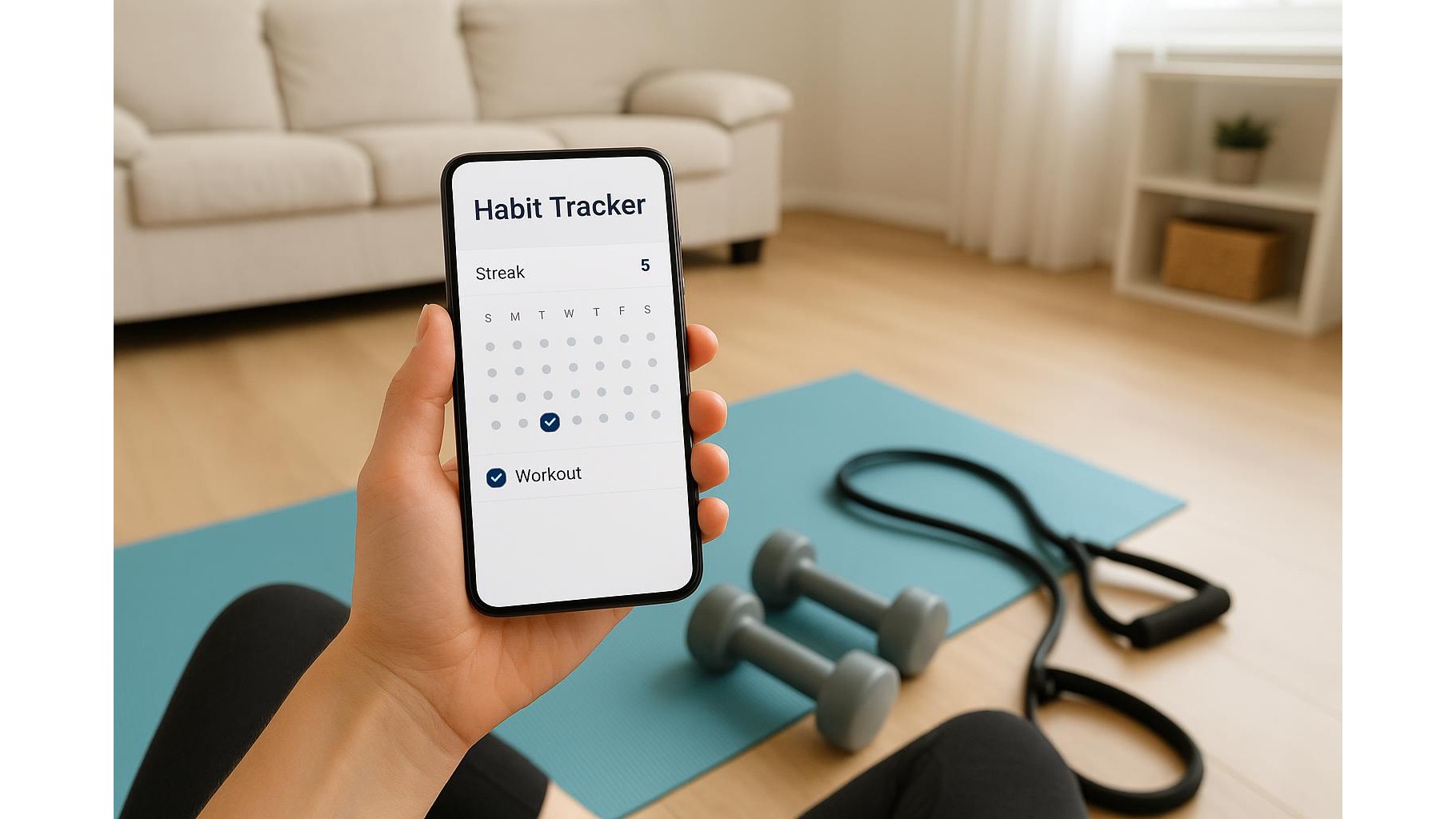
Building a consistent home workout routine often depends less on the perfect training plan and more on the right habit app. The best app for you is not the one with the most features, but the one you actually open every day. In this article, we’ll look at how to choose a minimal, low‑friction habit tracker that supports your workout streak instead of distracting you with overcomplicated productivity tools.
Focus on simplicity and low friction
The main job of a habit app for your home gym is to make tracking as quick and painless as possible. Look for an app with a clean interface, one‑tap check‑ins and no mandatory sign‑up wizard full of questions. You should be able to add a habit like “15‑minute dumbbell workout” or “20 push‑ups” in seconds and mark it done in a single tap. Avoid apps that force you into complex goal trees, projects, or nested tags before you can start. The less cognitive load, the more likely you are to keep logging your workouts after a long day.
Use clear reminders that match your real life
For home workouts, reminders can make or break your streak. Choose an app that lets you set simple, reliable notifications at realistic times, like “Weekdays at 7:00 pm” or “After work”. You don’t need advanced automation; you need a nudge that actually appears when you’re likely to train. Make sure you can easily snooze or adjust reminders without digging into complex menus. A good workflow: start with one reminder for your main workout, then add a second for a quick fallback habit like “5‑minute mobility” on days when motivation is low.
Streaks, stats and visual motivation
A solid streak view is vital for staying consistent with home training. Your app should offer a simple calendar or chain of completed days so you can “see” your progress. Too many graphs and dashboards can become a distraction; you just need an at‑a‑glance view that makes you think, “I don’t want to break this streak.” Look for basic stats like total completed workouts per week and longest streak. Use these visuals to reward yourself: when you hit, say, 20 days of logged activity, treat yourself to a new resistance band or a heavier kettlebell for your home gym.
Tags, routines and separating life from training
Some habit trackers allow tags or simple grouping. Used lightly, this can really help: create a tag like “Home Workout” and keep all your fitness habits in one list, separate from work or personal admin. Avoid creating too many categories or sub‑tags; that turns the app into a complex productivity system instead of a fitness ally. A good structure might be: “Home Workout – Strength”, “Home Workout – Mobility”, and “Home Workout – Cardio”. This keeps your focus on movement patterns, not on endlessly organising your digital life.
Avoid overcomplicated productivity tools
It’s tempting to use a full project‑management or to‑do app as a habit tracker, but these tools are often too heavy for daily fitness routines. If your workout log lives next to dozens of tasks, deadlines and notifications, it quickly becomes noisy and stressful. Choose an app that treats habits differently from tasks: no due dates, no priorities, just consistent repetitions. Keep integrations to a minimum; you don’t need your calendar, email and notes all feeding into your workout check‑ins. The goal is to reduce friction, not to design a second job managing your home gym routine.
To build a reliable home workout streak, choose a habit app that is simple, fast and focused on repetition rather than complexity. Prioritise one‑tap logging, realistic reminders, clear streak visuals and light tagging that keeps fitness separate from everything else. By avoiding overengineered productivity systems and choosing a minimal, low‑friction tracker, you create a digital environment that makes it easier to show up, train consistently and let your home gym become a natural part of your daily life.









