
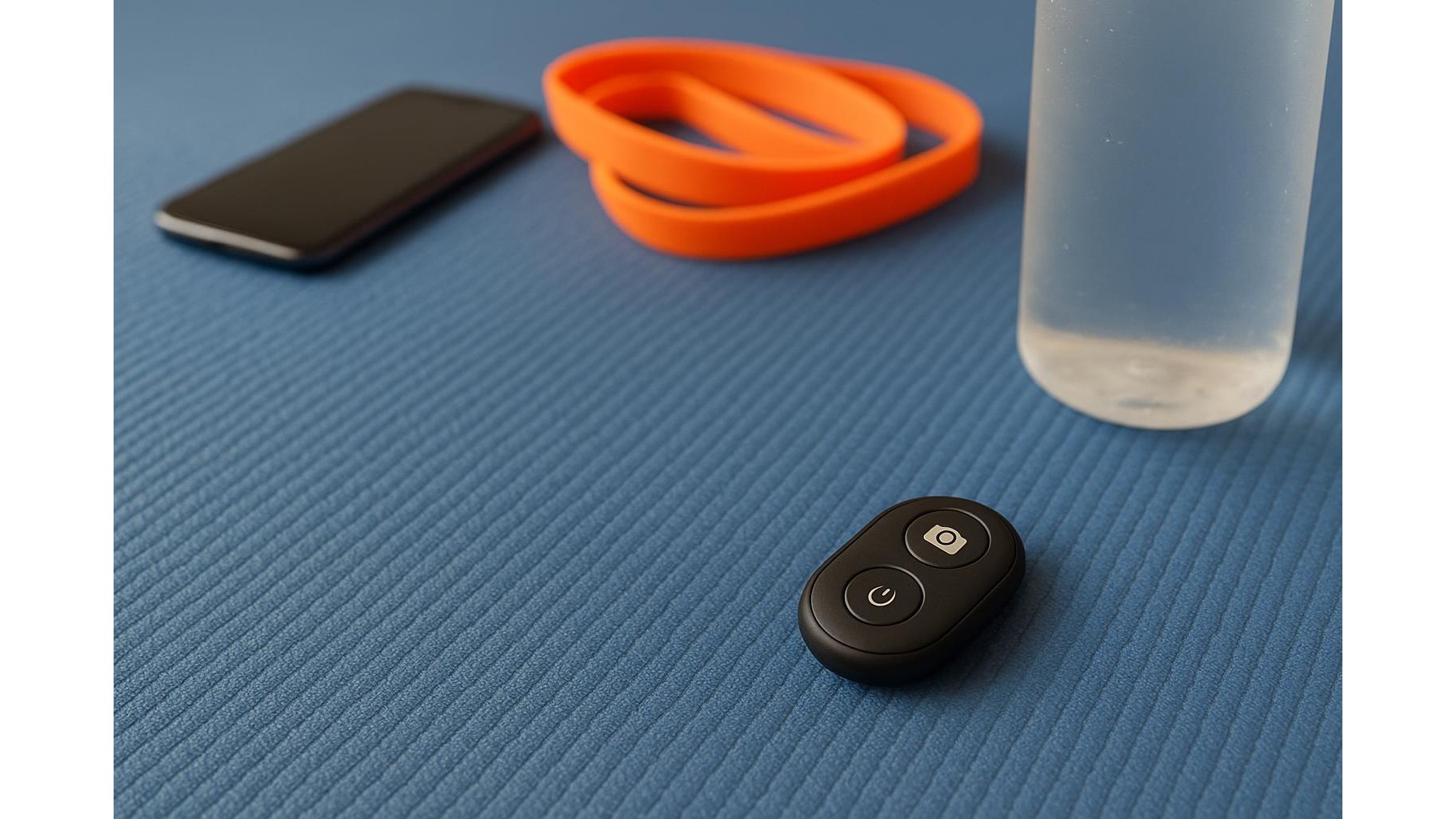
When you are deep into a flow, the last thing you want is to break concentration just to tap your phone. Small Bluetooth phone remotes and clickers can quietly transform your home workouts, letting you control music, videos and timers from the mat. Instead of walking over to your screen with sweaty hands, a thumb press on a pocket-size remote keeps everything moving smoothly and makes your training feel more like a studio session.
Why Bluetooth remotes matter for home workouts
Home training often means juggling a workout app, a timer and a music playlist on the same phone. Each time you need to pause a video, skip a track or restart an interval, you interrupt your rhythm and sometimes even lose your form. A simple Bluetooth clicker for smartphone lets you trigger the key functions you use most without touching the screen. That makes it ideal for yoga flows, HIIT circuits and strength sessions where continuity matters. Keep the remote on the mat or clipped to your shorts and your phone safely away from sweat, chalk and accidental drops.
Essential features to look for in a phone workout remote
When choosing a phone remote for fitness, focus on a few core features. Reliable Bluetooth connectivity is crucial so the remote stays linked even if your phone is across the room. Look for simple, raised buttons you can find by feel mid-set, such as play/pause, volume up/down and track skip. Long battery life or a replaceable coin cell means you will not be charging it every week. Compatibility with both iOS and Android is helpful if you change phones or share the remote with a training partner. A compact and lightweight body is easier to keep in your hand during movements like lunges or core work.
Using remotes to control music and workout apps
Most Bluetooth media remotes can act like a miniature set of headphones controls. That makes them perfect for managing Spotify playlists or audio from your favourite workout app. Start a circuit, then use the remote to bump the volume up for your final interval, or double-tap to skip a track that kills your energy. Many phones let you map the same controls to popular fitness apps, so the play/pause button can also stop and start guided sessions or exercise demonstrations. Over time, you will find a pattern that suits your routine, such as pausing during rest periods and resuming as soon as the countdown finishes, all without looking away from your form.
Clickers for intervals, stretching and yoga flows
For interval training, a discrete clicker can act as a physical anchor for your timing. Start your HIIT timer on the phone, then keep the remote nearby to pause or restart if you get interrupted. During mobility work or stretching routines, being able to control soothing background music from the floor helps you stay relaxed rather than scrambling for the screen. In yoga practice, a remote lets you keep a steady flow of instrumental tracks or follow-along videos while remaining anchored in your poses. You can also use it to quickly mute audio during guided sessions if you want to practice in silence for a few breaths.
Practical setup tips for a smoother workout space
To get the best from a Bluetooth phone remote, treat it like any other piece of home gym equipment. Give it a fixed parking spot on your mat or next to your water bottle so it does not vanish under a dumbbell. Before your session, quickly test the buttons to confirm that play, pause and volume respond correctly on your phone or tablet. If your device allows, adjust accessibility or media settings so the remote controls the specific timer app or music service you rely on. Finally, keep a spare coin battery in your gym drawer so a flat battery never disrupts your training streak.
Adding a small Bluetooth remote or clicker to your home setup is a low-cost upgrade that can make every workout feel more seamless. By controlling timers, music and videos from the mat, you protect your phone, maintain your focus and keep your movements crisp. Whether you are flowing through yoga, grinding through HIIT or following a strength class on screen, that tiny device in your hand can quietly become one of the most useful tools in your home gym.









