Building a powerful home gym is not just about dumbbells and resistance bands. Your digital setup – phones, tablets, TVs and fitness apps – can either supercharge your focus or completely derail it. By designing a distraction-free environment, you turn technology into a training ally instead of a constant source of notifications, messages and temptations to scroll.
Define your digital workout zone and rules
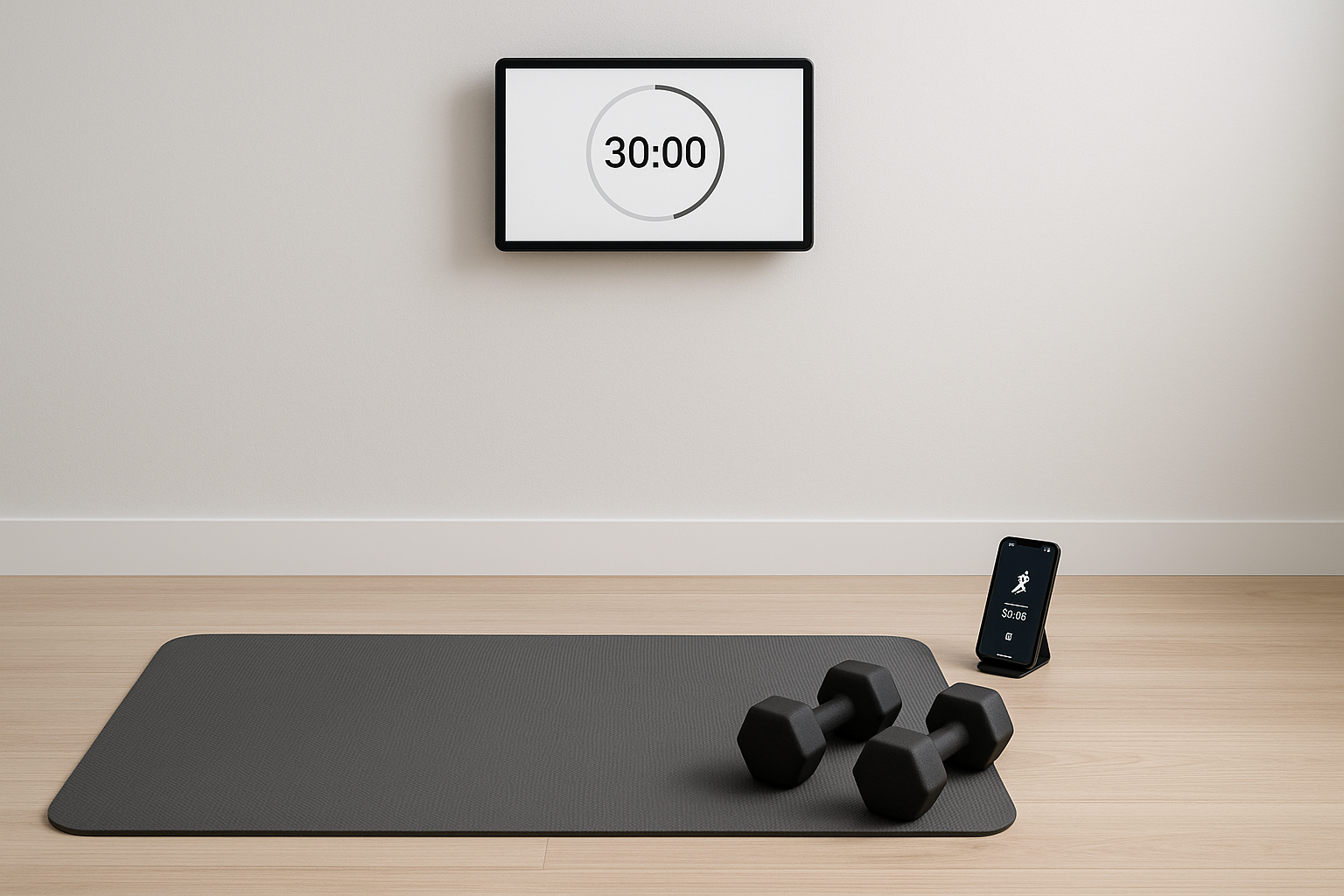
The first step in a distraction-free setup is to decide where and how you will use your devices. Choose a dedicated corner for your home workouts and define clear rules: phone on Do Not Disturb, only training-related apps open, no messaging or social media during sessions. Place your phone or tablet at eye level so you are not constantly bending down to check it. This simple boundary-setting helps your brain associate that physical space and those devices with focused training only, making it easier to get into the zone.
Use the right apps with strict notification control
Not all fitness apps are equal when it comes to focus. Choose apps that offer structured workouts, clear timers, and minimal on-screen clutter. Turn off all non-essential notifications: marketing emails, social media alerts and random reminders should be disabled during workout time. Many phones allow you to set a custom Focus mode that only lets training apps send alerts. Use this to keep essential features – like a workout timer, music player or heart-rate tracker – while blocking everything else. This ensures your phone becomes a dedicated training tool rather than a distraction device.
Optimise screens: TV, tablet and phone placement
Screen placement has a huge impact on concentration and posture. If you follow video workouts on a TV or tablet, position the screen directly in front of your training area at roughly eye level, so you can glance without twisting your neck. Keep the interface clean: full-screen the workout video and hide comments or chat feeds that encourage scrolling. Lower the screen brightness slightly to reduce eye strain and avoid constantly adjusting the view. By treating your TV or tablet like a focused studio monitor instead of an entertainment hub, you create a visual environment that supports consistent home training.
Curate audio for focus: music, timers and cues
Sound can either sharpen or shatter your focus. Build dedicated workout playlists with tracks that keep a steady rhythm and avoid songs that make you want to sing along or pick up your phone. Use simple interval-timer apps with clear audio cues so you do not need to stare at the screen between sets. If your workouts require instruction, choose trainers whose cues are precise and minimal, not overloaded with chatter. This way, your ears receive just enough information to guide your movements while maintaining a calm, laser-focused mindset throughout your home sessions.
Reduce friction with pre-set routines and layouts
Distractions often creep in when you waste time setting up. Before each workout block, pre-load your training programme, open the correct app or video, and set your timer. Keep chargers, cables and any stands or mounts in the same place so there is no last-minute hunt for equipment. Save your favourite sessions or routines into playlists inside your apps, so starting a workout is a two-tap process. The less mental energy you spend on logistics, the more you can dedicate to quality reps, proper form and consistent effort, turning your tech into a seamless part of your training ritual.
By intentionally shaping how you use phones, tablets, TVs and fitness apps, you can build a distraction-free digital setup that supports deep focus and long-term consistency. Clear rules, smart notification control, deliberate screen placement, focused audio and frictionless routines work together to transform your home from a place of digital noise into a personal performance zone where every session moves you closer to your goals.