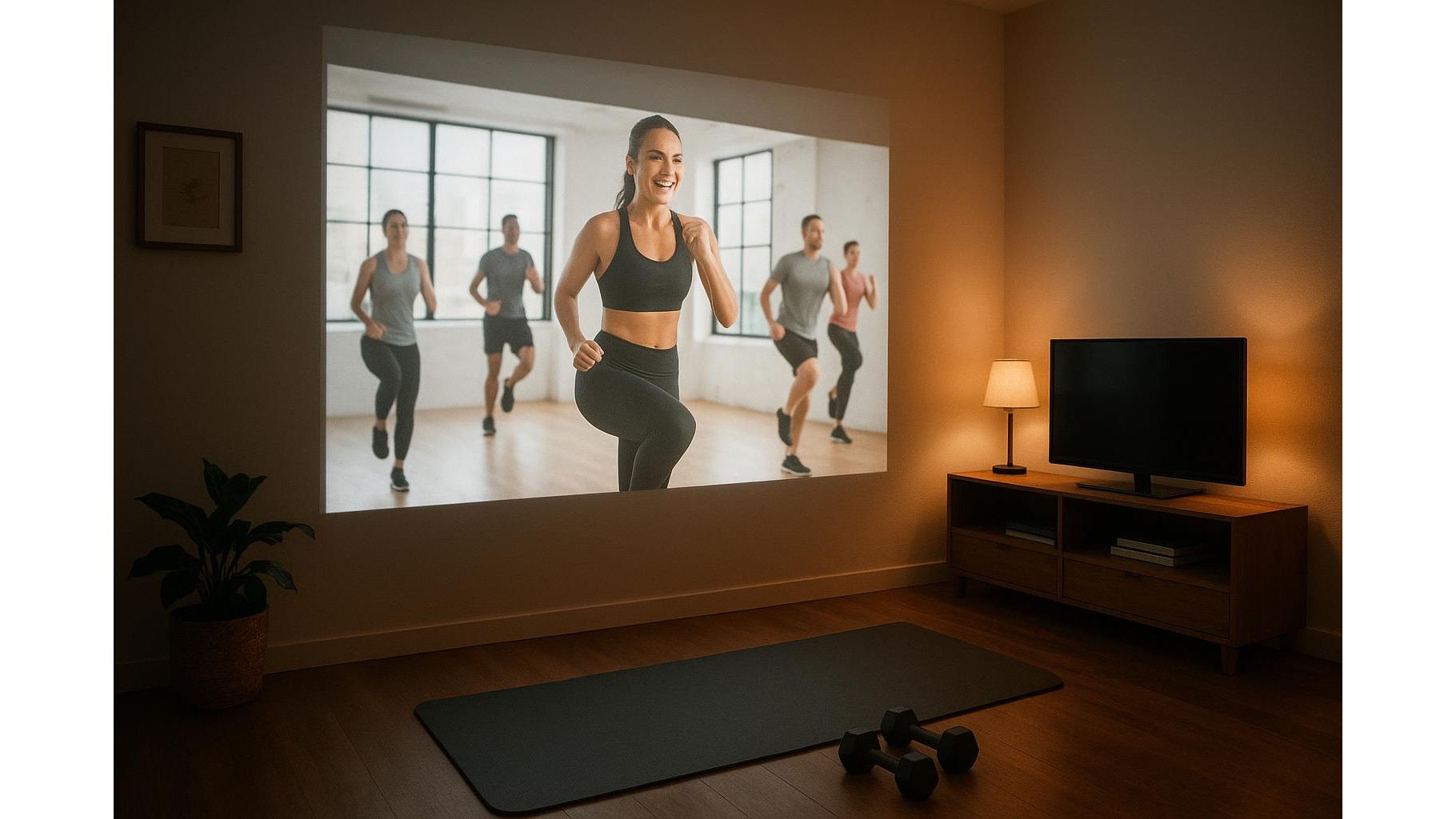
Turning a budget projector into your main home workout screen is an easy way to upgrade your training space without investing in a huge TV. With the right setup, a low-cost projector can fill an entire wall with your favourite workout classes, tracking apps and motivation playlists, creating an immersive atmosphere that makes you forget you are exercising at home. This guide explains the pros, cons and practical tips to make the most of a cheap projector in your home gym.
Why a budget projector works well in a home gym
A low-cost projector shines in a home gym because you usually stand several metres away from the screen and move around, so absolute image precision matters less than size and visibility. Unlike a small TV, a projector can throw a large picture on a blank wall, letting you easily follow tiny cues in yoga flows, strength circuits or dance workouts. The bright, oversized image is ideal for streaming workout classes, mirroring your phone’s fitness apps or following rep schemes from YouTube. As long as you can dim the room slightly and have a light-coloured surface, even an inexpensive model can feel surprisingly cinematic during HIIT or spin sessions.
Key pros and cons of replacing your TV
The main advantages of using a budget projector instead of a TV are image size, flexibility and cost. A projector can simulate a huge screen for a fraction of the price, and you can easily move or angle it as you reconfigure your training zone. It is also safer in tight spaces because there is no fragile panel on a stand that can be knocked over during dynamic workouts. On the downside, cheap projectors are generally not as bright or sharp as mid-range TVs, so you may struggle in very bright rooms or with small text on app dashboards. Built-in speakers are often weak, meaning you will likely need a separate Bluetooth speaker for music and coaching audio. There is also more setup effort: you must think about power sockets, distance from the wall and where you will place the projector so it is not in the way.
Optimising image quality for workouts
To get the best performance from a budget projector, start with the basics: screen size, distance and ambient light. Position the unit so the image is large enough to read timer digits and see instructor form clearly, but not so big that it becomes blurry or washes out. Most affordable projectors are happiest in dim or moderately lit rooms, so consider blackout curtains or scheduling intense video-led sessions in the evening. Use the focus and keystone controls to straighten the image and keep text readable, particularly for fitness tracking apps and heart-rate graphs. If your wall is very textured or coloured, a simple roll-up projector screen or a smooth white panel can greatly improve clarity on a budget. Small tweaks like choosing high-contrast display modes and avoiding direct light on the wall will dramatically boost legibility during complex workouts.
Connecting streaming devices and fitness apps
The magic of a projector-based home workout screen is in how you connect your content. Most budget units accept HDMI, USB and sometimes wireless casting, so you can plug in a streaming stick, laptop or even mirror your smartphone. This lets you access platforms like YouTube, subscription workout services and live Zoom classes without extra complexity. For fitness tracking, cast your phone’s display so you can see heart rate, cadence, intervals and rep counters in large format while you move. If your projector supports Bluetooth, pair it with an external speaker or soundbar to keep coach instructions and beats loud and clear over treadmill noise or skipping ropes. Keep cables tidy with clips or trunking along the wall so you do not create trip hazards in your training zone.
Creating an immersive training environment
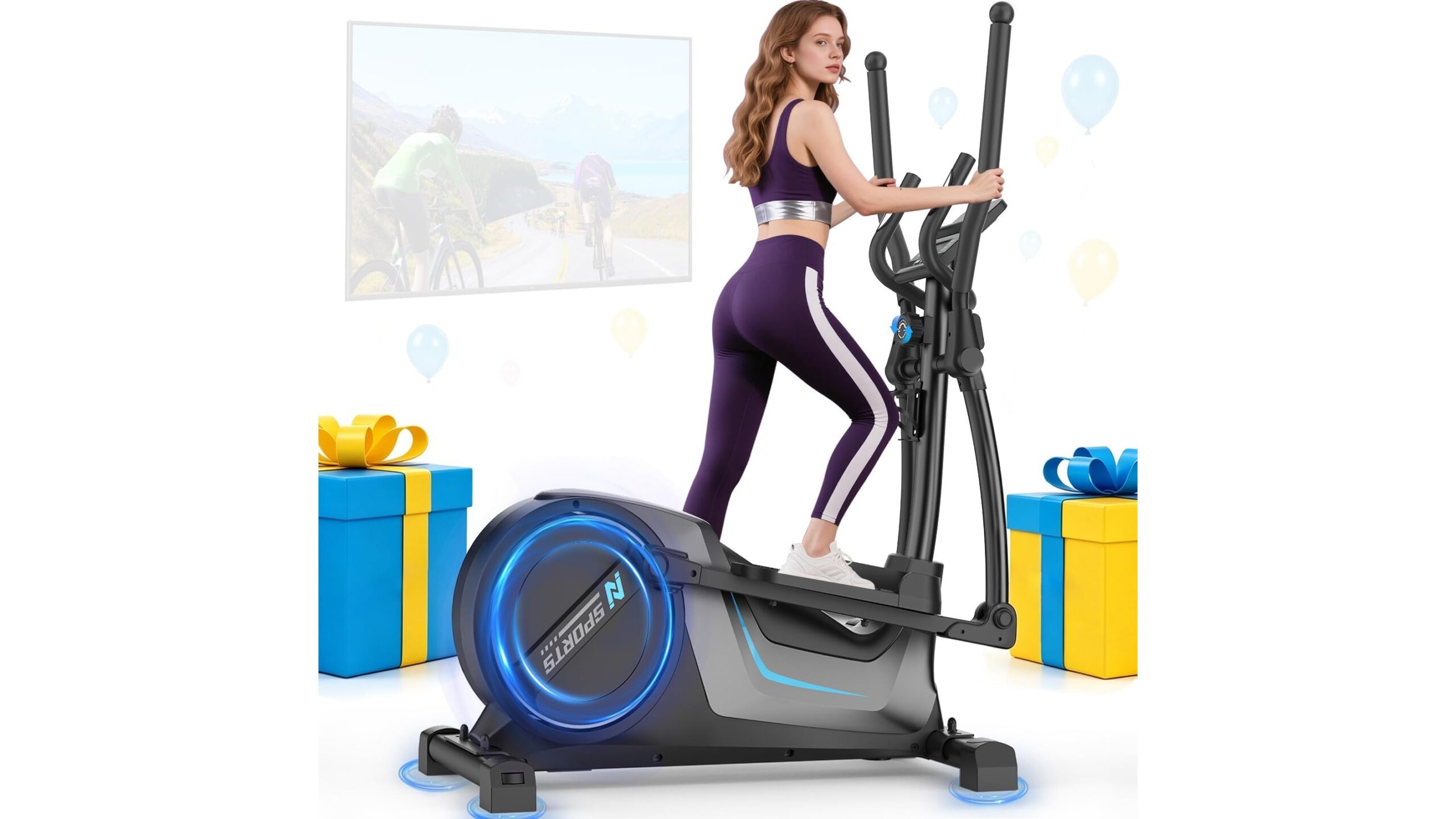
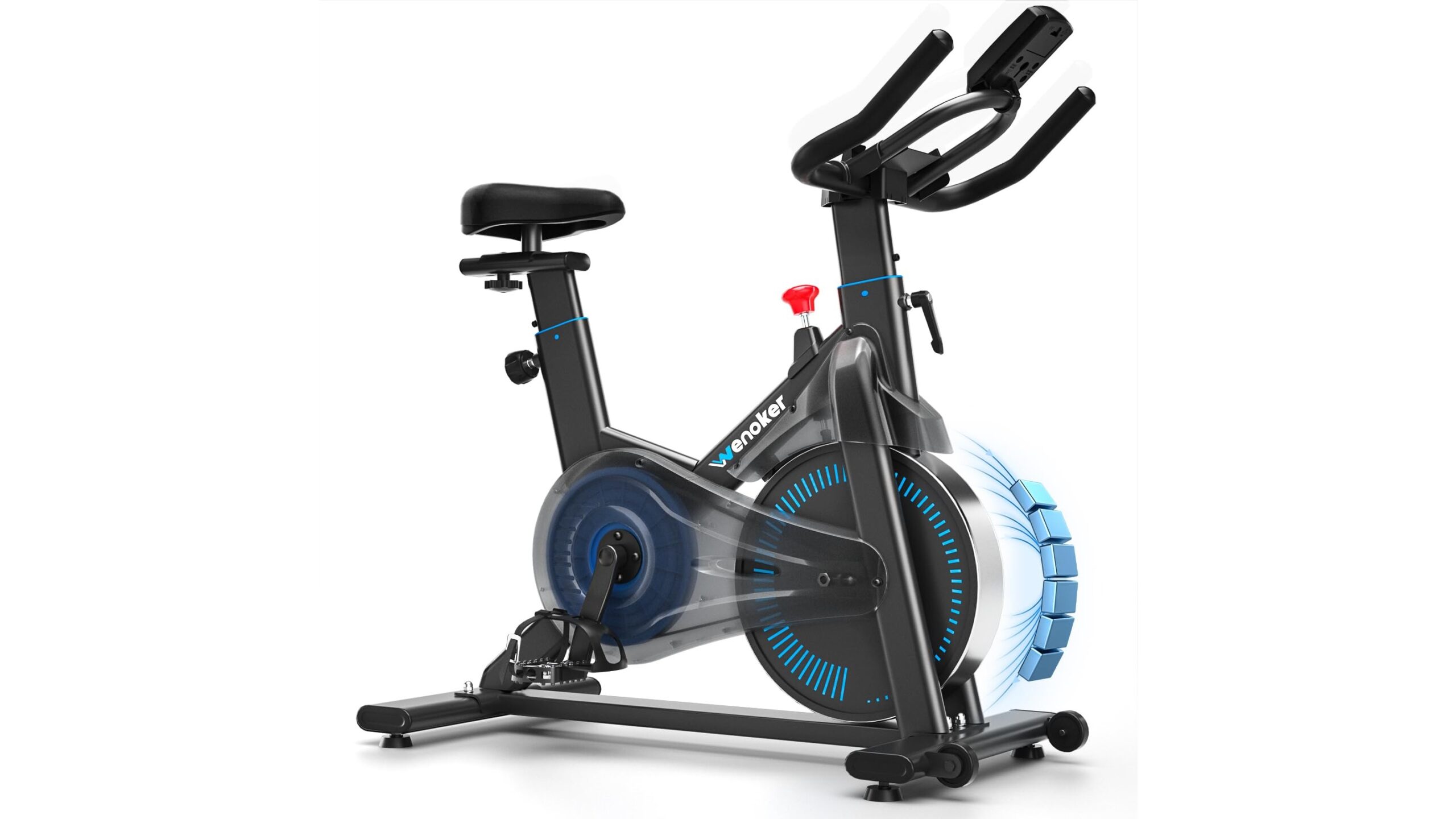
Beyond simply playing videos, think of your projector as the visual centre of an immersive home gym. Use it to display timers, interval countdowns, workout plans and calming visuals for cooldowns or stretching. For cardio sessions, you can stream scenic runs or cycling routes that match your pace, turning a basic treadmill or exercise bike into a more engaging experience. During strength training, cast technique breakdowns or slow-motion demos while you lift. You can even experiment with split-screen layouts on a connected laptop: coaching video on one side, tracking app or playlist controls on the other. Combined with good lighting, a fan and your favourite workout soundtrack, a cheap projector helps blur the line between living room and boutique studio.
Practical safety and placement tips
Because home gyms involve movement, sweat and equipment, placement of your budget projector is crucial. Mount it on a stable shelf, ceiling bracket or high piece of furniture, well away from where you run, jump or swing weights. Ensure cables run along walls rather than across floors, and avoid placing the unit where sweat, chalk or dust can accumulate in the vents. Leave plenty of space for airflow so the projector does not overheat during long sessions. If noise from the cooling fan bothers you, position the device behind you or to the side and rely on an external speaker in front of your workout area. Finally, mark your main training zone on the floor so you consistently stay within the optimum viewing angle and distance from the projected image, reducing eye strain and keeping you focused on the class rather than fiddling with settings.
Using a budget projector as your main home workout screen is a smart, flexible way to transform any corner of your house into an engaging training space. While cheaper models have limitations in brightness, sound and sharpness, careful placement, simple accessories and a bit of planning can overcome most drawbacks. By optimising lighting, connecting your favourite streaming platforms and fitness apps, and paying attention to safety and cable management, you can build a surprisingly immersive home gym that keeps you motivated to move, without the cost of a giant television.