
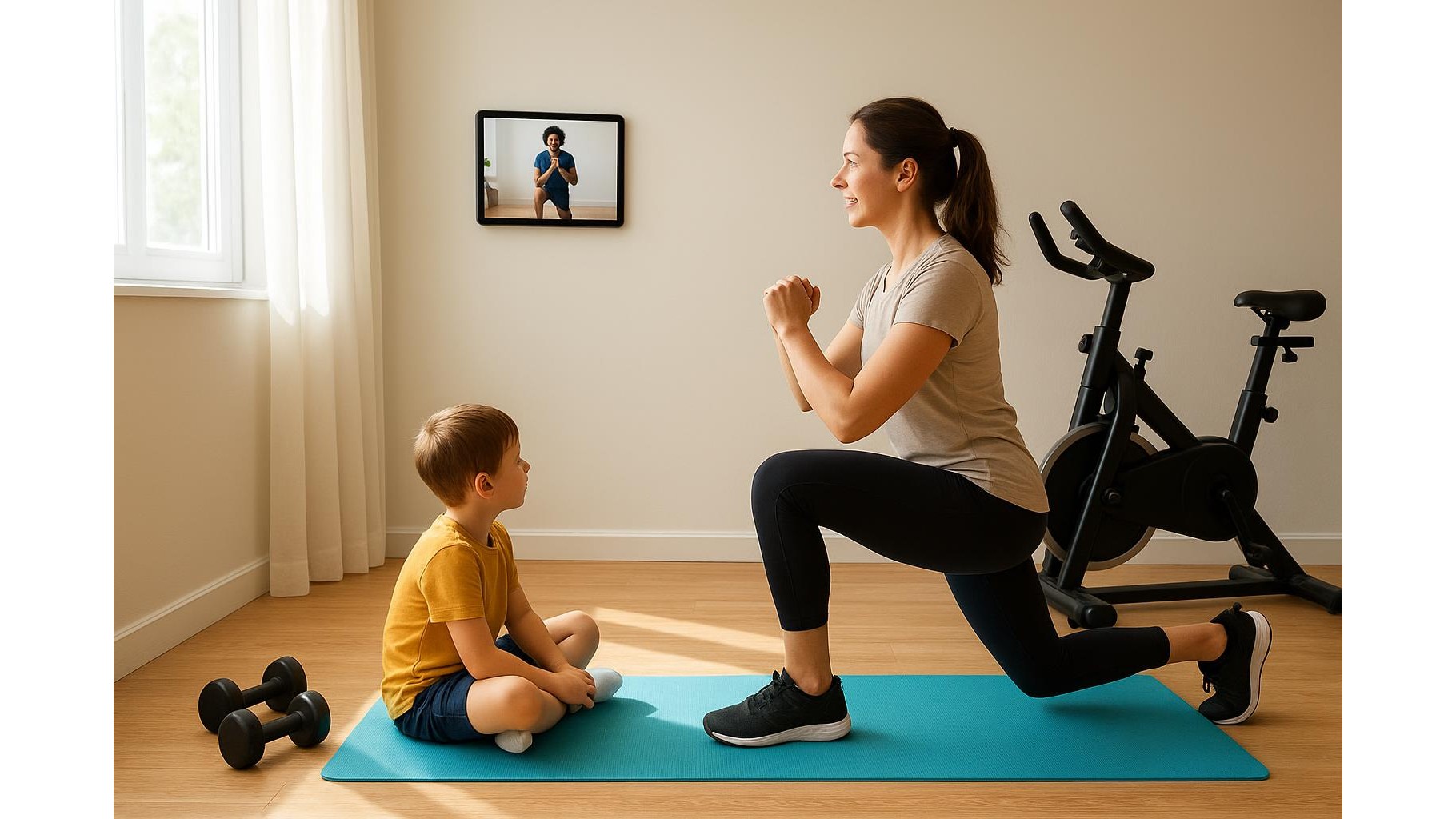
Turning a shared family tablet into the central hub of your home gym is one of the simplest ways to upgrade your training without buying expensive smart equipment. With a bit of planning, you can transform a standard device into a dedicated screen for workout programs, interval timers, music and fitness tracking, while keeping things safe and easy for both adults and kids. This guide walks you through a practical, step‑by‑step setup for a tidy, motivating and family‑friendly home gym corner.
Choosing and preparing the family tablet
The best tablet for a home gym hub is usually the one you already own. As long as it can run current apps and connect to Wi‑Fi and Bluetooth, it will work. Before anything else, back up your data and perform basic maintenance: uninstall unused apps, clear storage and update the operating system. Then, rearrange your home screen with a single purpose in mind: training. Create a folder or row with your workout apps, video platforms, music services and timer tools, and remove distracting icons like games and social media from the first screen. This visual declutter immediately tells everyone that, when the tablet is on the stand, it is in “gym mode”.
Mounting and positioning for safe, hands‑free workouts
A tablet becomes a real fitness screen only when it is set up hands‑free and at the right height. Place it where you can see it clearly from your main training area: near a rack, in front of your exercise mat or above a cardio machine. Aim for eye level when you are standing, so you can follow video workouts without straining your neck. Make sure there is a nearby power outlet or use a longer cable to avoid tripping hazards, and keep the surface stable so the tablet does not shake while you move. A dedicated spot also creates a mental boundary: when the tablet sits there, the whole family knows it is meant for exercise time, not casual browsing.
Setting up apps for programs, timers, music and tracking
To turn the tablet into an all‑in‑one home workout station, focus on four app categories. First, install one or two training program apps for strength, mobility and conditioning, ideally with follow‑along videos. Second, choose a clear interval timer app for HIIT sessions, EMOMs and rest periods, with large numbers and audible beeps so you do not have to touch the screen mid‑set. Third, connect your preferred music streaming service and build dedicated workout playlists that match your training intensity. Finally, add at least one fitness tracking or note‑taking app where adults can log weight, sets, reps and progress photos. Group these apps together and disable notifications from mail and messaging during workout hours to keep the focus on training.
Creating separate profiles for adults and kids
Since the tablet is shared, profiles are essential for a safe and smooth experience. Set up distinct user accounts or profiles for adults and children, using parental controls where available. In the adult profile, allow full access to workout programs, tracking tools and streaming services. In the kids’ profile, limit app access to age‑appropriate fitness games, basic workout videos and simple timers, and block in‑app purchases and adult content. You can also pin specific apps so younger users cannot switch away during a session. This way the tablet encourages healthy movement for the whole household without exposing children to unsuitable videos or distracting apps, while preserving the serious training data of the adults.
Connecting accessories for an immersive gym experience
To get the most out of your tablet‑based home gym setup, integrate a few simple accessories. Pair the tablet with Bluetooth speakers or a soundbar to boost volume during high‑energy workouts, or with wireless headphones when noise must be kept low. Connect any compatible heart rate straps, smart scales or fitness trackers so data syncs automatically into your tracking apps. If you use resistance bands, dumbbells or a stationary bike, position the tablet where you can see instructions and metrics without breaking form. Keep a small charging station near your training area so the tablet is always topped up and ready for the next session, instead of dying halfway through a workout.
By treating a shared family tablet as a dedicated home gym control centre, you can organise workouts, timers, music and progress tracking from a single screen, tailored to both adults and kids. With smart positioning, the right apps and separate profiles, your existing device becomes the digital backbone of your training corner, helping everyone in the family stay more consistent, motivated and safe while exercising at home.









