
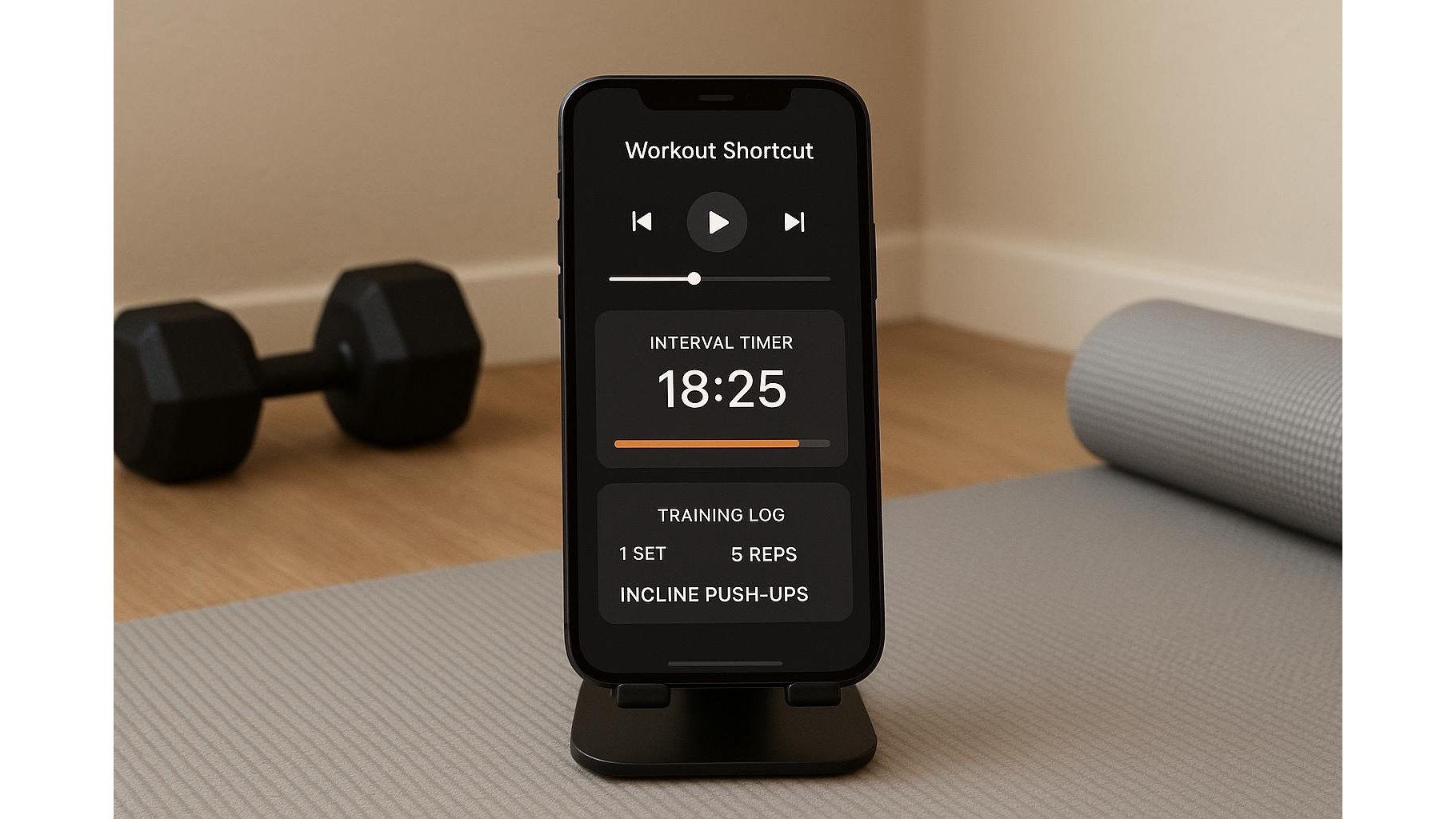
Turning your living room into an efficient home gym isn’t just about dumbbells and mats. The real game-changer is reducing the friction between you and your workout. With a few smart phone shortcuts, you can start your workout playlist, launch an interval timer and open your training log with a single tap, so you stop wasting time and start moving.
Why home workout shortcuts matter
Every second you spend hunting for apps, setting timers or choosing music is a second you’re not training. That micro-friction often leads to skipped warm-ups or entire missed sessions. Creating home workout shortcuts on your phone builds a simple ritual: tap once, and your entire workout environment boots up. Your music starts, your timer is ready, and your notes for sets, reps and progression are open. This consistency helps you treat your home sessions like appointments instead of “maybe later” ideas, and it makes it easier to follow structured strength, HIIT or mobility plans over the long term.
Choosing the right apps for music, timers and notes
Before building any automation, choose the apps that will power your system. For music, pick a service that supports playlists and quick start (Spotify, Apple Music, YouTube Music, etc.) and create dedicated workout playlists for strength, cardio and recovery. For timers, use an interval timer app that lets you save templates (for example EMOM, Tabata, or 40/20 circuits) so you can call the exact structure you need from a shortcut. For notes, choose an app that syncs across devices and supports checklists or tables to track sets, reps and load. The key is stability: once you pick your trio of apps, stick with them so your shortcut always lands you in the same predictable workout flow.
Creating a one-tap automation on your phone
Most modern smartphones include built-in automation tools that let you create powerful workout shortcuts. On many devices you can build a shortcut that, when tapped, will open your music playlist, launch your preferred interval timer preset and bring up your training log. Structure the actions in this order: first set the phone to Do Not Disturb or a dedicated “Workout” focus mode, then start your workout playlist at a comfortable volume, then open and start the timer preset, and finally open your notes page for the current training block. Save this as “Home Workout Start” and place it on your home screen or in your quick settings. With one tap, you’ve effectively “opened the gym” at home.
Optimising your physical phone setup in the home gym
Software is only half of the equation; your physical phone setup affects how easily you use these shortcuts. Place your phone somewhere visible and stable so you can glance at timers and notes without juggling equipment. Use a simple stand or mount so your phone stays at eye level, making it easier to see rest countdowns and log sets between exercises. Configure the screen timeout so it stays on longer during workouts, or use an always-on display if available. Combine this with wireless earbuds or speakers to avoid tangled cables and to keep movement free during kettlebell swings, push-ups or skipping. The smoother your environment, the more often you’ll actually hit that shortcut and train.
Customising shortcuts for different home workouts
Once your core shortcut works, you can create specialised home workout shortcuts for different training styles. Build one for strength sessions that opens a heavier, slower playlist, loads a simple set/rep timer and opens a strength log template. Create another for HIIT that immediately launches a Tabata or EMOM timer and a high-energy playlist. For mobility or yoga, design a shortcut that lowers the volume, plays calmer music, and opens a stretching routine note. You can also include actions like adjusting brightness, enabling low-power mode or connecting to a specific Bluetooth speaker. Over time, each tap becomes a cue for a specific kind of session, helping you switch mindset instantly.
When you combine smart shortcuts with a deliberate home setup, your phone turns from a distraction into a powerful home gym controller. One tap can now launch your music, timers and training notes, removing excuses and streamlining every session. Start with a single “Home Workout Start” shortcut, refine it as you train, and then expand into variants for strength, conditioning and recovery. The less you think about logistics, the more energy you can invest in the work that actually makes you fitter.









