
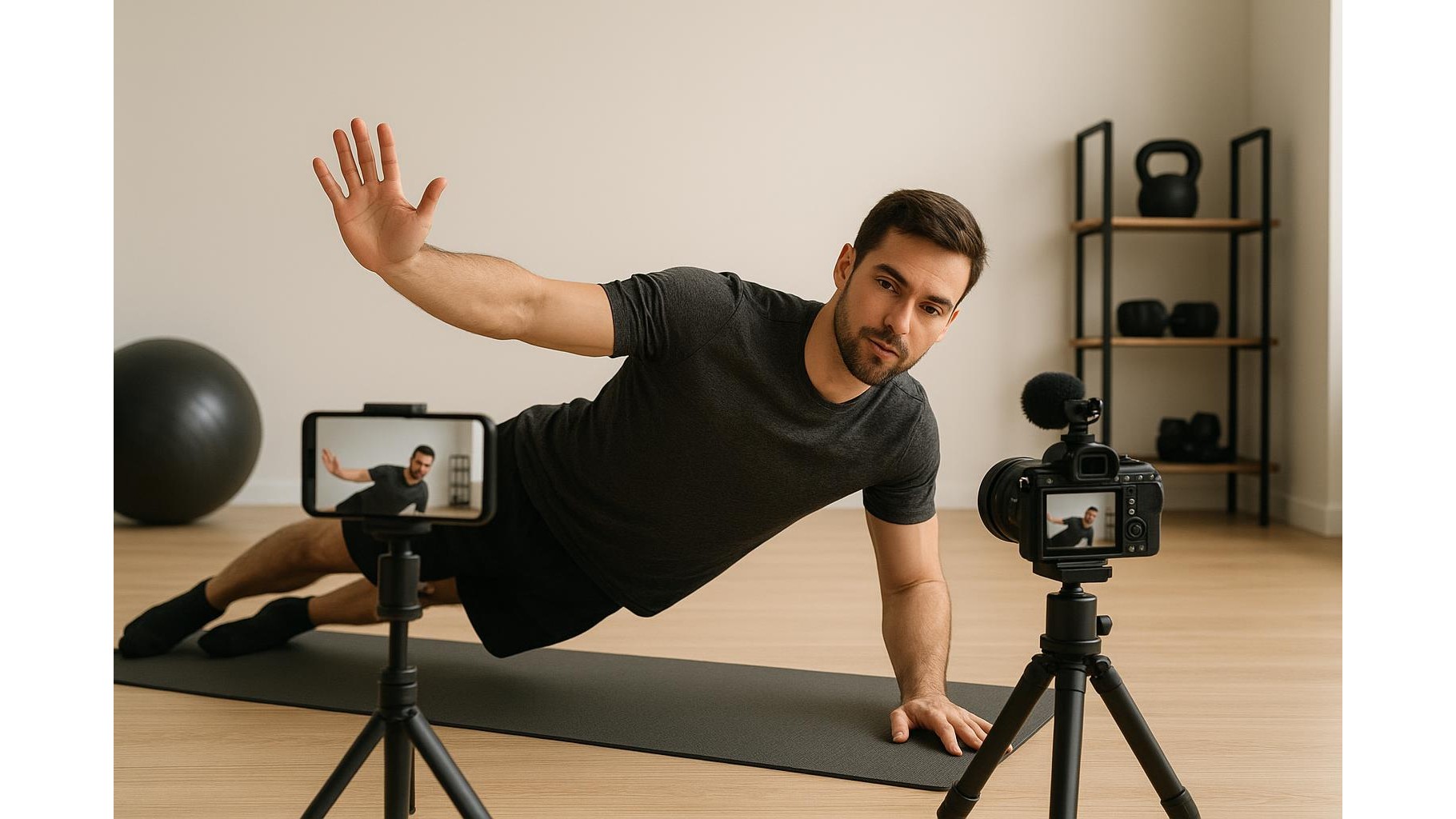
Filming home workouts is easier than ever, but bad sound can ruin even the best routine. Room echo, muffled voice and noisy neighbours make it hard for viewers to follow your cues. A simple clip-on microphone can transform your audio, even without a studio. In this guide we’ll look at affordable clip-on mics for phones and cameras, what connections you need, and how to set them up for clean workout audio in your living room.
Why clip-on microphones are ideal for home workouts
For fitness creators, a lavalier (clip-on) microphone is usually better than a big desk mic. It attaches to your top, keeps your hands free and follows your voice as you move through squats, lunges or yoga flows. Because the mic capsule sits close to your mouth, it captures clear instructions while reducing room echo and background noise. Unlike a built-in phone mic that stays far away, a clip-on mic for home workout videos keeps sound consistent whether you’re facing the camera, turned to the side or demonstrating floor work. This makes it easier for viewers to hear reps, timing cues and safety tips clearly.
Key connection types: TRRS, TRS and wireless systems
Before buying, check how the mic connects to your device. Most smartphones (via headphone jack or adapter) need a TRRS plug, while cameras and many audio recorders use TRS. Some budget clip-on mics include both cables, or a small adapter, so you can switch between phone and camera. Wireless clip-on systems add even more freedom: you clip a small transmitter to your waistband or shirt, the receiver plugs into your phone or camera, and you can move around the room without cables. For home gyms, a simple wireless kit with automatic pairing and rechargeable batteries is ideal. Always confirm compatibility with your specific phone model (especially if it has no headphone jack) and your camera’s mic input before you order.
Choosing an affordable clip-on mic for your setup
When comparing budget clip-on microphones, focus on a few essentials rather than fancy extras. Look for clear frequency response in the vocal range, a cable long enough to reach from your shirt to the camera, and solid build quality on the clip and connectors. Multiple included adapters (TRRS and TRS) add flexibility if you switch between filming on a smartphone and a mirrorless camera. Many affordable lavaliers also include a small foam windscreen to soften breath sounds and plosives, which helps keep your voice smooth during high-intensity workouts. Consider whether you want a wired lavalier for absolute simplicity or a wireless clip-on system that lets you move freely around a larger home gym without worrying about stepping on cables.
Simple setup tips for clean, consistent sound
Even with a good mic, placement and settings decide how your workout videos will sound. Clip the microphone around the centre of your chest, roughly a hand’s width below your chin, and make sure it is not rubbing on clothing, hair or jewellery. Run the cable under your top or along the inside edge of your sports bra strap to reduce rustling when you move. Before filming a full routine, record a short test clip to check levels: your voice should be loud and clear, without distortion when you shout over music. If you use a camera, lower the input gain to reduce hiss; on smartphones, turn off any “auto enhance” filters that can pump the sound. Keep background music low in the room and add it in editing if possible, so your voice instructions stay on top.
Working around common home recording problems
Home gyms are often echoey, with hard floors and bare walls that reflect sound. A clip-on mic helps, but you can improve things further by throwing down extra mats, rugs or even hanging a towel or blanket behind the camera to absorb reflections. Watch out for clothing noise: tight synthetic tops can scrape against the mic, so experiment with position or add the included foam windscreen. If you hear interference or hum, move wireless receivers away from Wi‑Fi routers and metal racks. For phones, switch to airplane mode when possible to avoid notification beeps in your track. Taking a few minutes to solve these small issues will make your home workout audio sound much more professional.
Putting it all together for studio-like sound at home
You don’t need an expensive studio to create follow-along workouts with clear, motivating sound. By choosing an affordable clip-on microphone that matches your phone or camera connections, placing it correctly on your clothing and controlling room noise, you can dramatically upgrade your videos. Viewers will hear your cues, timing and coaching clearly, which keeps them engaged and coming back to your sessions. Start with a simple wired lavalier or an entry-level wireless kit, test a few short clips, and refine your setup. With a bit of attention to audio, your home gym can sound every bit as polished as a professional studio.









