
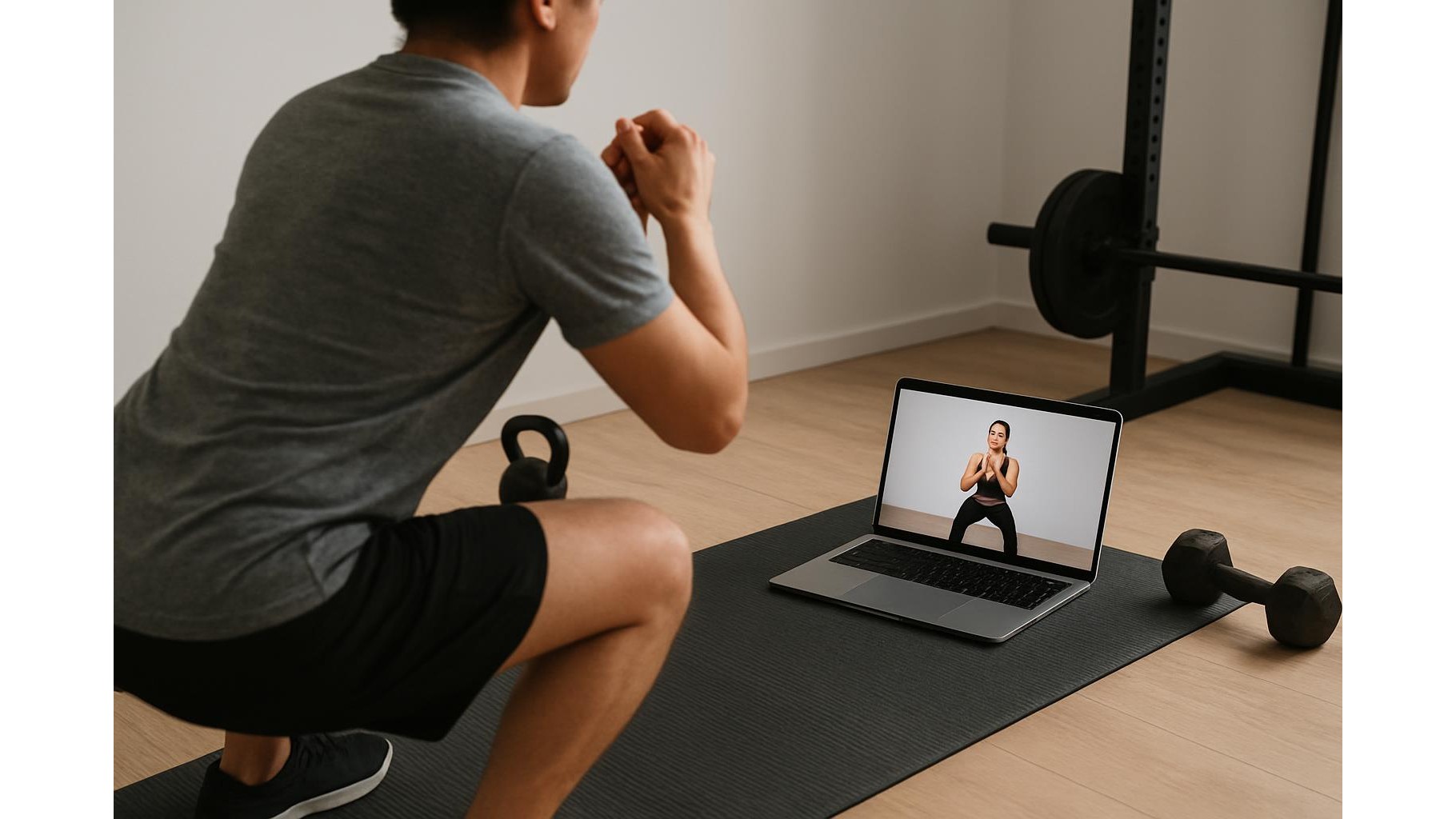
When you bring your workouts home and follow streaming fitness classes from your laptop, the browser can be your best friend or your worst enemy. One moment you are deep into a HIIT session, the next you are scrolling social media or answering email. A few simple browser tools to stay focused can transform your laptop into a distraction‑free training hub, blocking time‑wasting sites and muting notifications so you can treat home sessions like an appointment at the gym.
Why browser focus tools matter for home workouts
Most home trainees underestimate how much digital distractions hurt performance. Every time you tab away from your workout video to check a notification, your heart rate dips, your rest periods creep longer and your technique suffers. Dedicated website blockers and focus extensions lock down social feeds, news sites and email during your planned training window, so your laptop behaves like a single‑purpose device. This is especially powerful if you follow guided sessions on YouTube, fitness platforms or video calls with your coach, because you remove the temptation to multitask and keep your full attention on form, breathing and pace.
Scheduling distraction‑free workout windows
One of the most effective strategies is to use a focus timer or scheduling tool that automatically blocks distractions at set times. Configure your blocker to activate every weekday at your usual training slot, for example 7–7:45 p.m., and create a “Workout” profile that only allows access to your streaming platform, music service and any training log you use. This means that when the time hits, social networks, messaging apps and even work tools are cut off, nudging you to honour your home workout routine instead of slipping into late‑night browsing. Over time, this routine builds a strong psychological cue: when the browser locks down, it is time to train.
Blocking social media and news during sessions
Social media is designed to hijack attention, which is the opposite of what you want when grinding through a tough interval block. Look for extensions that block specific websites or entire categories like “social” and “news” while leaving your training sites accessible. Many tools let you create blacklists of URLs along with custom messages, so if you try to open a blocked site mid‑session you see a reminder like “Get back to your workout” instead of your feed. This simple interruption protects your focus, keeps rest periods honest and helps you treat your living room more like a dedicated home gym space and less like a place to doomscroll.
Muting desktop notifications and email pop‑ups
Even if you block distracting sites, the constant pings of incoming email, chat and calendar alerts can chip away at your concentration. Complement your blockers with notification‑muting tools or built‑in “Do Not Disturb” modes that silence banners and sounds while you train. In your browser, disable badges and pop‑ups for your mail and messaging tabs; on your operating system, schedule quiet hours to match your training schedule. This combination keeps your screen clean so you can follow exercise cues, rep counts and coach instructions without colored bubbles and alerts pulling your eyes away from the movement.
Pairing focus tools with better workout habits
While browser extensions to stay focused are powerful, they are most effective when combined with deliberate habits. Before you hit play on a class, close all unnecessary tabs, keep only your workout video, playlist and tracker open, and set your blocker to start a minute before the session. Put your phone on airplane mode or in another room so the laptop remains your single training device. Consider using a simple to‑do list or note in your browser to outline the session structure, then check items off as you go. These small rituals, supported by the right tools, make your home workouts feel more structured and help you stay consistent week after week.
Staying consistent with focused laptop‑based training
Consistent, focused effort beats occasional all‑out sessions, and your browser setup plays a big role in that consistency. By using website blockers, focus timers and notification silencers, you turn a distraction‑heavy laptop into a disciplined training partner that protects your attention. Over time, you will notice you slip into “workout mode” more quickly, waste less time between exercises and feel more satisfied at the end of each home session. Treat these digital tools like any other piece of home gym equipment: set them up once, keep them maintained and let them quietly support your progress every time you press play on your next streaming workout.









