In a shared home gym, it’s common for parents, teenagers and even grandparents to train on the same equipment. Without proper profile management, workout data gets mixed, progress is impossible to read and recommendations become useless. Modern fitness apps and connected devices increasingly support multiple user profiles, allowing every family member to keep their own stats, goals and history while using the same gear. Setting this up correctly is the key to turning a simple room of equipment into a truly smart, family-friendly home gym.
Why family profiles matter in fitness apps
When several people share one home gym, using a single generic profile quickly becomes a mess. Calorie burns are miscalculated because they’re based on the wrong age, weight or fitness level; leaderboards and streaks lose meaning; and personalised programs adapt to the last person who trained, not to you. Creating separate user accounts or profiles in your favourite fitness app solves this. Each family member logs in with their own profile, so the app tracks accurate metrics, suggests relevant workouts and keeps private data separate. This is especially important for families with mixed goals, such as weight loss, strength building or rehabilitation, all training on the same devices.
Setting up profiles on smart scales and body tracking devices
Smart scales are often the first shared device in a home gym, and most support multiple users via their companion mobile apps. Typically, one person installs the app, creates an account and then adds other household members as additional profiles or invited users. Each profile stores individual metrics such as height, age and activity level. When someone steps on the scale, the device either recognises them automatically based on past readings or lets them choose their profile in the app. To avoid data overlap, teach everyone to check that the correct user is selected before measurements sync. For privacy, make sure each person has their own login or at least a locked section within the shared app, so sensitive health trends remain personal while still benefitting from the same hardware.
Managing multi-user access on fitness wearables and trackers
Most fitness trackers and smartwatches are designed around one primary wearer, but families can still optimise how they are used in a shared environment. If devices are passed around, ensure that only one person pairs a tracker to their phone at a time and that they fully sync and log out before someone else uses it. Better yet, assign specific trackers to each family member and connect them to separate accounts inside the same brand ecosystem. Many apps allow you to switch between profiles on a single smartphone, so parents can keep an eye on kids’ activity or steps without mixing records. Establish household rules: who owns which device, which phone it pairs with and how often data is synced. This keeps activity history, heart-rate trends and sleep tracking accurate for everyone.
Using multi-user modes on cardio machines and strength equipment
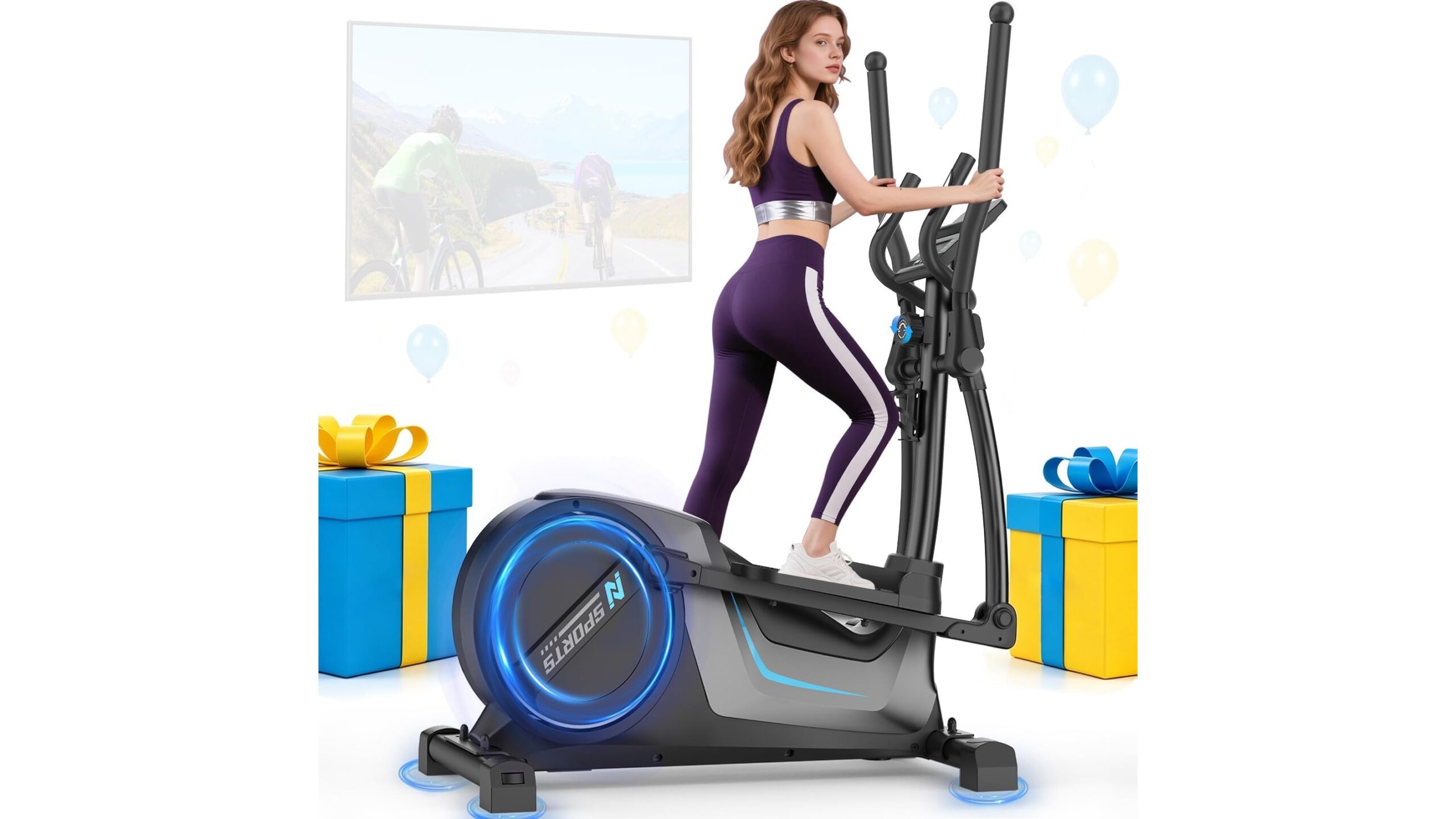
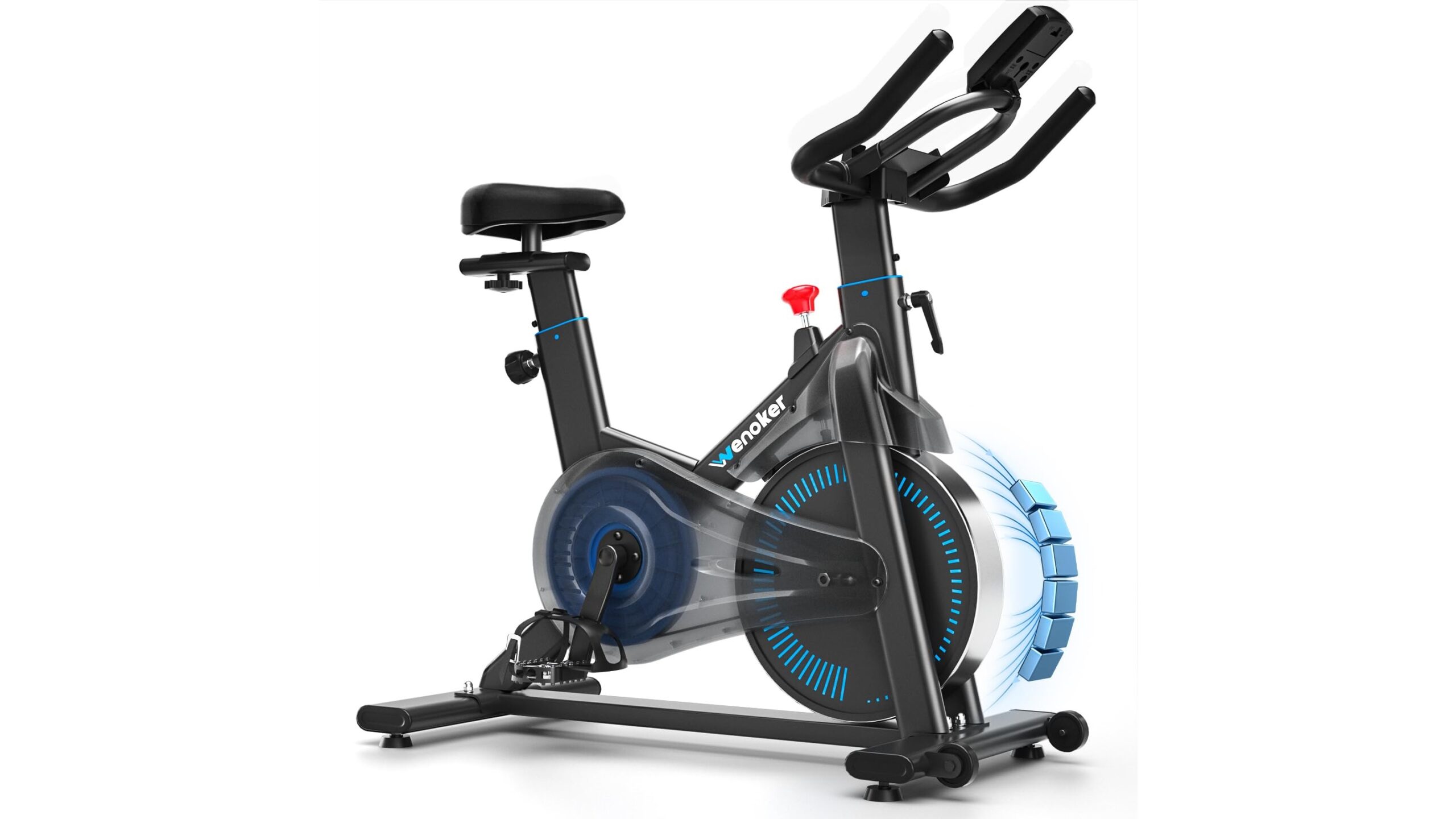
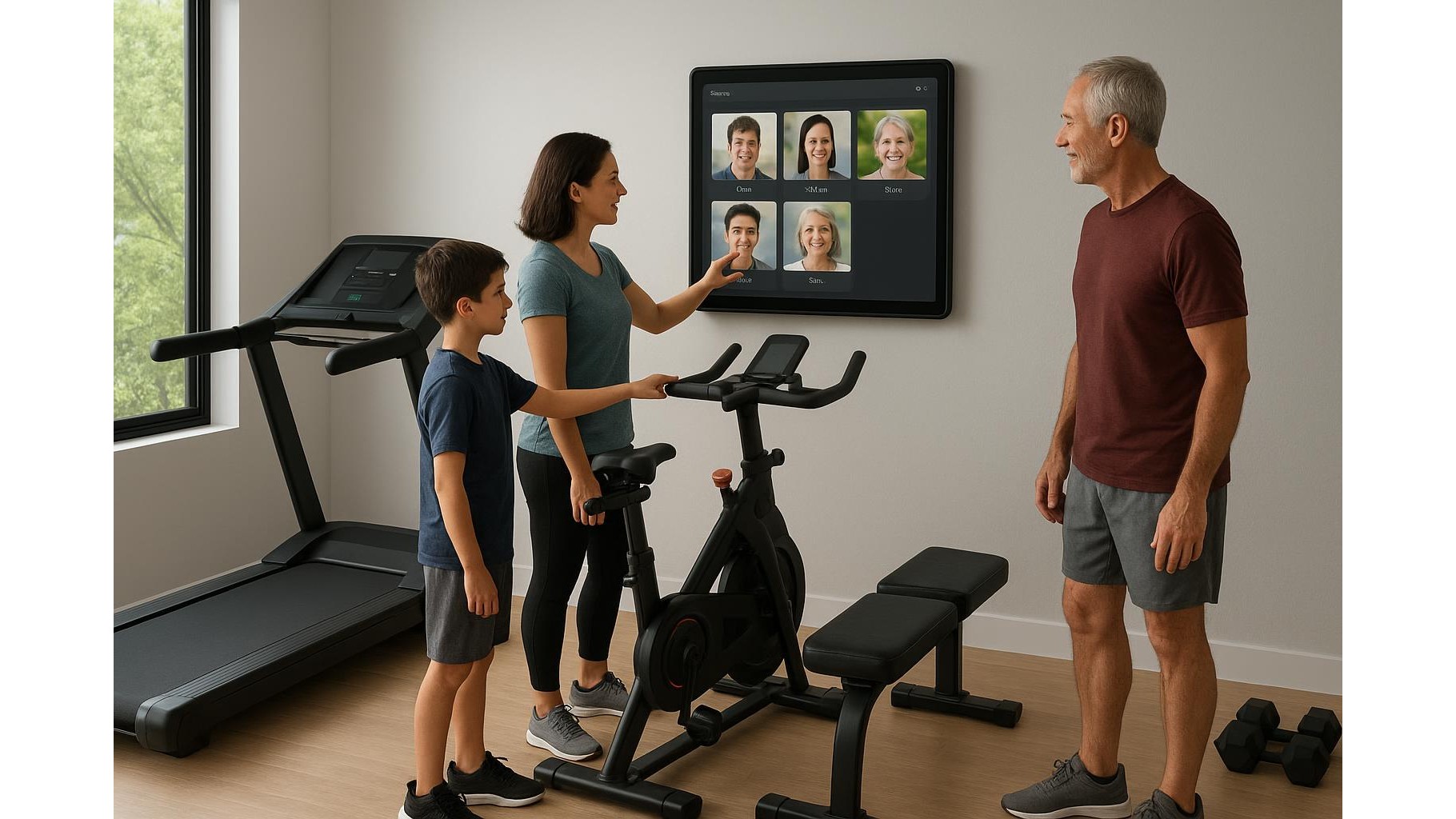
Connected treadmills, bikes, rowers and even strength machines often ship with built-in multi-user modes. Typically, the console or companion app lets you create multiple profiles, each with their own age, weight, training level and preferred workout types. Before starting any session, each family member should select their profile on the touchscreen or through the app. This ensures that speed, resistance and heart-rate zones are tailored to them and that training history and achievements are logged correctly. Some systems also allow guest profiles, ideal for visiting friends. In a busy household, it helps to label equipment presets by name or initials and to regularly review and clean old or unused profiles so that the interface stays simple and quick to use.
Best practices to keep data separate and progress visible
To make the most of multi-user fitness apps in a family gym, treat profile management like you would user accounts on a shared computer. Start by defining a main organiser account for purchasing subscriptions and then create individual profiles underneath it when supported. Encourage each user to set personal goals, such as step targets, workout frequency or strength milestones, and to check their own dashboards rather than a shared one. Turn on notifications per profile so only the relevant person receives reminders. Finally, respect privacy: some apps let users hide weight or body composition from others while still sharing high-level stats like total workouts or streaks. Done right, this structure keeps data clean, progress easy to compare and motivation high for every member of the household.
Managing family profiles across fitness apps and connected devices turns a simple collection of gear into a personalised, shared training hub. With a few careful setup steps—separate user profiles, clear pairing rules and basic privacy settings—each family member can follow their own tailored program, track meaningful progress and stay motivated, all while using the same home gym equipment. Investing time in getting profiles right today will pay off in more accurate data, better recommendations and a smoother training experience for everyone who walks into your home gym.