
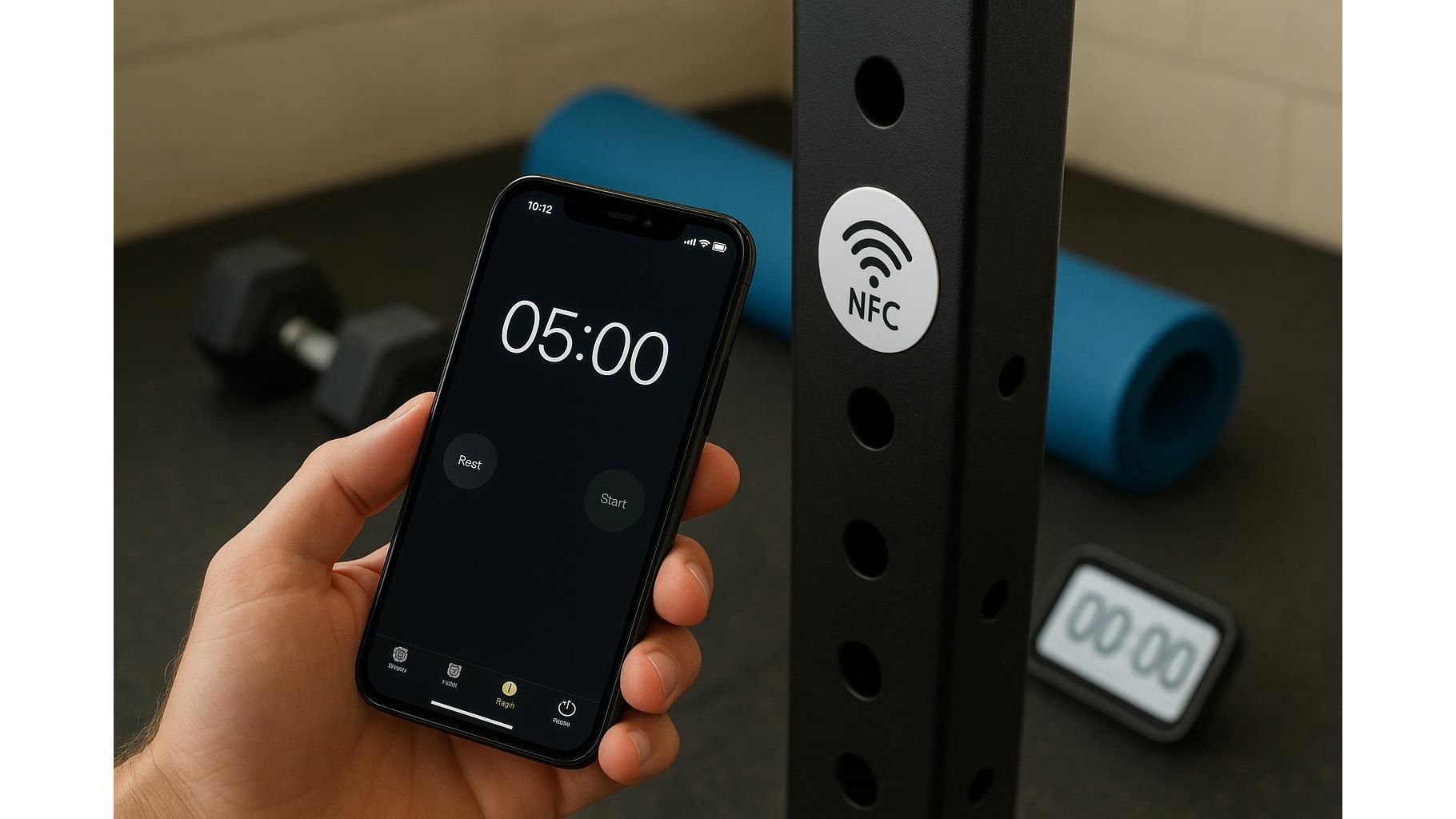
Building a consistent home workout routine is mostly about removing friction. The fewer steps between you and your first rep, the more likely you are to train. NFC tags (Near Field Communication) let you automate those steps: with a simple tap of your phone you can launch a timer, start a playlist or open your favourite workout app in your home gym. In this guide we’ll see how to set up NFC tags so your training becomes almost automatic.
What NFC tags are and why they’re perfect for home gyms
NFC tags are tiny, inexpensive stickers or cards that contain a small chip and antenna. When you tap them with a compatible smartphone, they trigger a predefined action: open an app, start a playlist, toggle a smart light and more. For a home gym, this is ideal because you can place tags exactly where you train: on your rack, next to your mat, on a storage cabinet or mirror. Each tag becomes a physical shortcut that replaces multiple taps and swipes on your screen, reducing distractions and helping you stay focused on the session.
Essential gear: which NFC tags to buy and what to look for
When shopping for NFC tags for workouts, look for blank, rewritable tags compatible with Android and iOS (often labelled NTAG213/NTAG215/NTAG216). Prefer tags with a durable, water-resistant surface so they survive sweat, chalk and cleaning sprays in your home gym. Adhesive stickers are great on equipment and walls, while card-style tags fit nicely under clear tape or inside small holders. Check that your phone supports NFC and that you have enough tags to create different automation points: one for your warm-up, one for strength training, one for cardio and another for cool-down and stretching.
Setting up tap-to-start timers for strength and interval training
One of the most powerful uses of NFC tags is automating your workout timers. Instead of manually opening a timer app and configuring intervals, you can assign a specific routine to a tag. Place a tag directly on your squat rack or next to your dumbbell stand that, when tapped, launches a preconfigured rest timer (for example 90 seconds) or a full HIIT protocol like 30 seconds on, 15 seconds off. Another tag on your yoga mat can open a mobility routine with a built-in countdown. This reduces friction, keeps your rest periods honest and helps you maintain intensity without constantly fiddling with your phone.
Automating playlists and audio cues for motivation
Music is a huge part of training motivation, and NFC automation makes it seamless. You can dedicate one NFC tag to your heavy lifting playlist, another to a low-intensity mobility or recovery mix. Stick the “strength” tag near your barbell station and the “cardio” tag near your bike, treadmill or rower. A single tap launches your music app and starts the chosen playlist at the right volume, so you don’t waste time looking for tracks. You can even trigger audio cues like guided warm-ups, tempo beeps or metronome apps for pacing your reps, helping you standardise your sessions and track progress.
Launching workout apps and logging tools with a single tap
Beyond timers and music, NFC tags shine when used as shortcuts to your favourite fitness apps. Assign a tag on your power rack to open your workout log in a strength app, so you can instantly see your planned sets and weights. Another tag by your conditioning area can open your running or cycling app, ready to start tracking. You might have a separate tag just for habit tracking, taking you straight to a daily checklist where you tick off “Workout done” as soon as you finish. Over time, this removes decision fatigue and builds a ritual: tap, see your plan, execute.
Practical placement tips and building your automation routine
To get the most from NFC in your home gym, be intentional with tag placement. Keep them at natural touch points: eye level on a mirror, near a light switch, on the edge of a bench or rack where your phone naturally rests. Label them if needed so guests or family know what they do. Start simple with one or two tags, then gradually add more as your routine stabilises. Combine NFC actions where possible: one tap can set a timer, start a playlist and open your logging app. The goal is a frictionless flow where your environment guides you through the session.
By using NFC tags to automate timers, playlists and workout apps, you turn your home gym into a smart training environment that nudges you toward consistency. With thoughtful setup and placement, every tap becomes a cue to focus, move and progress, helping you train more regularly and with less mental effort.









